Brand guidelines
The CellCog logo, colours and type
Read this before you make anything that carries the CellCog name: a page, a deck, a document, a social post or an email. Always start from the files in the logo pack. Never draw, retype or regenerate the logo.
1. The logo
Lockups
Horizontal (primary): the mark to the left of the wordmark. Use it by default: headers, slides, documents, email. Stacked: the mark above the wordmark, for square or tall spaces such as posters, cover pages, event screens and square social images.

The mark and the wordmark
The C mark works on its own where space is tight or the CellCog name is already nearby: favicons, small footers, inner slides. The wordmark is “CellCog” set in Inter Tight Bold at -0.02em, converted to outlines. Use the outlined file; typing the word in a font is not the logo.


App icon
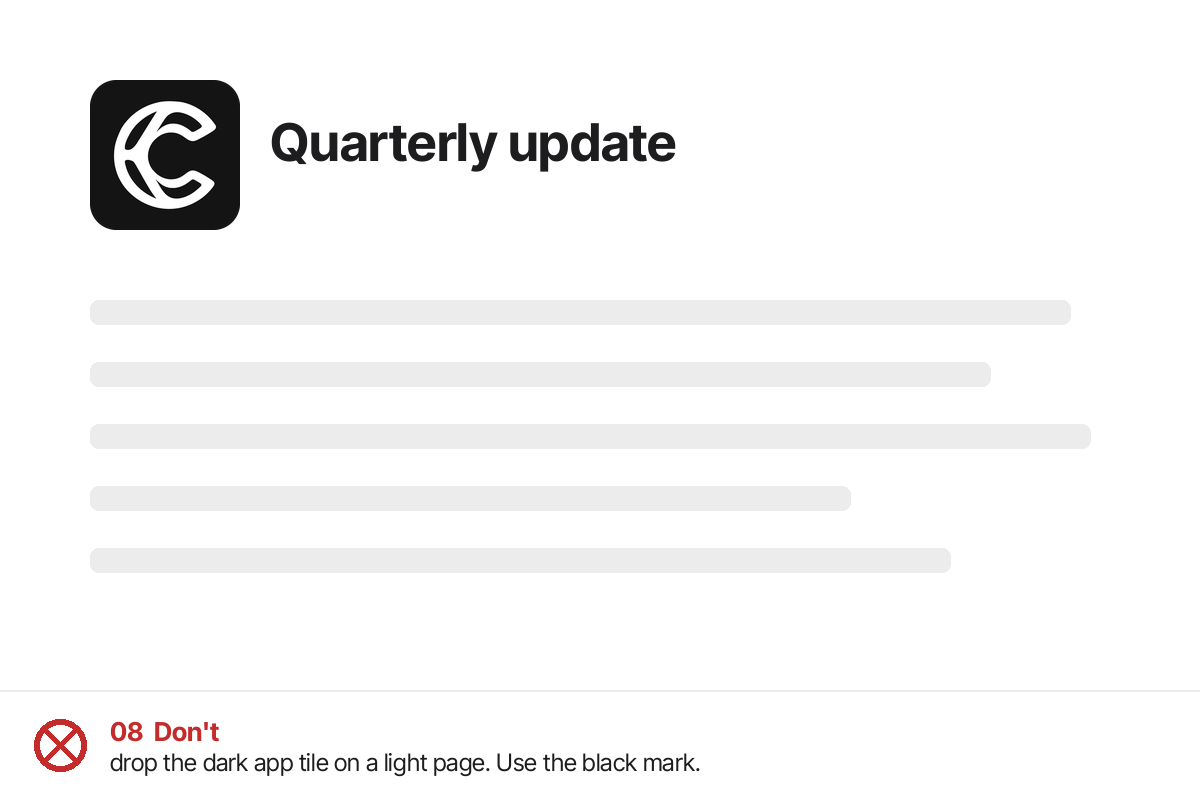
A white C on #141414, as a full square tile. Use it only where a platform expects an icon: browser tabs, app stores, profile avatars, marketplace listings. Never place the tile on a page or slide as a logo.
2. Colour versions and backgrounds
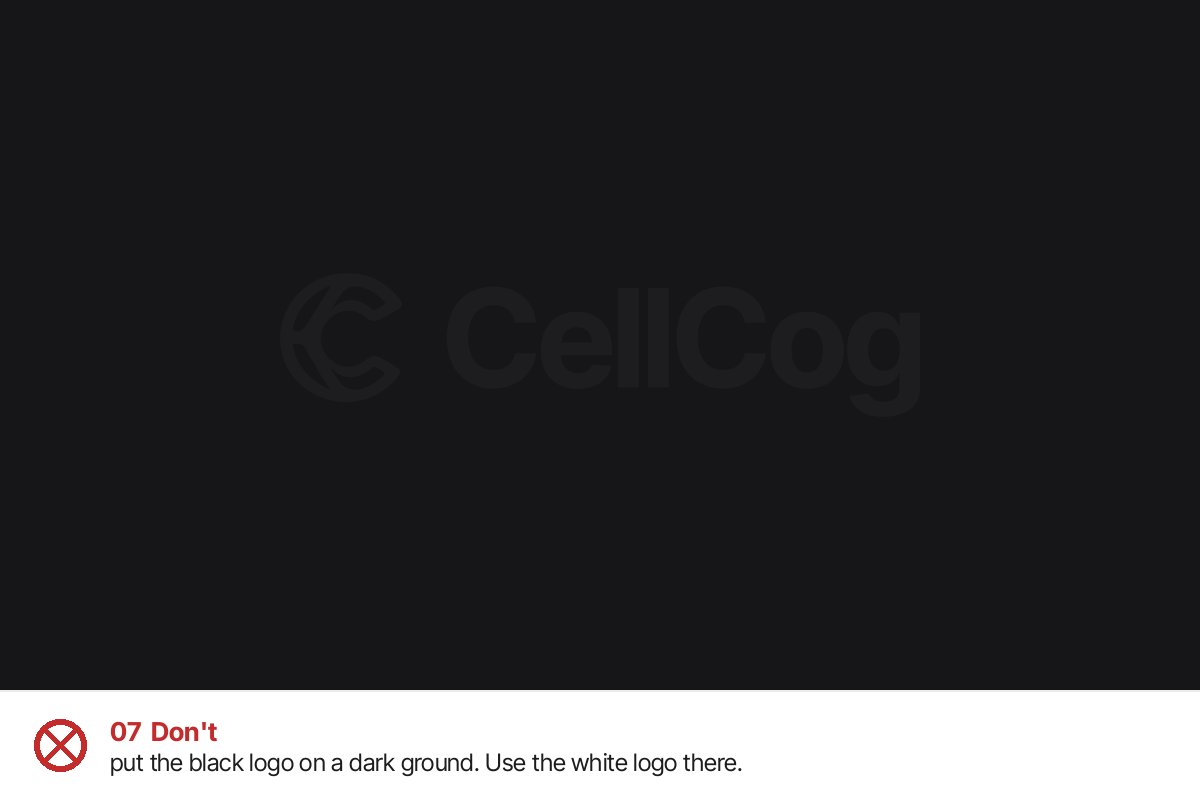
A dark logo on a light background, a light logo on a dark background. Never dark on dark, never light on light. The two teals never swap: the deep teal belongs on light, the bright teal on dark. Black and white are the default; use teal only where the logo is meant to be an accent.
#1d1d1fLight backgrounds

#ffffffDark backgrounds

#2e7e7eLight backgrounds, accent

#7dc3c3Dark backgrounds, accent
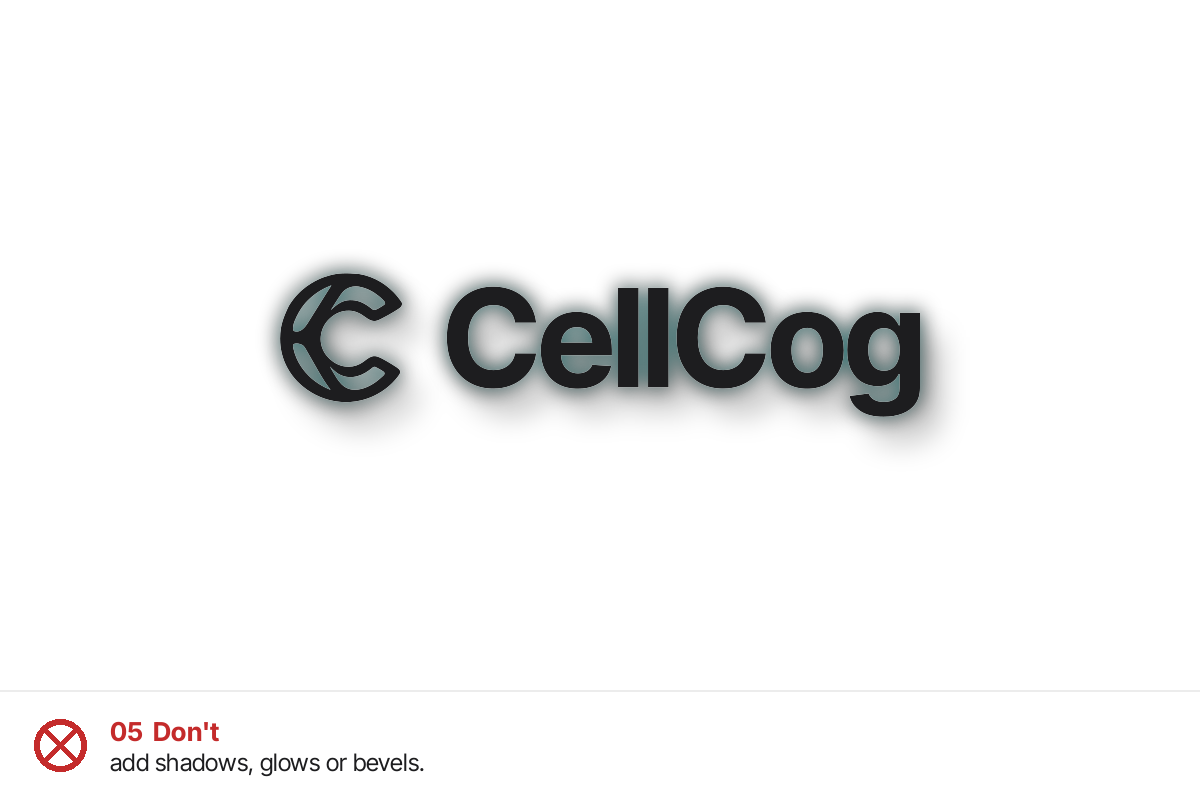
Our “black” logo is #1d1d1f, a soft black, not pure #000000. On photographs, put the white logo over a calm, dark area or the black logo over a calm, light area. If there is no calm area, place the logo on a solid band.
3. Clear space
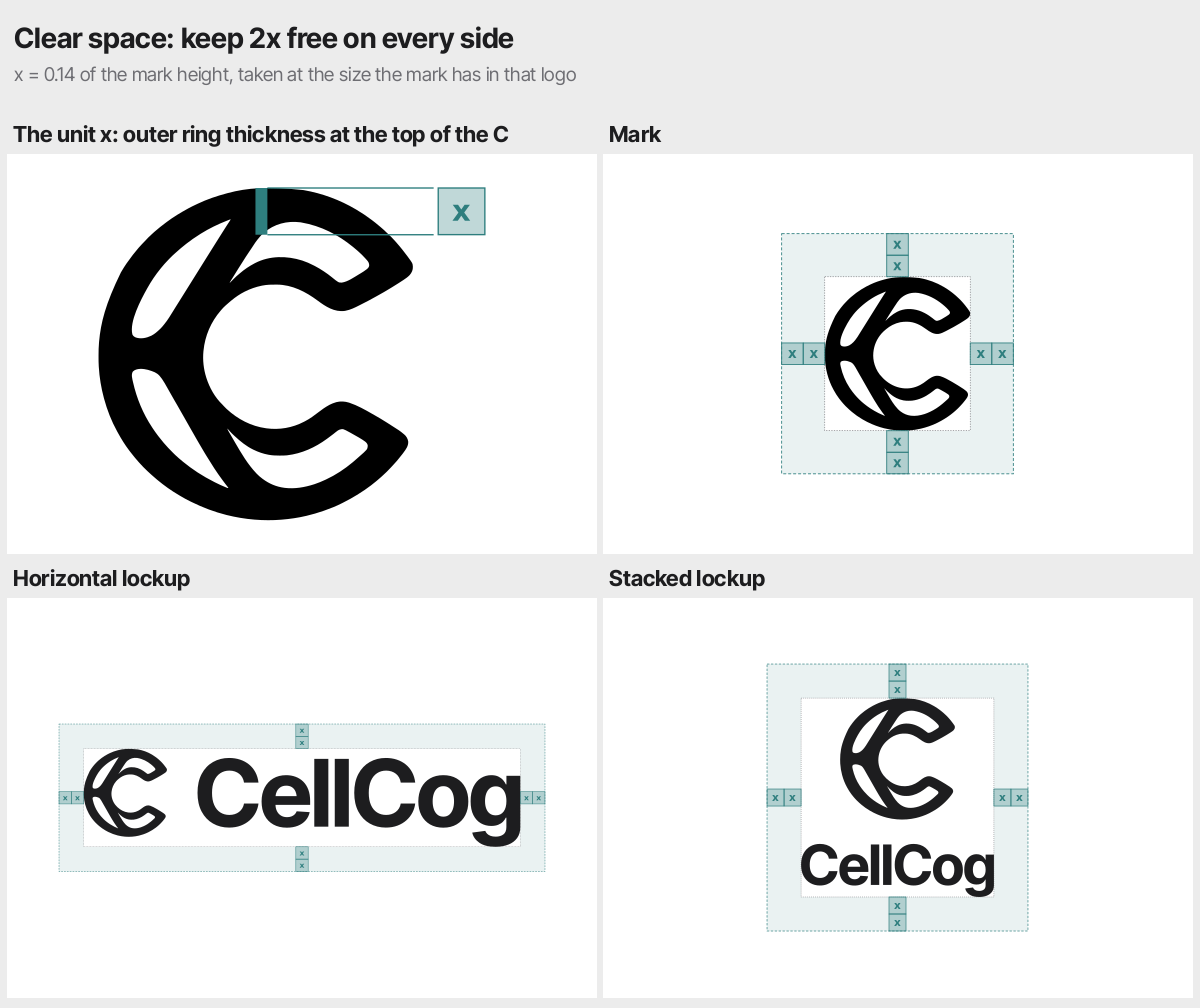
Keep empty space around every logo equal to 2x, where x is the thickness of the C’s outer ring at its top (0.14 of the mark’s height), measured at the size the mark has in that logo. Nothing goes inside this space: no text, edges, images or other logos. The logo files are cropped tight to the artwork, so the clear space is not built in: add it yourself.
4. Minimum sizes
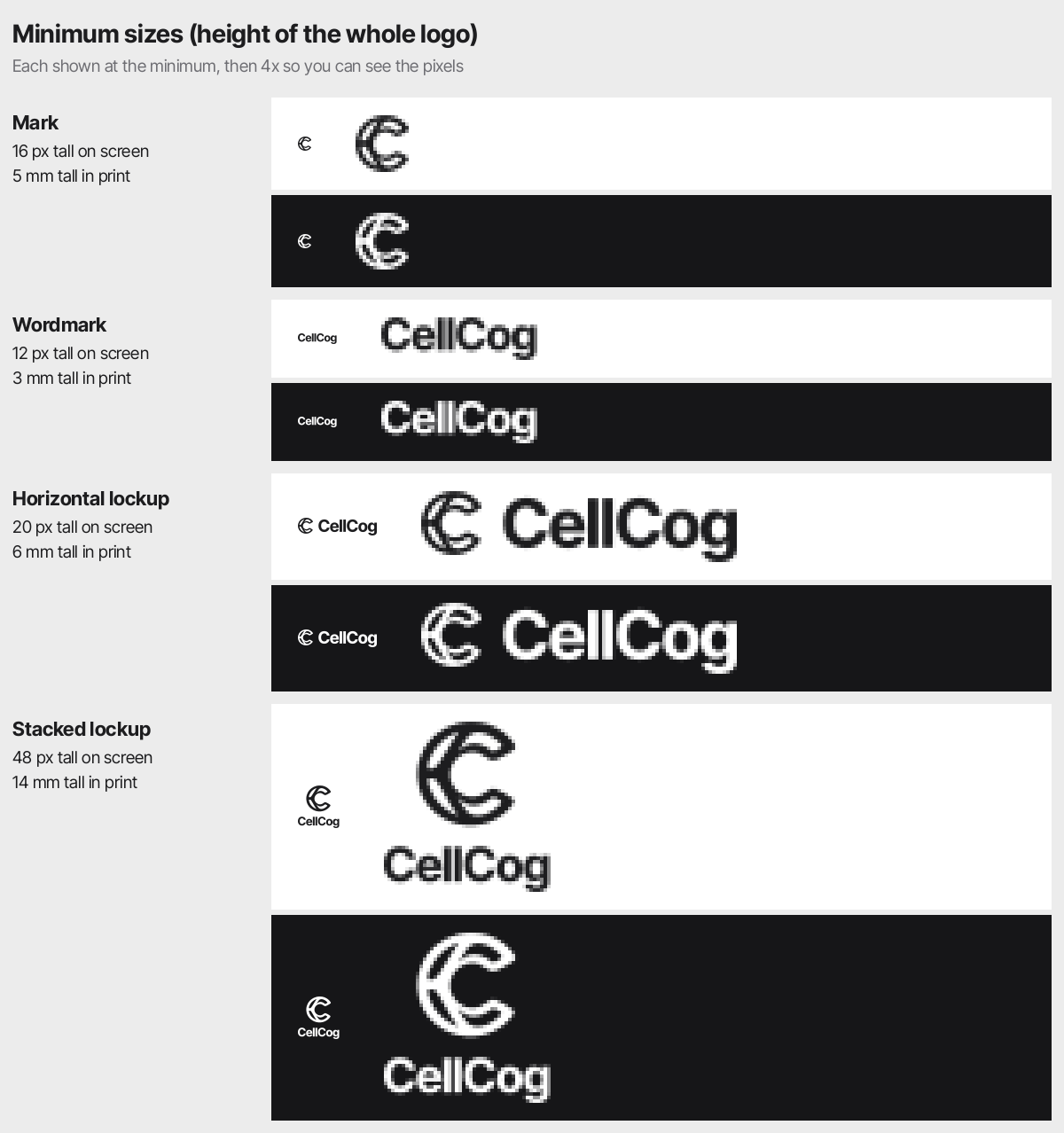
| Logo (height) | On screen | In print |
|---|---|---|
| Mark | 16 px | 5 mm |
| Wordmark | 12 px | 3 mm |
| Horizontal lockup | 20 px | 6 mm |
| Stacked lockup | 48 px | 14 mm |
Below these sizes, use the mark alone.
5. Placement
- Slides (16:9). Cover: horizontal logo on the right, the headline or claim on the left. Inner slides: the mark alone in the same corner every time, small and quiet, or no logo. One logo per slide at most.
- Documents and PDFs. Horizontal logo top left on the first page; the mark or nothing on later pages.
- Web pages. Horizontal logo or wordmark top left in the header, linking home.
- Social images. Horizontal logo in a corner with full clear space; stacked logo on square formats. The app icon is for profile avatars only.
- Email. Horizontal logo top left in the header, 24 to 32 px tall.
- Next to partner logos. Match the visual height of the other logo, keep clear space between them, and separate them with a thin vertical line if needed.
6. What not to do
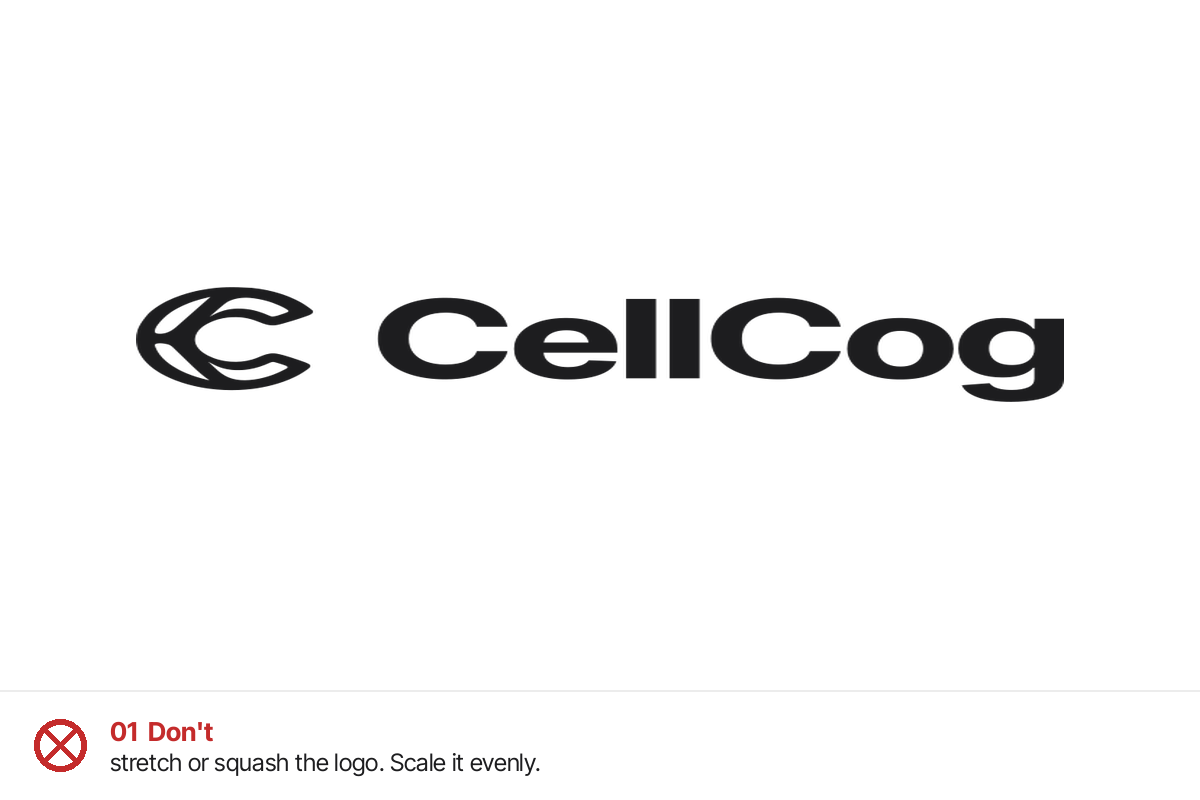
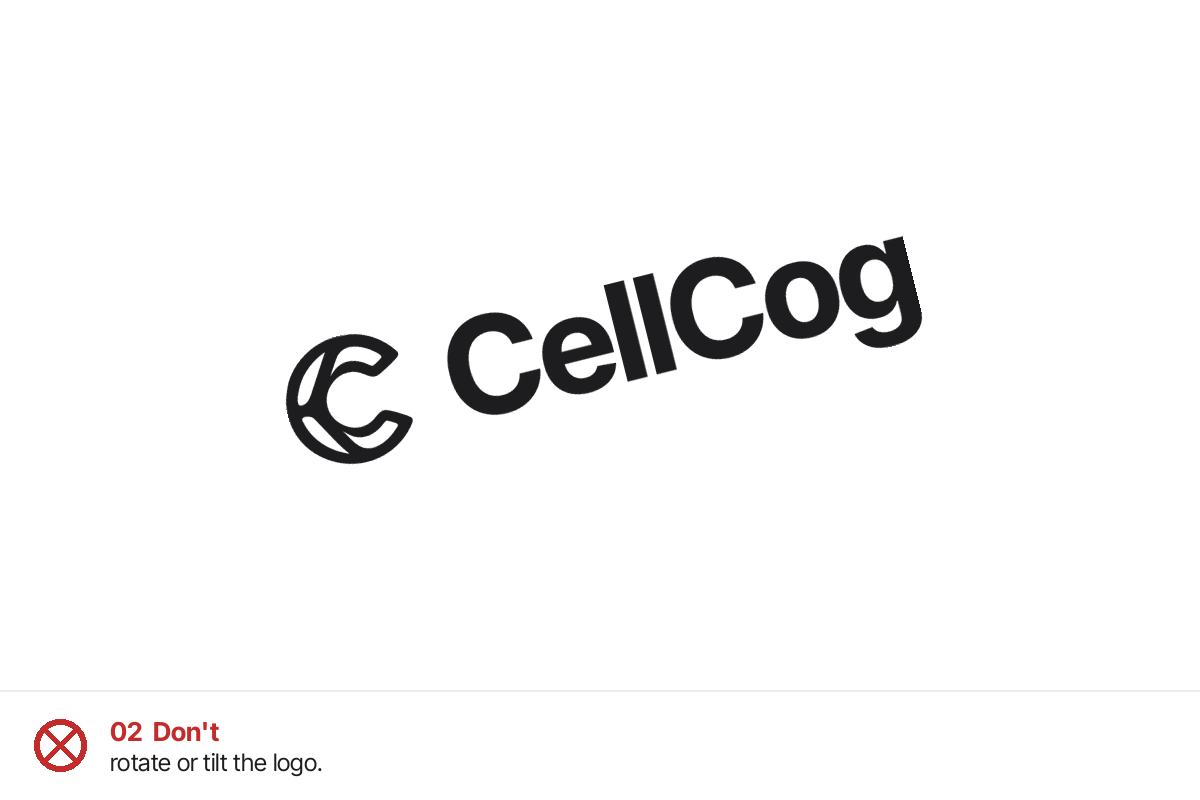
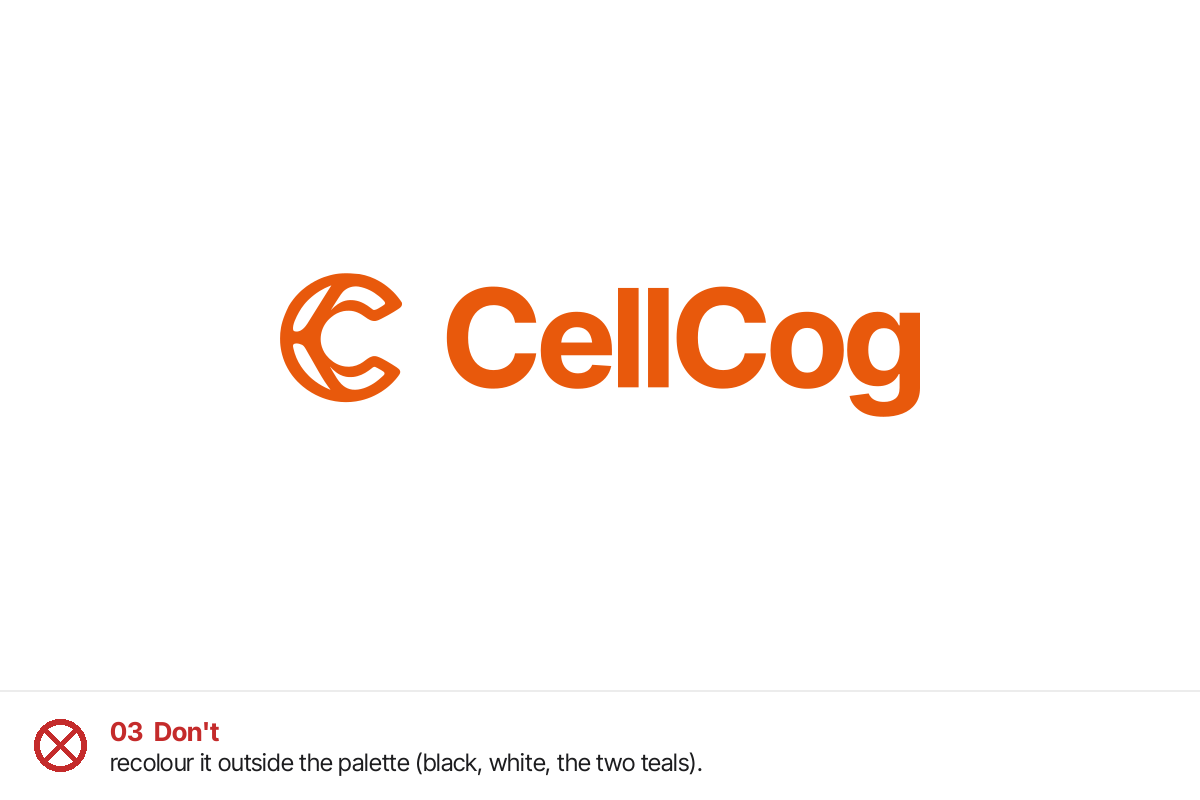
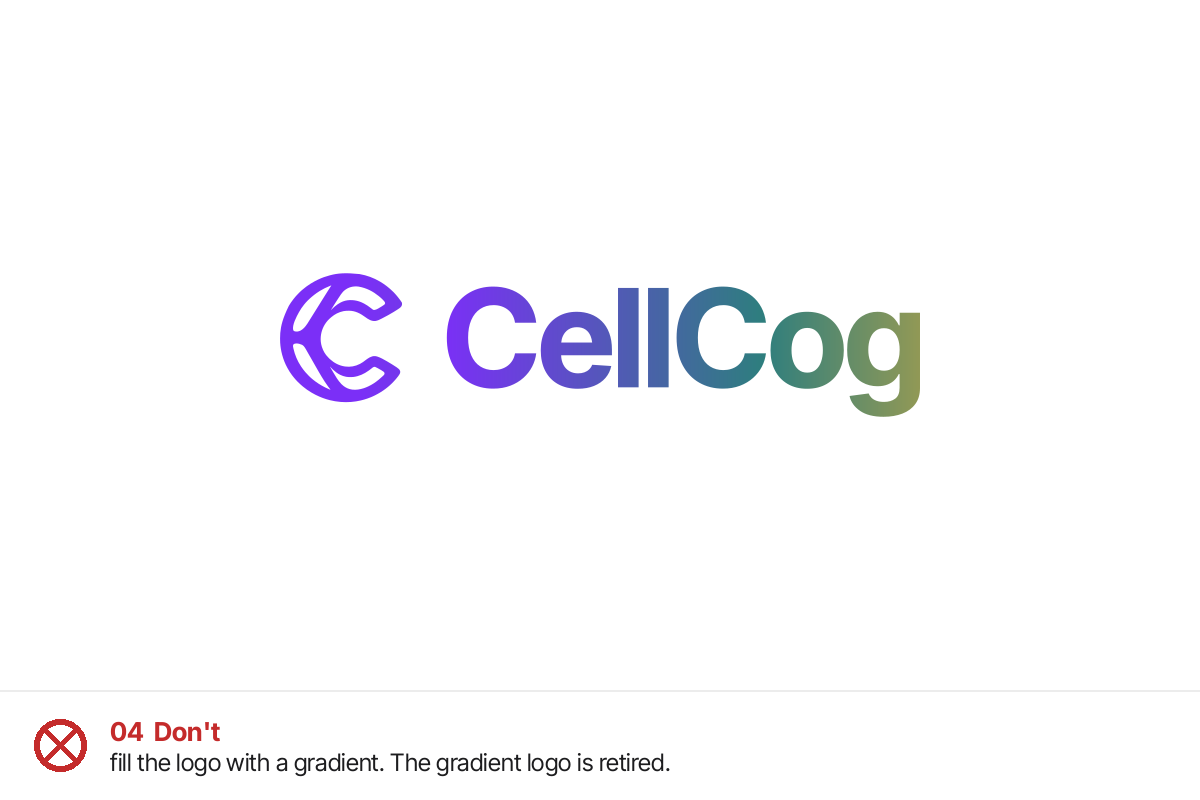
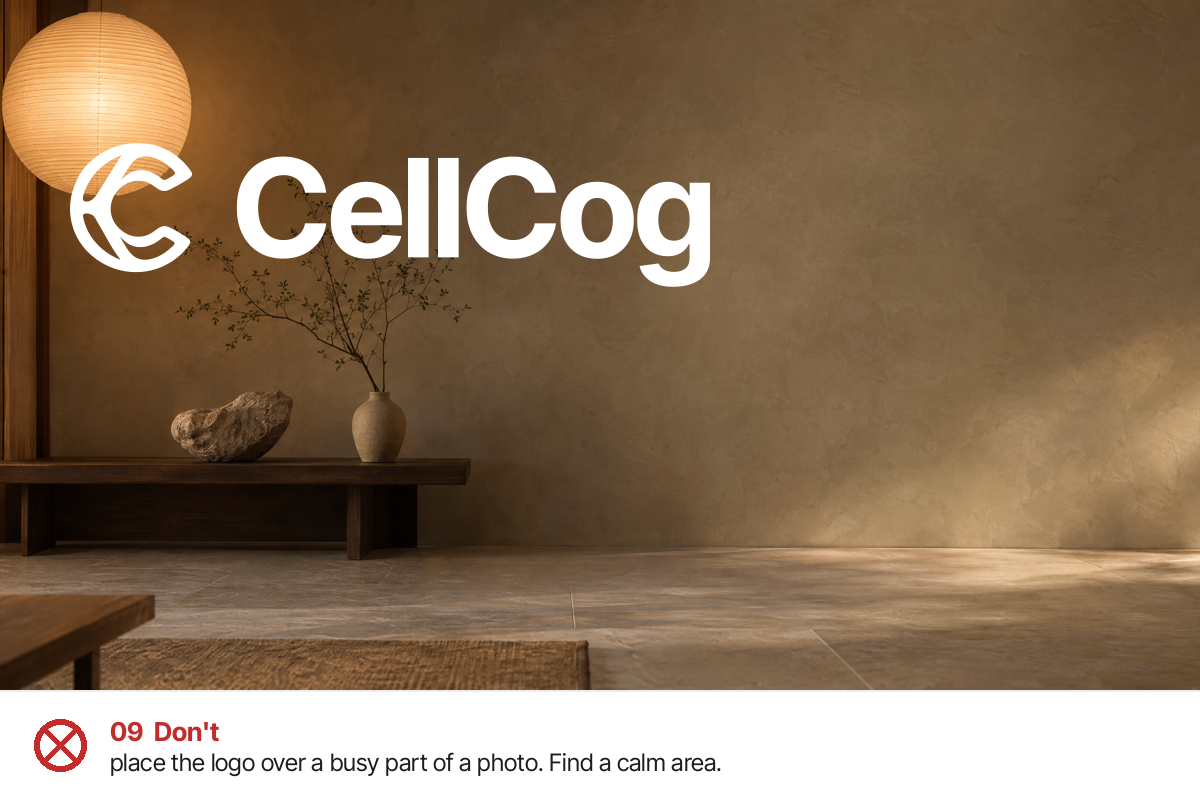
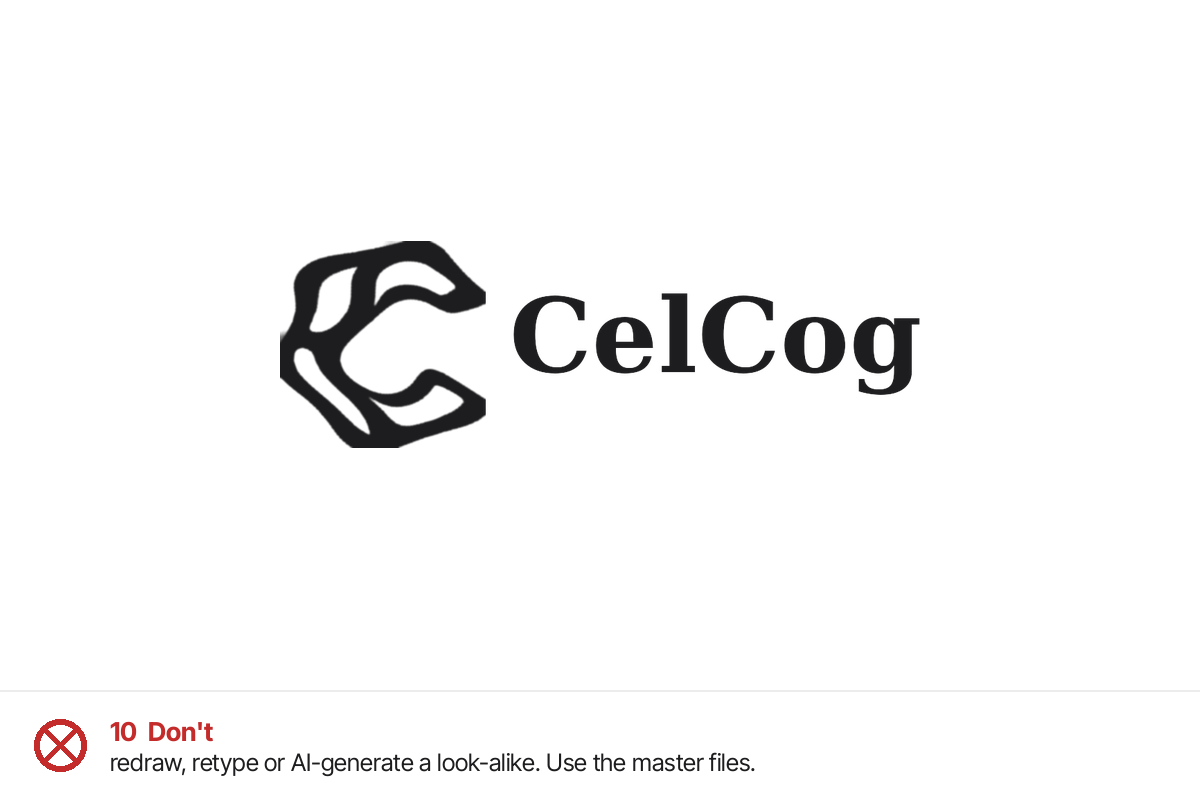
7. Colour palette
Brand colour
Teal is an accent: links, highlights, a key number, a badge. Never flood a page or slide with it.
| Name | HEX | RGB | CMYK |
|---|---|---|---|
| Teal, for light backgrounds | #2e7e7e | 46, 126, 126 | 63, 0, 0, 51 |
| Teal, for dark backgrounds | #7dc3c3 | 125, 195, 195 | 36, 0, 0, 24 |
Neutrals, light theme
| Name | HEX | RGB | CMYK |
|---|---|---|---|
| Ink (text, black logo) | #1d1d1f | 29, 29, 31 | 6, 6, 0, 88 |
| Background | #ffffff | 255, 255, 255 | 0, 0, 0, 0 |
| Surface | #f7f7f8 | 247, 247, 248 | 0, 0, 0, 3 |
| Muted text | #6e6e73 | 110, 110, 115 | 4, 4, 0, 55 |
| Hairline | #ececec | 236, 236, 236 | 0, 0, 0, 7 |
Neutrals, dark theme
| Name | HEX | RGB | CMYK |
|---|---|---|---|
| Background | #161618 | 22, 22, 24 | 8, 8, 0, 91 |
| Surface | #1f1f21 | 31, 31, 33 | 6, 6, 0, 87 |
| Text | #f2f2f7 | 242, 242, 247 | 2, 2, 0, 3 |
| Muted text | #a1a1a6 | 161, 161, 166 | 3, 3, 0, 35 |
| Hairline | #2a2a2c | 42, 42, 44 | 5, 5, 0, 83 |
| App tile | #141414 | 20, 20, 20 | 0, 0, 0, 92 |
CMYK values are converted from the screen colours. For printed brand pieces, ask the printer to match the HEX value on a proof before the run.
8. Typography
Inter Tight
Headlines and the wordmark. Bold or Semibold, letter-spacing about -0.02em.
Inter
Body text, interfaces and most documents. Regular, 1.5 line height.
Playfair Display
Headlines in designed pieces only: investor decks and formal PDFs, with Inter for body.
All three are free from Google Fonts. Never mix Playfair Display into product screens, web pages or social posts, and never use more than these three families.
9. Writing on brand materials
- Plain and concrete. Say what the product does, with a real example where you can.
- No em dashes.
- Benchmark claims are always dated and linked to the source.
- Call our AI employees “they”, never “it”.
For AI agents making CellCog materials
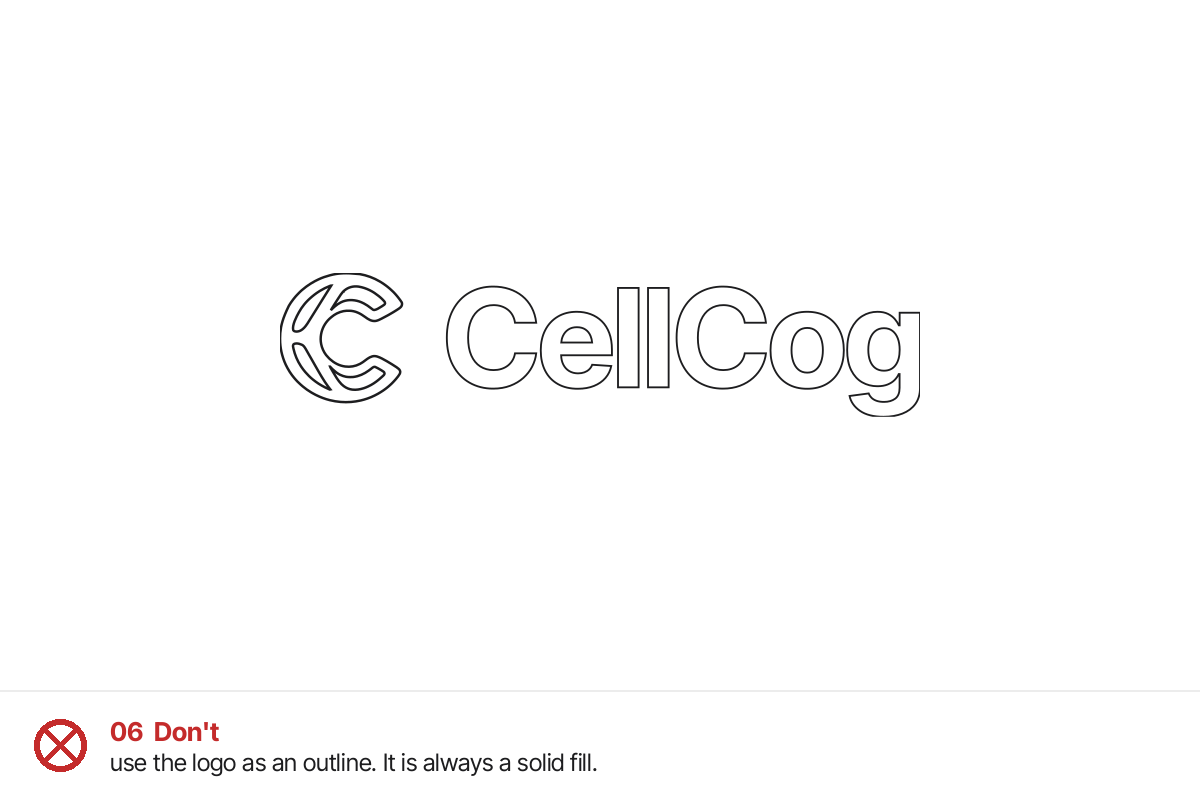
Use only the files in the logo pack. Never generate, redraw or retype the logo with an image model or a font. Apply the background rule in section 2 before placing any logo, and check the result against section 6. A plain-text version of this page is at cellcog.ai/brand/index.md.
Downloads and questions
- Logo pack (zip): mark, wordmark, both lockups and the app icon, in black, white and both teals; SVG, PNG, PDF and EPS
- This guide as a PDF
- Questions or suggestions
Version 1, October 29, 2026.