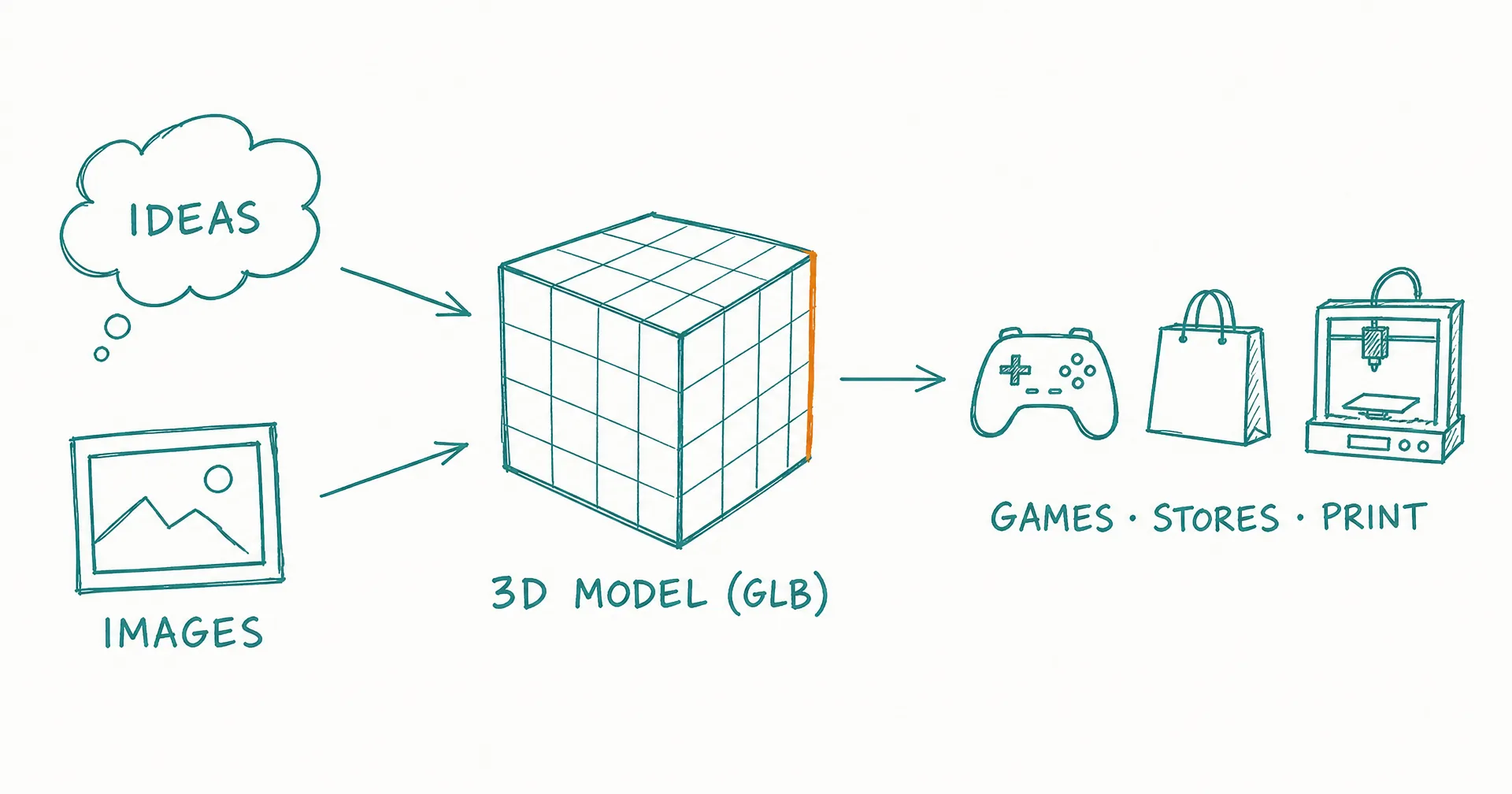
3D model generation is here. CellCog now generates production-ready 3D models in GLB format from any input - text descriptions, reference images, rough sketches, or a list of 20 items in one prompt.
- 3D model generation launched on CellCog February 14, 2026: production-ready GLB output from any input.
- Image-to-3D conversion produces textured, game-ready models; batch generation turns a list of 10 objects into 10 GLBs.
- The full any-to-any pipeline reasons about your intent, generates optimized reference images, then converts to 3D.
- Topology, polygon count, and PBR materials are customizable per generation.
- Every GLB opens in an interactive browser viewer - orbit, zoom, and inspect without leaving CellCog.
- GLB output works with Unity, Unreal, Godot, Three.js, Blender, and web browsers; OpenClaw agents get it via the 3d-cog skill.
§ 01What’s New
- Image-to-3D conversion with textured, game-ready GLB output
- Batch generation - describe 10 objects, get 10 GLBs back
- Full any-to-any pipeline - CellCog reasons about your intent, generates optimized reference images, and converts to 3D
- Customizable topology, polygon count, and PBR materials
The pipeline detail is the interesting part. Text-to-3D models produce their best results from strong reference images - so the agent generates those references first, optimized for 3D conversion, rather than sending your raw prompt straight through. It’s the multimodal agent pattern applied to a new modality: reasoning about intent before invoking the tool.
§ 02Built-In 3D Viewer
Every GLB file opens in an interactive 3D viewer right in your browser - orbit, zoom, and inspect your models without leaving CellCog or installing anything.
§ 03For OpenClaw Users
- New 3d-cog skill on ClawHub
- game-cog updated with 3D model generation for game assets
- Full SDK support - fire-and-forget 3D generation with automatic GLB delivery
§ 04Who This Is For
Game developers filling scenes with props. E-commerce teams turning product photos into interactive views. AR/VR builders, 3D printing hobbyists, educators. GLB output works with Unity, Unreal, Godot, Three.js, Blender, and web browsers - no conversion step.
§ 05The Honest Caveats
Generative 3D is strongest on distinct, describable objects - a single prop, a product, a character - and weaker on precise mechanical parts where exact dimensions matter; parametric work still belongs in CAD. Polygon budgets involve real trade-offs: game-ready means optimized, not maximal. And batch generation multiplies cost linearly - ten models cost ten models.
Q1What inputs can become a 3D model?
Text descriptions, reference images, rough sketches - or a batch list. The pipeline is any-to-any: the agent reasons about your intent, generates optimized reference images where useful, and converts to 3D.
Q2What makes the output 'game-ready'?
Textured GLB output with customizable topology, polygon count, and PBR materials - the format and knobs game engines actually consume. Import into Unity, Unreal, or Godot without conversion.
Q3How does batch generation work?
Describe multiple objects in one prompt - ‘the 10 props for my tavern scene’ - and get individual GLBs back for each.
Q4Who is this for?
Game developers, e-commerce teams (product visualization), AR/VR builders, 3D printing hobbyists, and educators - anywhere a real 3D asset beats a flat image.
Q5How do OpenClaw agents use it?
Install the 3d-cog skill from ClawHub; game-cog was updated with 3D generation for game assets too. Full SDK support with fire-and-forget delivery of the GLB files.
Q6Can I preview before downloading?
Yes - every generated GLB opens in CellCog’s built-in interactive viewer in the browser: orbit, zoom, and inspect the model before you take it anywhere.