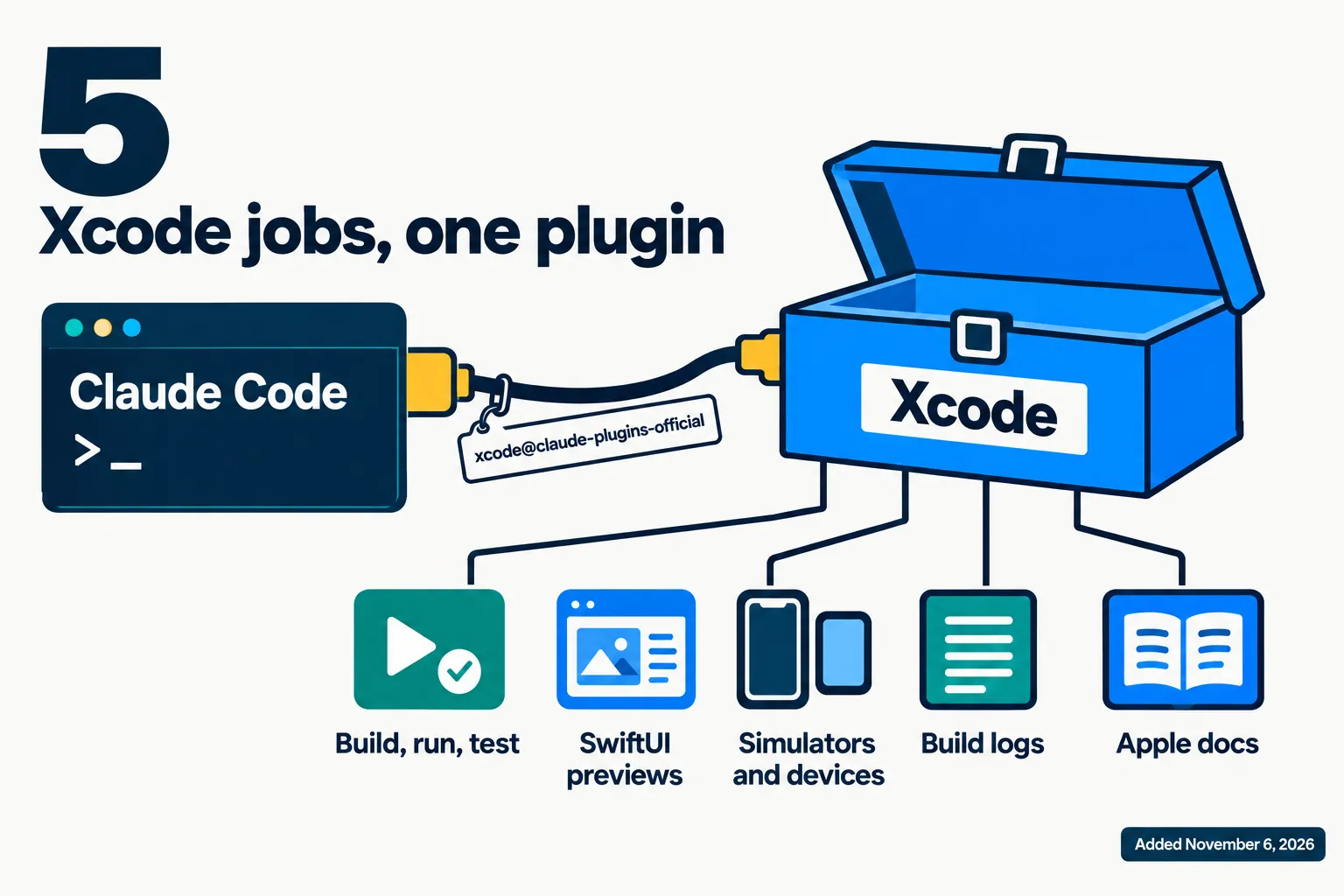
Apple’s own Xcode plugin is now in Claude Code’s official plugin marketplace. The entry, which lists Apple Inc. as its author, was merged into Anthropic’s claude-plugins-official repository on November 6, 2026 at 00:55 UTC, and it gives Claude Code direct access to Xcode: building and testing apps, rendering SwiftUI previews, driving simulators and devices, and reading build logs.
Apple has not announced it. The news spread on November 7 from a post on X that reached more than 200,000 views. Below: what the plugin does, how it gets onto your Mac, what it needs, and how it differs from the Xcode connection Apple already documented.
On this page · 7 sectionsOpen
 An Xcode plugin listing Apple Inc. as its author was merged into Anthropic’s official Claude Code marketplace on November 6, 2026 at 00:55 UTC.
 Per its listing it builds, runs and tests schemes, renders SwiftUI previews, drives simulators and devices, reads build logs and searches Apple’s developer documentation.
 The plugin files are not downloaded from the marketplace: the entry runs xcrun agent plugin path on your Mac, so it comes from the Xcode you have installed.
 It works over MCP, the same route Apple already documented with xcrun mcpbridge for Claude Code and Codex; the plugin packages that setup.
 Apple has published no announcement, and its public pages we read name no minimum Xcode version for the plugin command.
§ 01What the plugin does
The marketplace entry describes it in one sentence: “Work with Xcode projects from Claude Code: build, run, and test schemes, render SwiftUI previews, drive simulators and devices, read build logs and diagnostics, and search Apple developer documentation.” The commit that added it says the plugin “exposes Xcode capabilities via MCP to enable native development for Apple platforms.”
| Capability | What it means in practice | Where it is stated |
|---|---|---|
| Build, run and test schemes | Claude compiles your app and runs its tests through Xcode | Marketplace description |
| Render SwiftUI previews | Claude can see the screen it just wrote and fix it | Marketplace description; Xcode 27 release notes |
| Drive simulators and devices | Boot a simulator, launch the app, tap and take screenshots | Marketplace description; Xcode 27 release notes |
| Read build logs and diagnostics | Errors come back to Claude directly, not via copy and paste | Marketplace description |
| Search Apple developer documentation | Answers from Apple’s own docs during the task | Marketplace description |
The simulator line matches what Apple wrote in its Xcode 27 release notes: “Agents can now boot simulators, install and launch apps, synthesize touch events, and capture screenshots to verify UI behavior.” The same notes introduced the format the plugin uses: “Agents in Xcode can now be extended with plugins that contain skills, MCP servers, and ACP agent configurations.”
§ 02How it gets onto your Mac
The unusual part is where the plugin’s files come from. Most entries in the marketplace point to a folder or a repository. This one points to a command, xcrun agent plugin path --plugin-format claude, in link mode. Claude Code asks the Xcode installed on your Mac for its own plugin and links to it, so the plugin is whatever your version of Xcode ships, and it updates when Xcode does.

That has two consequences. It only works on a Mac with Xcode installed, and it needs an Xcode new enough to have that command. The Apple pages on external agents that we read do not name a minimum version for it; independent write-ups show it in Xcode 27 builds. Install it from Claude Code with /plugin install xcode@claude-plugins-official.
§ 03The plugin and mcpbridge
Claude Code could already reach Xcode. Since Xcode 26.3 in February, Apple has documented an MCP route for outside agents, with a one-line setup for Claude Code and for Codex.
| Xcode plugin | xcrun mcpbridge | |
|---|---|---|
| Install | /plugin install xcode@claude-plugins-official | claude mcp add –transport stdio xcode – xcrun mcpbridge |
| Published by | Apple Inc., in Anthropic’s official marketplace | Apple’s developer documentation |
| Works with | Claude Code | Claude Code and Codex |
| What you get | Xcode’s packaged setup for Claude Code | Xcode’s MCP tools |
| Needs | Mac, current Xcode | Mac, Xcode 26.3 or later, external agents allowed in settings |
Either way, Xcode stays in the loop. Apple’s documentation tells you to open the project in Xcode before prompting an outside agent, to allow external agents under Settings, Intelligence, and notes that “Xcode alerts you when the external agent connects to Xcode and when it’s active.” So the posts saying Claude can now build your iPhone app “without you opening Xcode” go further than Apple’s own instructions.
§ 04How it got here
The request that added the plugin was opened on September 30 and merged five weeks later. Anthropic’s maintainer moved it onto a branch inside the repository so its checks could run, and the commit is co-authored by an engineer with an apple.com address. There is no Apple newsroom post and no developer news item about it as of November 7, 2026. The marketplace now holds 317 plugins.
Apple is not picking one agent. Three days earlier, the Xcode 27.3 beta added GitHub Copilot to Xcode’s own coding assistant, and its documentation gives Codex the mcpbridge route. What is new is that Claude Code users now get Xcode as a one-command install, packaged by Apple.
§ 05Where CellCog sits
Our conflict, declared: every CellCog tier runs on Claude Opus 5.5, so Anthropic is our model provider. A CellCog AI software engineer works in its own computer, which runs Linux, so Xcode is out of reach there; with Cowork turned on it can run commands on your Mac, with your approval for anything above the level you set. That is where a plugin like this one would run.
§ 06What we are watching
- An Apple announcement. A developer news item or documentation page for the plugin and the xcrun agent command.
- The minimum Xcode. Which version first ships xcrun agent plugin path.
- Other agents. Whether Apple publishes the same package for Codex or Cursor.
§ 07Sources
- Anthropic, claude-plugins-official: commit ff920a40, “Add Xcode plugin (xcode)”, November 6, 2026, 00:55 UTC, and pull request #6338, opened September 30, 2026.
- Anthropic: marketplace.json, read November 7, 2026.
- Apple: Giving external agents access to Xcode, read November 7, 2026.
- Apple: Extending and customizing agents, read November 7, 2026.
- Apple: Xcode 27 release notes, read November 7, 2026.
- Apple Newsroom: Xcode 26.3 unlocks the power of agentic coding, February 3, 2026.
- @RoundtableSpace on X, November 7, 2026, 12:24 UTC.
Q1Did Apple announce it?
Not in a newsroom post or developer news item we could find as of November 7, 2026. The evidence is the marketplace entry, which names Apple Inc. as author, and a commit co-authored by an Apple engineer.
Q2Does it work on Linux or Windows?
No. It calls xcrun on the machine running Claude Code, and Xcode runs only on macOS.
Q3How is it different from xcrun mcpbridge?
mcpbridge is Apple’s documented way to point Claude Code or Codex at Xcode’s MCP server. The plugin packages Xcode’s own setup for Claude Code and installs from the official marketplace in one command.
Q4Can Claude now ship an iPhone app without Xcode open?
It still uses Xcode underneath. Apple’s documentation says to open your project in Xcode before prompting an external agent, and Xcode alerts you when the agent connects.
Q5Is there a Codex or Cursor version?
We found no Apple-authored entry for either. Apple’s documentation gives Codex the mcpbridge route.