If you sell a product and already work in Claude Code, the sales deck, the one-page product sheet and the price list can come out of the same session. The CellCog plugin adds skills that send document tasks to CellCog and bring the finished files back into your project, next to the code and data they describe.
Everything below comes from our Plugin Guide and the plugin repository. We make the plugin, so read this as a vendor’s setup guide. If you need launch videos and product images as well, our product videos guide covers that side.
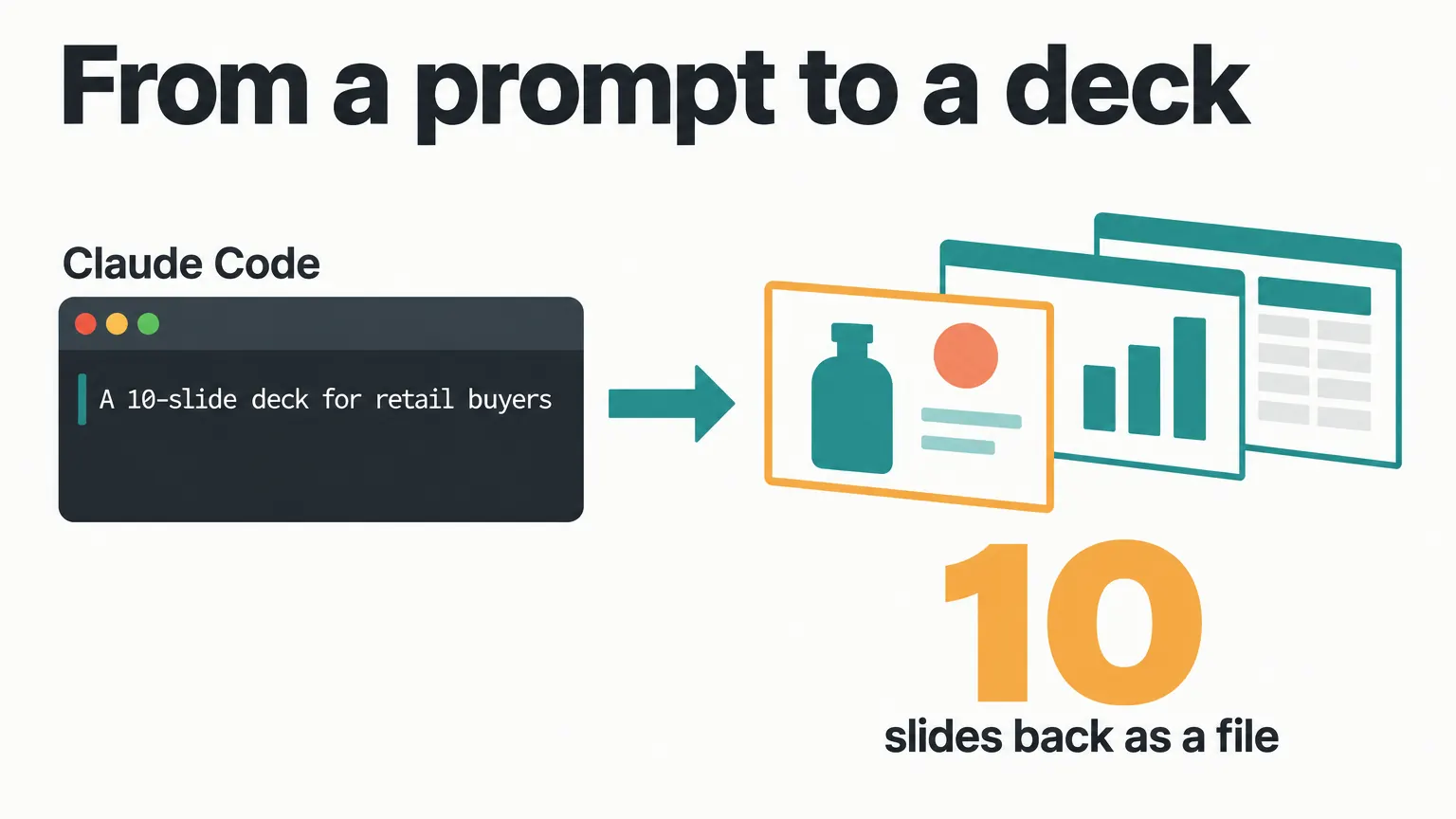
 The CellCog plugin adds skills to Claude Code, so a request like a ten-slide deck for retail buyers comes back as a finished file in your project.
 Slide decks, PDFs, spreadsheets with formulas and charts, and diagrams each have their own skill, which Claude Code loads by itself from the request.
 A one-page product sheet, a price list or a buyer deck can be written next to the code that holds your product data, so the numbers match.
 Files download to the chat’s folder under ~/.cellcog/chats/, or to the path you name in the request, such as your repository’s docs folder.
 When the same deck comes back every month, such as a sales update or a buyer pack per season, that is a role, not a prompt.
 Hire an AI employee for that role: it keeps your brand and numbers in written memory and sends the deck on a schedule.
§ 01Set it up in two minutes
Add the CellCog marketplace, install the plugin, then install the Python SDK and set your API key:
bash
claude plugin marketplace add CellCog/cellcog-plugin
claude plugin install cellcog@cellcog
pip install -U cellcog
export CELLCOG_API_KEY="sk_..."
The key comes from your CellCog profile under API keys. If anything is missing, run /cellcog:cellcog-setup inside Claude Code: it checks the SDK, installs it if needed and walks through the key. The SDK is on PyPI, and the plugin follows the Open Plugins standard.
§ 02What to ask for
Write the request the way you would brief someone on your sales team: who reads it, what it must show, how long it is. The plugin picks the skill and Claude Code sends the task. Because the session already sits in your repository, you can point the request at your own files, such as a product catalog or last quarter’s numbers, so the deck uses your figures rather than invented ones.
| You need | Ask for | Skill the plugin loads |
|---|---|---|
| A buyer deck | A ten-slide deck for retail buyers: the product, the margin, the reorder plan | presentation-slides-cellcog |
| A one-pager | A one-page PDF with the product, price and three benefits | pdf-document-generation-cellcog |
| A price sheet | A spreadsheet of SKUs, costs and margins with a chart | excel-spreadsheet-cellcog |
| A process picture | A flowchart of how an order moves from checkout to delivery | diagram-flowchart-cellcog |
| A market brief | A cited report on competitors in the category | deep-research-cellcog |
| A data readout | A chart of last quarter’s sales by product from the CSV in the repo | data-analysis-cellcog |
Files land in ~/.cellcog/chats/ under the chat’s id, or at the path you name in a GENERATE_FILE tag, so a deck can go straight into a docs/ folder or a shared drive sync. Ask for a change the same way: name the slide and what to fix, and the next version comes back as a new file.
§ 03When the deck repeats, hire for it
A plugin request is one document. Product businesses rarely need one deck: they need the monthly sales update, a buyer pack each season and a fresh price sheet whenever costs move. Once you type the same request on a schedule, it has become a role.
| The plugin in Claude Code | An AI employee on CellCog | |
|---|---|---|
| Starts when | You type a request | Its schedule, a new task or an email |
| Remembers | The session you are in | Your brand, products and past decks, in written memory |
| Works on | Your machine and project | Its own secure computer, file system, inbox and task board |
| Best for | One-off documents while you build | Monthly updates, seasonal buyer packs, price sheets |
| Cost | Credits per task | You pay for the work, plus a monthly fee for each AI employee |
The two work together: keep the plugin for the documents you need mid-build, and hire an AI marketing manager for the ones that come round every month. It keeps your brand rules and last month’s numbers, builds the deck, and sends it to you to check before it reaches a buyer.
§ 04Sources
- CellCog, Plugin Guide, read November 27, 2026
- CellCog plugin repository on GitHub
- cellcog on PyPI
- Open Plugins standard
Q1Is the CellCog plugin free?
The plugin is free and open source under the MIT license. Tasks it sends to CellCog use credits from your CellCog account.
Q2What documents can I ask for?
Slide decks, PDFs and documents, spreadsheets with formulas and charts, diagrams and flowcharts, and research reports with citations. Each has a skill the plugin loads automatically.
Q3Where do the files go?
They download to ~/.cellcog/chats/ under the chat’s id, or to the path you name with a GENERATE_FILE tag in the request.
Q4Does it work in Cursor?
The plugin is not in Cursor’s marketplace yet. Cursor connects over MCP from MCP / API in the CellCog sidebar, or through the CellCog skill.
Q5What is the difference between the plugin and an AI employee?
The plugin answers the request you type, inside your coding session. An AI employee holds a role: it remembers your brand and numbers, works on a schedule and sends you the results.
Q6How much does CellCog cost?
Plans start at $8 a month. You pay for the work, plus a monthly fee for each AI employee. Try it free, no credit card needed.