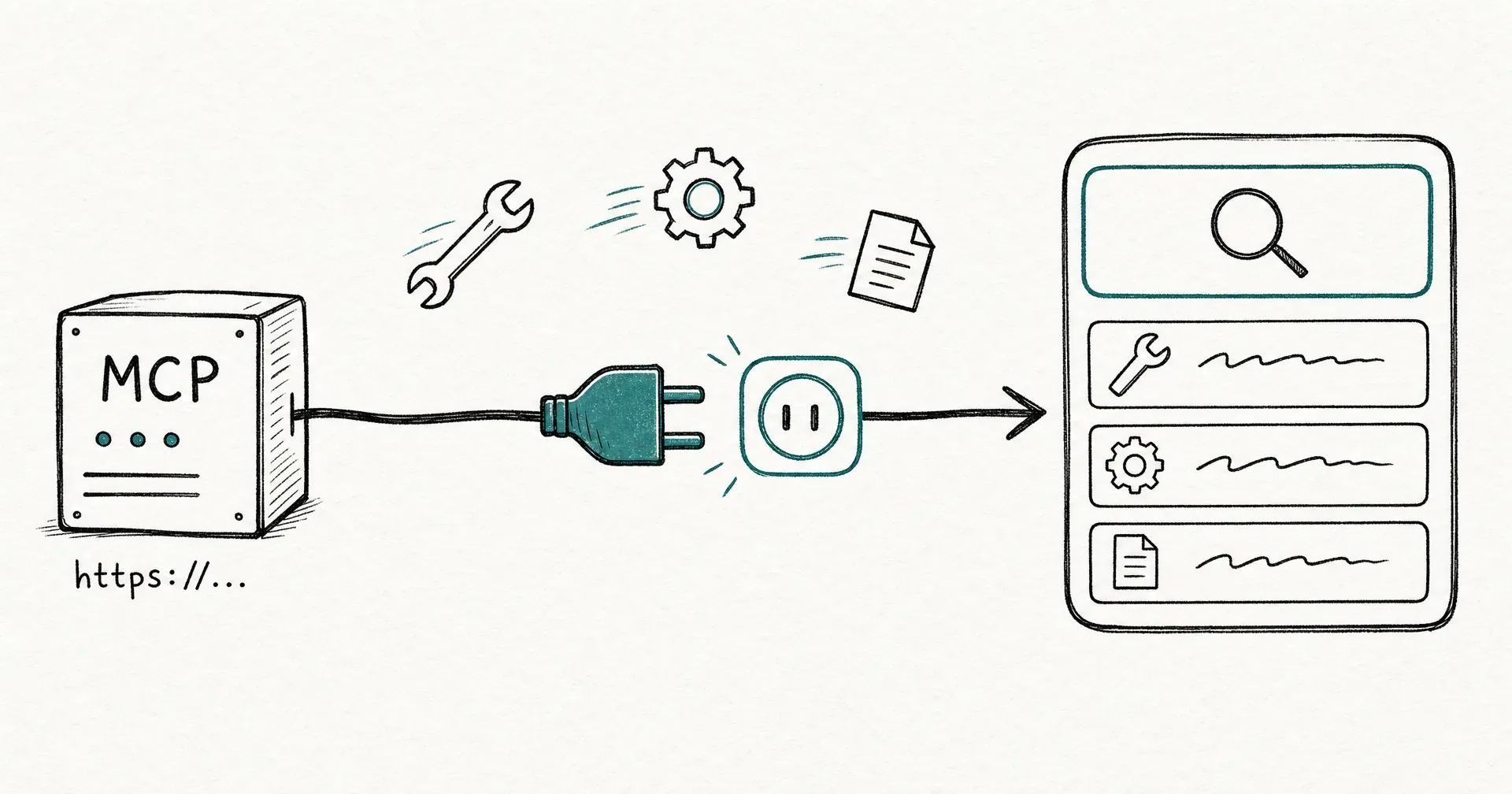
Your agents can now use tools from any MCP server you plug in. Go to the new MCP servers page, give a server a name, paste its https URL, pick its authentication, and you’re done: CellCog connects, discovers the server’s tools, and from that moment your agents can find and call them in every chat where Tools is enabled.
The tools catalog already covers 1,400+ services. This release is for everything else: the internal CRM your company built, the self-hosted service only your team runs, the niche vendor whose docs say “we have an MCP endpoint” but who was never going to appear in anyone’s catalog.
- You can now plug any remote MCP server into CellCog on the new MCP servers page: give it a name, paste its https URL, and pick its authentication (none, or an API key).
- CellCog discovers the server’s tools automatically and keeps them in sync daily. Your agents find them in tool search and call them like any catalog tool.
- Every call runs behind your existing Tools approval threshold, with one extra safeguard: calls to your own MCP servers are always treated as at least moderate risk.
- Your MCP servers are private to your account. No other user can see them or call them.
- MCP (Model Context Protocol) is the open standard AI platforms use to connect to tool servers - the same standard behind custom connectors in other major AI products.
§ 01What MCP is, in one paragraph
MCP - the Model Context Protocol - is the open standard AI platforms use to connect to tool servers. A remote MCP server is an https endpoint that can answer two questions: what tools do you have? and run this tool with these arguments. Because it’s a standard, one server works everywhere the standard is spoken: the custom connectors in other major AI products are MCP servers, growing numbers of vendors ship official MCP endpoints, and teams increasingly wrap internal APIs in one. Now CellCog speaks it too.
§ 02How it works
- Add the server. Name, https URL, and authentication: none, or an API key sent as a Bearer token or a custom header. The key is held encrypted by our tools provider - never stored by CellCog, never visible to agents.
- Tools are discovered automatically. CellCog connects and lists what the server offers - you see the discovered tools before you leave the page. The list re-syncs daily, and a Refresh button re-syncs it on demand.
- Agents pick them up on their own. Every tool search an agent runs now includes a section listing your MCP servers and their tools. No prompting tricks, no setup in the chat - if the server is connected and Tools is on, your agents know about it.
- Calls ride the same rails. An MCP tool call looks exactly like any other tool call: the same approval cards, the same per-chat Tools selector (include or exclude servers per chat), the same audit trail.
§ 03The safety model
Connecting a third-party server is a bigger trust decision than connecting a catalog tool, and the design treats it that way:
- Your existing approval threshold governs every call - nothing about your current setup changes.
- MCP calls are always at least moderate risk. A third-party server writes its own tool descriptions, and those descriptions aren’t vetted by CellCog. So a call to your own MCP server never rides your lowest auto-approve setting: if you review moderate actions, you review these.
- Servers are private to your account. No other user’s agents can discover, inspect, or call them.
- Agents treat server content as data, not instructions. Tool descriptions and results from a third-party server are handled as untrusted data, never as commands. An instruction embedded in a tool result is something the agent reports, not something it follows.
§ 04Everyone speaks MCP now. The trust model is where products differ.
That is the point of a standard: Claude’s custom connectors, ChatGPT’s custom apps, OpenClaw’s server configs, Grok Bot’s plugins - all MCP underneath. A server you stand up once works across all of them. So the question worth asking is no longer “does this product support MCP?” It is “what happens to trust once a third-party server is inside?”
Grok Bot’s answer, per its own documentation, is account-wide sharing: MCP authentication is shared across Cursor and Grok Bot, all of a user’s Bots share one cloud computer, and files, browser sessions, and command-line credentials on that computer are available across the whole Bot roster. Their docs are commendably direct about the consequence: “Do not use separate Bots as a security boundary.”
We made the opposite bet, because AI employees carry more autonomy than a coding assistant and the blast radius of a bad tool call is bigger:
- A server you add is private to your account, and every call from it is at least moderate risk - it never rides the lowest auto-approve setting.
- You can restrict each AI employee to exactly the tools and credentials it needs: anything you don’t grant never enters that employee’s environment, enforced on the server, not just hidden in the UI.
- Server content stays data. A tool description is never a command.
Neither answer is wrong for its product. A shared computer is convenient when your Bots are one person’s helpers. Per-employee scoping matters when your agents are staff: working different roles, holding different access, reachable by the outside world. If that is your situation, the boundary is the feature. (More on how we think about this: Grok Bot’s security model, explained.)
§ 05The honest caveats
MCP server support covers no-auth and API-key servers today; OAuth-based MCP servers are on the roadmap. A server’s URL and auth mode are fixed once added - changing either means removing and re-adding it. And the quality of what your agents can do with a server is bounded by the server itself: a well-described tool set gets used well, a vague one less so.
If you’ve been waiting to give your agents a tool the catalog doesn’t have - it’s probably one paste away now.
Q1What is MCP and why does it matter?
MCP (Model Context Protocol) is the open standard AI platforms use to connect to external tool servers. A remote MCP server is just an https endpoint that lists its tools and executes them on request. Because it’s a standard, one server works across every platform that speaks it - and now CellCog does.
Q2How do agents use my server's tools?
Automatically. Every tool search an agent runs includes a section listing your MCP servers and their tools. The agent fetches a tool’s schema and calls it exactly like a catalog tool - same approval cards, same audit trail.
Q3What are the approval rules for MCP tools?
The same threshold you set for Tools governs them, with one addition: a call to your own MCP server is always classified as at least moderate risk, because a third-party server’s tool descriptions aren’t vetted by CellCog. In practice, an MCP call never rides the lowest auto-approve setting: if you review moderate actions, you review these.
Q4Can other users see my servers?
No. MCP servers are private to the account that registered them. Another user’s agents cannot discover them in search, fetch their schemas, or call them.
Q5What are the limits?
Up to 10 servers per account and up to 500 tools per server. A server’s URL and auth mode can’t be edited after adding - remove and re-add to change them.
Q6When should I use an MCP server instead of a key?
Use a key when you have a raw API credential and an agent can script against the service’s API. Use an MCP server when the service (or your team) exposes an MCP endpoint - agents then get proper, schema-validated tools instead of raw scripting.