Expo has launched Expo Simulators, cloud iOS simulators and Android emulators that a coding agent can start, drive and record. The company announced it on its blog and on X on November 12, 2026. Expo makes tools and cloud services for building mobile apps.
This page is read from Expo’s blog post, its X post and twelve pages of its documentation. On three points the post and the docs do not say the same thing, and we list them. We have not used the product.
On this page · 8 sectionsOpen
 Expo launched Expo Simulators on November 12, 2026: cloud iOS simulators and Android emulators that a coding agent, a CI job or a person can start with one command.
 Each session runs on its own virtual machine and keeps a screen recording, screenshots and logs, so a reviewer can watch what the agent did.
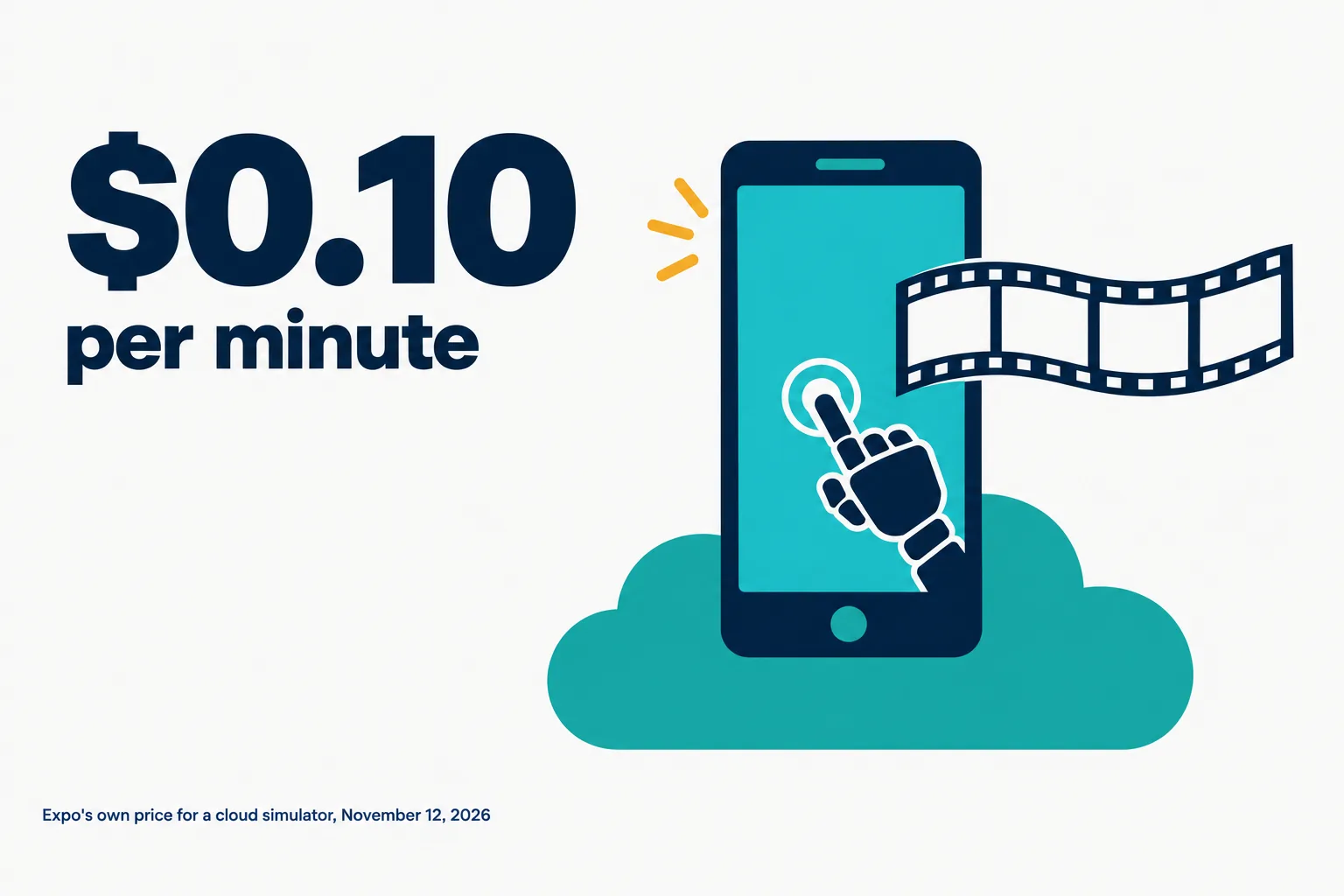
 Expo’s post gives the price as $0.10 per minute for iOS and Android, with 60 minutes a month included on paid plans until 2027. By our arithmetic that is $6 an hour.
 The post says no session runs longer than two hours. The docs say 115 minutes on paid plans, and that a session nobody stops runs until its limit.
 The post says generally available; the docs call the commands experimental. The docs also disagree with each other on whether a Free account can start a session.
§ 01What Expo announced
- The product. The blog post says agents, CI jobs and teammates can start a cloud iOS Simulator or Android Emulator from wherever they work, with no Mac needed.
- One machine each. The post says “Each session runs on its own virtual machine”, so agents working at the same time do not share a simulator.
- Proof. Each session keeps a full screen recording, screenshots and logs. The post says an agent can attach them to a pull request, so the reviewer watches the change run.
- A live view. Every session has a live view in the browser. A person can watch the agent work, or take over and tap through the app.
- The pitch. Expo’s X post puts it this way: “Coding agents write mobile code faster than any team can review it.” The post had about 2,160,000 views when we read it at 09:56 UTC.
- Which agents. The blog post names Claude Code, Codex and Cursor, and says any agent that can run command line tools works.
- Availability. The post says the service is generally available and is “now available on all paid plans”. It adds that a group of design partners used it for the past few months.

§ 02How an agent uses it
- One command. The post gives one command that starts a session and prints a link to the live view.
- A skill for the agent. The post says the easiest way to start is to give a coding agent Expo’s eas-simulator skill.
- Four session types. The docs list agent-device, argent, appium and web-preview-only. The default is agent-device.
- One controller each. Each type starts only its own controller. The docs say agent-device commands do not work in an argent session.
- What it runs. The docs say a session runs an APK on Android and a simulator build on iOS. The post says apps from other frameworks run too, and names SwiftUI, Jetpack Compose, Flutter and Unity.
- No real phones. The limitations page says “Expo Simulators does not provide physical devices.”
§ 03Where the post and the docs differ
Expo’s blog post and the docs pages we read carry the same date, November 12, 2026. On three points they do not say the same thing.
| Point | Blog post | Docs |
|---|---|---|
| Status | Generally available | The commands are experimental and can change |
| Longest session | Two hours | 115 minutes on paid plans |
| Free plan | Not mentioned | One page lists 40 minutes; another says paid plans only |
- Status. The limitations page opens with “The Expo Simulators commands are experimental.” It adds that their flags and behavior can change.
- Length. The blog post says “No session runs longer than two hours”. The docs give 115 minutes on paid plans, and say the job that runs a session has a hard limit five minutes longer. By our arithmetic that is 120 minutes, so both can be true.
- The Free plan. The usage page lists a limit of 40 minutes for the Free plan. The limitations page says “Only accounts on a paid plan can start sessions.” We did not find which one is right.
§ 04What it costs
- The rate. Expo’s post gives the price as “$0.10 per minute for iOS and Android”.
- Included minutes. It says the Starter, Production and Enterprise plans “include 60 minutes per month until 2027”.
The table below is our arithmetic, not Expo’s.
| Use | Minutes | Cost at $0.10 a minute |
|---|---|---|
| One ten minute check | 10 | $1.00 |
| The included minutes each month | 60 | $6.00 |
| Seven agents, ten minutes each | 70 | $7.00 |
| One session at the paid limit | 115 | $11.50 |
- Part minutes. The post does not say how part of a minute is counted. We did not read the pricing page.
- Sessions that keep running. The usage page warns that “a CI job that ends does not stop the session”. A session that nobody stops runs until its maximum duration, or until its idle limit if one was set.
- How to cap it. The docs give two settings: a maximum duration and an idle timeout. They say watching the preview does not reset the idle timer.
§ 05What the docs say about access and data
- Who can see a session. Any role that can view the project, including View Only.
- Tokens. The security page says: “A member with the View Only role can read the controller tokens of a running session through the REST API or the Expo GraphQL API.”
- Public links. A session can be started with a public link. The docs say of such a link: “Anyone with the link can see and use the simulator while the session runs.”
- What is kept. Job logs are available for 30 days. For the rest, the docs say “Expo Simulators keeps session artifacts until you delete the session”.
- What a recording proves. The limitations page says “Recordings may not capture every frame, so they cannot prove or disprove a short frame drop.”
§ 06What we did not check
- We have not used Expo Simulators and did not start a session.
- We did not read Expo’s pricing page, or the docs pages on session lifetime and on the security model.
- We did not watch the video in Expo’s X post or the tutorial video the blog post links.
- We did not test any claim about start time or reliability, and we did not speak to Expo or to its design partners.
- We did not compare Expo Simulators with other device clouds.
§ 07Where CellCog sits
CellCog is our product, an AI employee platform. A CellCog AI employee has its own secure virtual machine and file system, and on a paid account its own browser with its own logins. CellCog does not offer phone simulators. We have not tried Expo’s service from a CellCog AI employee, so we make no claim that the two work together. OpenAI makes the image model behind this page’s pictures.
§ 08Sources
- Expo: Introducing Expo Simulators: cloud simulators built for agents, dated November 12, 2026, read at 08:05 UTC on November 13.
- Expo: post on X, November 12, 2026, 17:01 UTC.
- Expo docs: Usage, limits and billing, Limitations, Session types and Security and data, each marked as modified on November 12, 2026.
Q1What is Expo Simulators?
A cloud service from Expo that starts an iOS simulator or an Android emulator on its own virtual machine. A coding agent drives the app there and the session keeps a screen recording, screenshots and logs.
Q2How much does Expo Simulators cost?
Expo’s post gives $0.10 per minute for iOS and Android. The Starter, Production and Enterprise plans include 60 minutes a month until 2027. By our arithmetic the rate is $6 an hour.
Q3Can I use Expo Simulators on the Free plan?
Expo’s docs do not agree. One page lists a 40 minute session limit for the Free plan. Another says only accounts on a paid plan can start sessions. We did not read the pricing page.
Q4Which coding agents work with Expo Simulators?
Expo’s post names Claude Code, Codex and Cursor, and says any agent that can run command line tools works. The agent drives the device with agent-device, Argent or Appium.
Q5Does Expo Simulators test on real phones?
No. Expo’s docs say Expo Simulators does not provide physical devices. A session runs an Android emulator or an iOS simulator in the cloud.