CellCog now supports Vector Illustration and Icon Generation - two new creative modalities that produce infinitely scalable SVG graphics.
(And yes - the original announcement’s own artwork, a sea turtle gliding through open ocean, was generated entirely by these tools.)
- Vector Illustration and Icon Generation launched January 15, 2026: two modalities producing infinitely scalable SVG graphics.
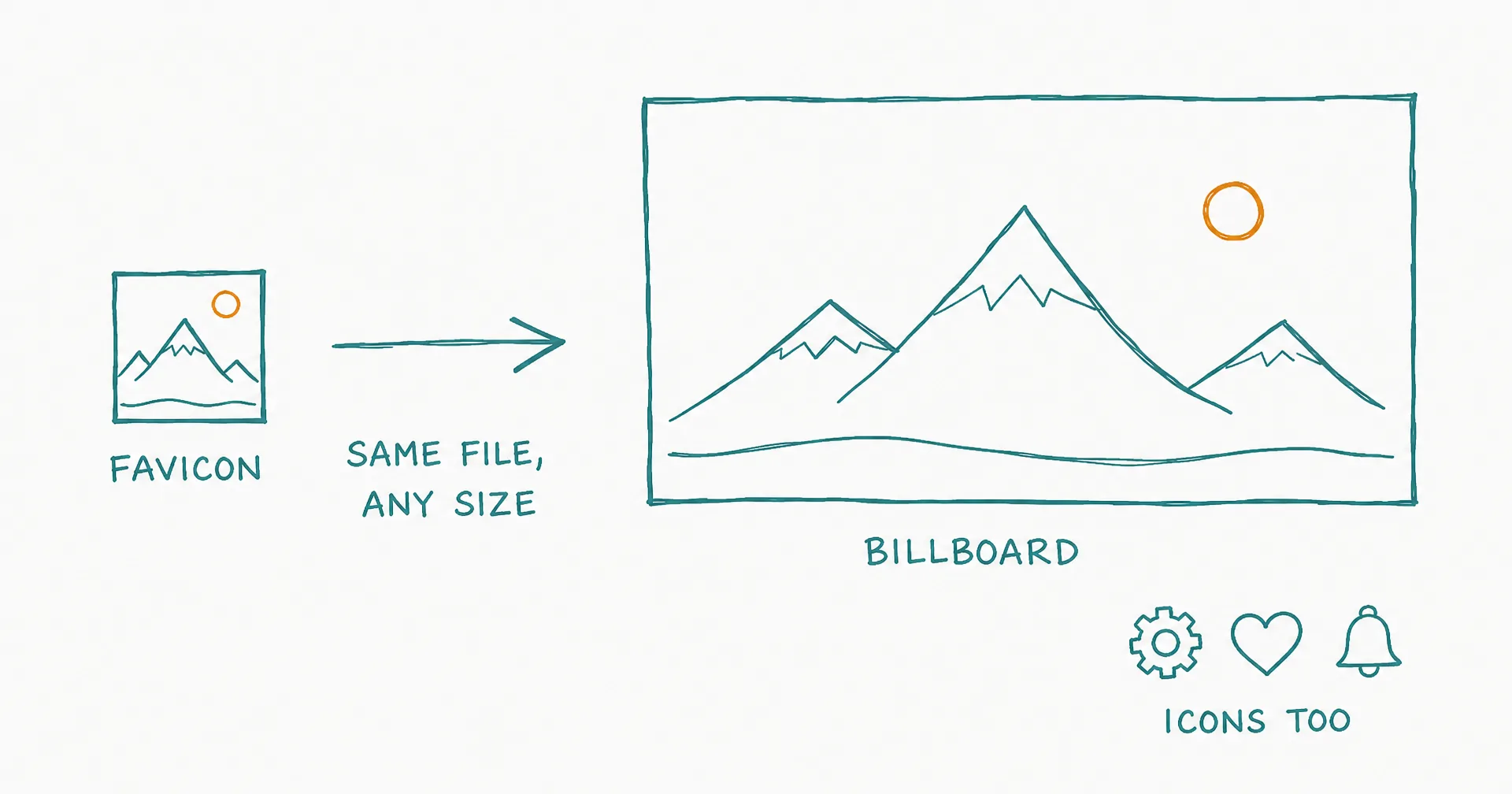
- Vectors use mathematical paths instead of pixels: crisp at any size, from favicon to billboard.
- SVG files are typically lighter than equivalent raster images and fully editable in Figma, Illustrator, or Inkscape.
- Vector illustrations fit marketing graphics, infographics, website art, presentations, and print.
- Icons cover app and UI icons, logo drafts, brand assets, and navigation elements.
- 20+ vector styles and 10 icon styles, driven by natural-language descriptions.
§ 01What Are Vector Images?
Unlike raster images (PNG, JPG) that pixelate when enlarged, vector graphics use mathematical paths to define shapes. That means:
- Infinite scalability - crisp at any size, from favicon to billboard
- Smaller file sizes - typically lighter than equivalent raster images
- Editable - open in design tools like Figma, Illustrator, or Inkscape
That third point matters most for real work: an SVG isn’t a final rendering, it’s a working file. A designer can open the generated asset and adjust colors, paths, and composition - which makes these outputs collaborators in a design process, not just results.
§ 02Two New Tools
Vector Illustrations - for marketing graphics and infographics, website illustrations, presentation visuals, and print materials.
Icons - for app and UI icons, logo drafts, brand assets, and navigation elements.
Describe what you want in natural language, specify the aspect ratio and style, and get a production-ready SVG. Choose from over 20 vector styles and 10 icon styles - and they cost under a dime per asset (roughly $0.08 per illustration, $0.05 per icon).
Alongside the raster engines (three of them, auto-routed), this rounds out the graphic stack: photorealism and text-heavy composition on the raster side, scalability and editability on the vector side - the agent picks the right lane for the asset you describe.
§ 03The Honest Caveats
Vectors are a medium with a personality: they excel at clean, stylized, geometric work and are the wrong tool for photorealism - that stays raster. Very intricate scenes can produce heavy path counts that partially defeat the small-file advantage. And logo drafts means drafts: a real brand mark deserves a designer’s refinement pass on the generated SVG.
Q1What makes vector graphics different from normal images?
Raster images (PNG, JPG) store pixels and pixelate when enlarged. Vectors store mathematical paths that define shapes - so the same file renders crisply at favicon size and billboard size, usually at a smaller file weight.
Q2Can I edit the output?
Yes - that’s a core advantage. The SVGs open in Figma, Illustrator, or Inkscape as editable paths, so designers can adjust colors, shapes, and composition after generation.
Q3When should I generate a vector instead of a raster image?
When the asset must scale (logos, icons, print), stay editable, or keep a clean illustrated look. Photorealistic scenes remain raster territory.
Q4How do I control the look?
Describe the subject in natural language and specify style and aspect ratio - with 20+ vector styles and 10 icon styles to choose from.
Q5What do they cost?
Under a dime per asset: roughly $0.08 per vector illustration and $0.05 per icon.