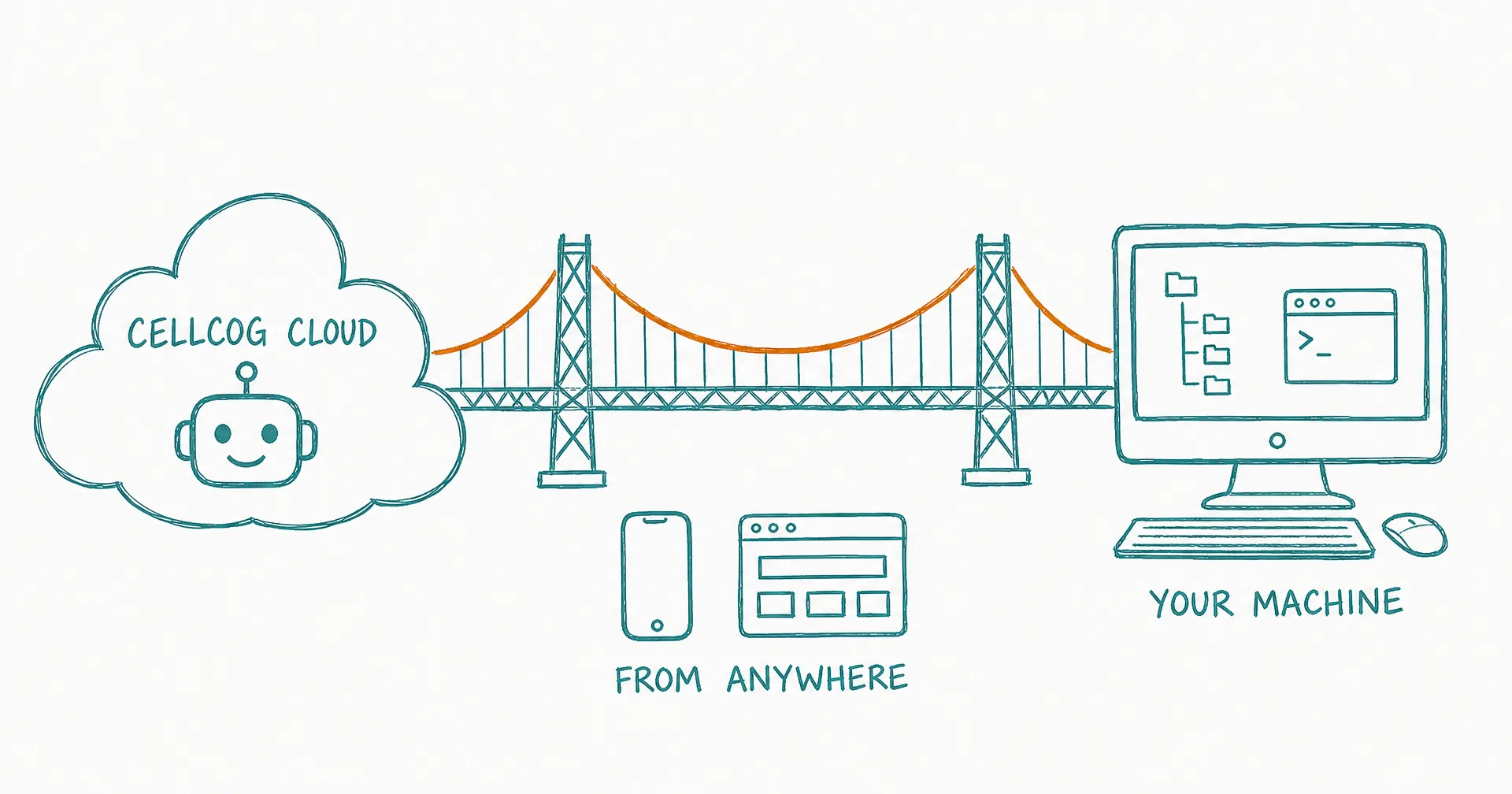
Cowork turns your machine into CellCog’s workspace.
“This is one of the most exciting launches we’ve been quietly working on. For months, every line of CellCog - backend, frontend, desktop app, SDK, marketing, operations - has been written by CellCog agents working directly on our machines through Cowork. Today, we’re giving that exact same power to every CellCog user.”
Nitish Garg, Founder
CellCog Desktop acts as a secure bridge between CellCog’s cloud agents and your personal computer - letting agents run terminal commands, read and write files, and build software directly on your machine.
No IDE required. No local CLI. Just open your browser, start a chat, and CellCog works on your actual code.
- CellCog Cowork launched March 23, 2026: CellCog Desktop bridges cloud agents to your personal computer.
- Agents run terminal commands, read and write files, and build software directly on your machine - no IDE, no local CLI, just a browser and a chat.
- It’s the first cloud-to-local bridge: start a task from any browser or your phone, and agents keep working on your machine.
- Full machine access, not a sandboxed folder - you decide what to approve, command by command or by threshold.
- The super-agent difference: fix the bug AND generate the report about the fix, in one prompt.
- CellCog itself is built this way - every commit, deployment, and design decision has run through Cowork for months.
§ 01Why This Matters
Every other coding agent requires you to be sitting at your desk. Claude Code needs a local CLI session and is restricted to the project folder. Sandboxed approaches confine agents to a VM with folder-level access. Cursor is locked to the IDE window.
CellCog Cowork is the first cloud-to-local bridge - access your machine from any browser, anywhere. On a train? On your phone? CellCog agents are still working on your codebase.
§ 02What Makes It Different
Full machine access. Unlike project-folder scopes and sandboxed VMs, CellCog agents get access to your full machine - every directory, every tool, every config. You decide what to approve.
Super-agent, not just coder. CellCog combines coding with research, video, image, audio, PDF, dashboard, and spreadsheet generation - all in one agent. Need to fix a bug AND generate a report about the fix? One prompt.
Human-in-the-loop safety. Every command can be reviewed before execution. You control what runs on your machine - read-only, write, or full execute. For SDK and agent users, commands can be auto-approved for full autonomy. (The philosophy behind that control model is a topic of its own: human-in-the-loop, by design.)
Built with itself. CellCog is the only AI platform entirely built by its own agents - every commit, every deployment, every design decision, made through Cowork. This launch is us shipping our own daily workflow.
§ 03For OpenClaw Agents
Cowork integrates natively with OpenClaw: agents can programmatically install CellCog Desktop, authenticate via API key, and create cowork-enabled chats - zero human interaction needed beyond providing the key. Pair it with Code Cog and your agent has a full coding subcontractor with real machine access.
§ 04Get Started
- Download CellCog Desktop from cellcog.ai/cowork
- Sign in with your CellCog account or API key
- Start a chat, enable “Cowork on my PC”
- Watch CellCog work on your actual code
§ 05The Honest Caveats
Full machine access is exactly as powerful as it sounds, which is why the approval rail is the heart of the feature - keep the threshold conservative until the agent has earned trust on your machine. The desktop app must be running for the bridge to exist. And “from anywhere” means from anywhere you choose to be: the agent works your machine, but the judgment about what it may touch stays with you.
Q1How does Cowork compare to Claude Code or Cursor?
Claude Code needs a local CLI session and is scoped to the project folder; Cursor is locked to the IDE window; sandboxed approaches restrict agents to a VM. Cowork is a cloud-to-local bridge: agents get access to your full machine (under your approvals), controlled from any browser, with no local session required.
Q2Is full machine access safe?
It’s governed, not blind: every command can be reviewed before execution, and you set the level - read-only, write, or full execute. Human-in-the-loop is the default; full autonomy is an explicit choice for SDK and agent workflows.
Q3Can I really start work from my phone?
Yes - that’s the point of the bridge. As long as CellCog Desktop is running on your machine, you can start and steer tasks from any browser, anywhere.
Q4What does 'built with itself' actually mean?
For months before this launch, CellCog’s backend, frontend, desktop app, SDK, marketing, and operations were written by CellCog agents working on our own machines through Cowork. The product shipped because the product worked.
Q5What can agents do beyond coding?
Everything the super-agent does: research, video, images, audio, PDFs, dashboards, spreadsheets. Fixing a bug and producing the stakeholder report about the fix is one prompt, not two tools.
Q6How do OpenClaw agents use Cowork?
Natively: agents can programmatically install CellCog Desktop, authenticate via API key, and create cowork-enabled chats - zero human interaction beyond providing the key.