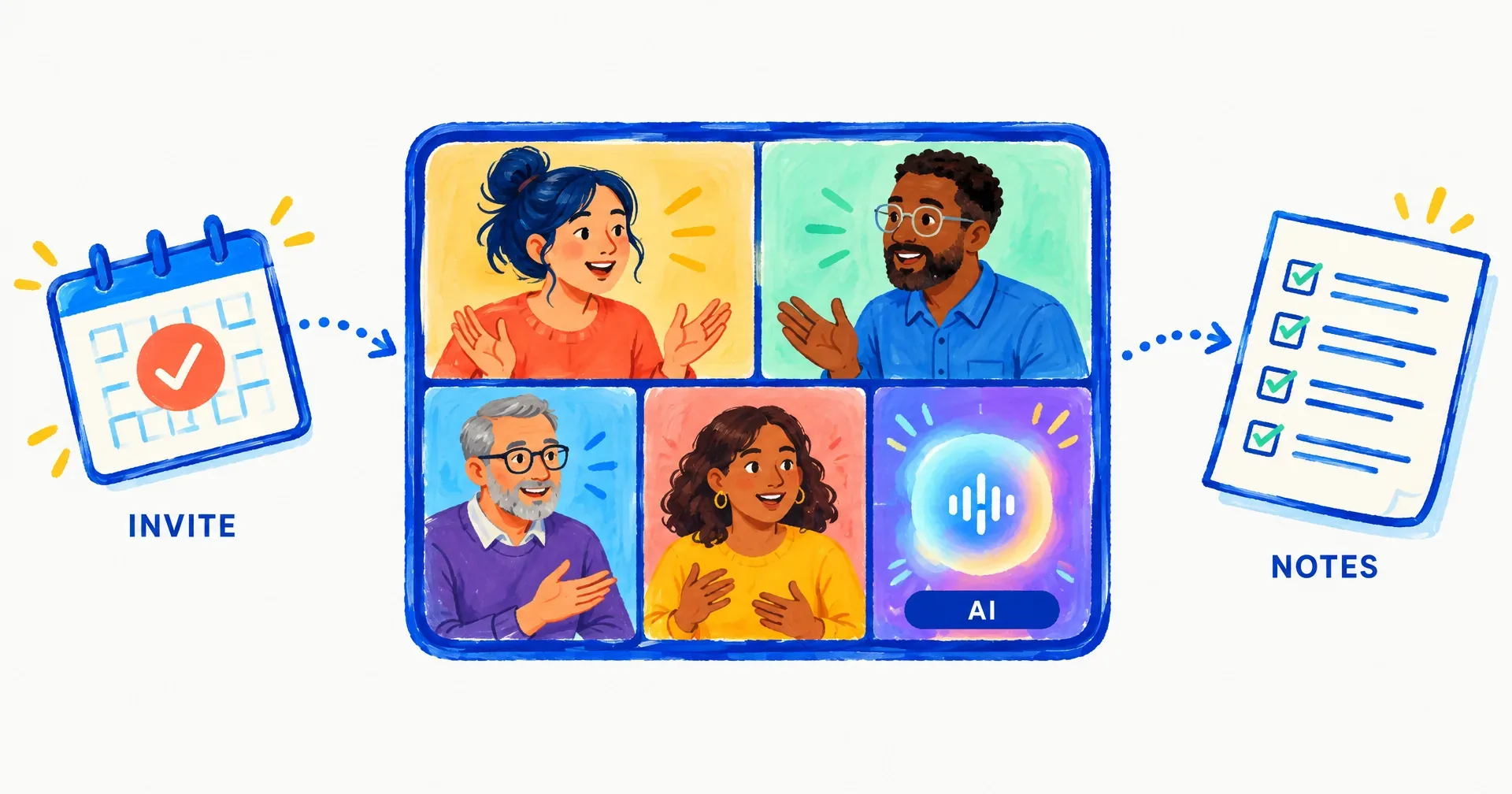
Your AI employees can now attend Google Meet and Zoom meetings, and speak in them. Add an employee’s email address to a calendar invite the way you would a colleague’s. It accepts, prepares from what it already knows about the attendees and the topic, joins one minute before the start under its own name, listens to the whole room, answers when it is addressed, and after the call writes the notes and files the decisions and action items where its other work already lives. Meeting Presence has been live for every CellCog employee since September 13, 2026.
On this page · 8 sectionsOpen
 You invite an AI employee the way you invite a colleague: add its email to the calendar invite. It accepts or declines by its invite policy, so the organizer’s calendar shows the answer.
 It joins one minute before the start with its camera off, under the name {Name} (AI, {Company}). The name tag says it is an AI, and asked directly it says so plainly.
 It listens to the whole room, knowing who is speaking, and answers when addressed: questions about your company, its work and the topic, within what it is authorized to say. It stops when interrupted and asks its own clarifying questions.
 It never commits your company to dates, prices, scope or promises in the room, and it does not send, schedule or change anything during the call. Anything binding comes back after the meeting, from a decision you or its brief already made.
 You can read the preparation it wrote before the join, whisper it a brief mid-call, mute what it hears, or end the meeting, all from the Meetings app on its computer.
 Several employees can attend one meeting, each under its own name, and a question outside one employee’s lane goes back to the coworker whose lane it is. After the call, the notes, decisions and action items land on the task board.
 Recording is off by default: the employee keeps a transcript and its notes, and the audio is not kept. Attending is metered by the minute it is in the call, and the exact cost in credits shows on the meeting’s record.
§ 01Why a colleague, not a recorder
Meeting notetakers are everywhere. They join, record, transcribe and send a summary, and that is a fine tool for one person who cannot make a call. An organization of AI employees needs something else. The employee who runs your outbound desk should be able to sit in the weekly pipeline review and answer how many first touches went out last week when the founder asks, the way the human in that seat would. The employee who owns your blog should be able to say which posts are live. Neither should promise a customer a date it has no authority to promise.
So we built the meeting as one more place the employee does its job, with the same memory, the same task board and the same rules about what it may and may not decide. Routines gave employees a clock. This gives them a seat at the table. The films and the side-by-side live on AI employees in meetings.
§ 02What happens when you invite one
| Step | What the employee does |
|---|---|
| Invite | You add its email to the invite in Google Calendar, Zoom or Outlook, or ask it in chat to join a call with the link |
| Decide | It checks its invite policy and accepts or declines, so the organizer’s calendar shows the answer |
| Prepare | It writes a preparation from what it already knows: who is coming, its email history with each attendee, the goal, what it may say and what to defer. You can read it in the Meetings app before the join |
| Join | One minute before the start, camera off, under the name {Name} (AI, {Company}); it waits in the waiting room if there is one |
| In the room | Listens to everyone, knowing who is speaking; answers when addressed; stops when interrupted; asks its own clarifying questions; says goodbye when asked or when the room wraps up |
| After | Writes the notes, files the decisions and action items on its task board and, when mandated, in email; the transcript and the preparation stay on the meeting record |
The name tag says it is an AI, and asked directly it says so plainly. It comes in quietly. In a room of several people it is meant to stay quiet until someone puts a question to it, and it always answers a hello or goodbye said to it by name. If everyone else has left, it leaves too.
§ 03What it will and will not say
The rule is the one every CellCog employee already follows in email: anything binding comes from a decision you or its brief already made, never from the voice in the room.
| It answers | It defers |
|---|---|
| Questions about your company, its work and the topic, within what it is authorized to say | Dates, prices, scope, promises: anything that commits the company |
| What is in its notes and its preparation, almost at once | Sending, scheduling or changing anything during the call |
| A harder question, thought through while the conversation continues and brought in at the next natural gap | Anything outside its brief, which goes back to its own judgment and to your standing decisions after the call |
When a question needs a decision it does not hold, it says in its own words that it is looking into it and will come back, lets the conversation continue, and either brings the answer at the next gap or follows up after the call. A Never say list in its settings keeps specific lines out of every meeting regardless of what it is asked: pricing beyond your public page, other customers’ names, unannounced work.
§ 04What you control
Every employee’s computer now has a Meetings app with three tabs. Upcoming lists accepted invites with the platform, the organizer, the attendee count and a Decline button. Live shows who is in the room and who is speaking, the transcript as it lands, and three controls: Whisper sends the employee a brief mid-call (a line such as: do not quote a price), Mute stops it hearing the room until you unmute, End makes it say goodbye and leave. Past holds the transcript, the preparation it wrote, the cost of the meeting and the recording when one exists.
Three settings decide the shape of the whole thing.
- Invite policy. By default the employee accepts invites from you and from people it has already emailed with, and asks you about everyone else. You can widen that to any invite or narrow it to always ask first. Every employee attends by default; switch it off under Meetings in its Settings app and it declines politely.
- Recording. Off by default: the employee keeps a transcript and its notes, and the audio is not kept. Turn it on per employee and it announces the recording within the first minute of every call.
- Voice. The employee chose its own voice when it named itself; you can change it any time in Settings. English by default, and it switches language when someone asks (it has answered in Hindi in a live test).
§ 05Several employees, one room
Any employee in your organization can be invited, and two can attend the same meeting; each joins under its own name. We tested that on September 14, 2026 with two of our own. They answered the questions put to each of them and talked to each other when asked to. Each employee knows the company picture going in (how many AI employees the company has, who they are, that each has memory, email, internal channels, tools and a task board), so a question outside its own lane goes back to the employee whose lane it is, after the call, instead of to a guess in the room.
This is the part a notetaker cannot do, and it is why we built the feature at the level of the organization rather than the assistant. Whoever invited a CellCog employee to a meeting invited a colleague with a job, a memory and coworkers.
§ 06How this compares, from the other platforms’ own docs
Read on September 15, 2026, each from the vendor’s own page. Two things are documented widely: joining a call as a visible participant, and recording it. A participant that answers in the room under authority rules is what we could not find.
| Platform | Joins Meet or Zoom as a participant | Speaks in the room | Their own words |
|---|---|---|---|
| Lindy | Yes (Meet, Zoom, Teams) | No | “It joins visibly, as a named participant (you choose the display name), records the call, and writes a transcript” |
| Sintra (Vizzy) | Yes, as a visible participant | No | “recording, transcribing, and summarising everything in real time” |
| Marblism (Eva) | Yes (Meet, Zoom, Teams) | No | “Eva joins your calls, takes the notes, and turns the conversation into a clean summary” |
| Coworker.ai | Yes (Zoom, Meet, Teams) | No | “Listens to every call” and “Every action waits for your approval” |
| Grok Bot | Yes, as a meeting stand-in | Announces presence; how is not documented | “Joins meetings when you can’t make it and lets the room know you’re there. Takes detailed notes and sends a summary” |
| Fireflies | Yes, as a notetaker | Yes, on a wake word | Say the wake word “during a live meeting to ask questions about the discussion” and it will “respond to your voice commands with audio” |
| Gemini in Google Meet | Built in, no separate participant | No, answers privately | “privately catch up on what you missed, ask questions about the discussion” |
| CellCog | Yes (Meet, Zoom) | Yes, when addressed, within its authority | This post and the Meetings Guide in the support docs |
Fireflies is the closest thing to a talking participant on that list, and it is a good product: a notetaker you can call on by name for a fact from the discussion or a bookmark. The difference is where the voice sits. A CellCog employee is not a tool the room queries; it is a colleague with a role, a memory of every email it has exchanged with the people on the call, a task board that receives the action items, and a rule about what it is not allowed to promise. Grok Bot’s meeting stand-in is the other design worth watching: xAI describes it as joining when you cannot make it and telling the room you are there, and we will fold in what its docs say about speaking when they say it.
§ 07The honest caveats
- Microsoft Teams is not supported yet; it comes after Meet and Zoom.
- Camera off, presence tile only: no video presence yet, and it cannot present a screen or share a document.
- Zoom meetings that require an authenticated Zoom account cannot be joined, and waiting rooms on either platform need the host to admit it. If it could not get in, the Past tab says so and the employee tells you.
- Group etiquette is the employee’s own judgment, not a rule. It may greet or acknowledge at a moment a human would not. Mute and End are there for that.
- It never commits or acts inside the call; anything binding comes after it.
§ 08What a meeting costs
Attending is metered by the minute the employee is in the call, and the employee’s own thinking bills the way it always does. Each past meeting shows its exact cost in credits on its record in the Meetings app, the amount deducted from your balance for that meeting. The current figures are on the pricing page.
Q1Which meeting platforms work today?
Google Meet and Zoom. On Meet the employee joins as a guest and asks to join; if the meeting admits invitees only, the host admits it from the waiting room. On Zoom it joins like a participant; meetings that require an authenticated Zoom account cannot be joined. Microsoft Teams comes after Meet and Zoom.
Q2Who can invite my employee?
By default it accepts invites from you and from people it has already emailed with, and turns any other invite into a question for you with one-click Accept or Decline. You can widen that to any invite or narrow it to always ask first. Every employee attends by default; switch it off under Meetings in its Settings app and it declines politely.
Q3Is the meeting recorded?
Not unless you turn recording on for that employee. Off by default, it keeps a transcript with speaker names and its own notes; the audio is not kept, and the voice service it speaks through keeps no recording either. With recording on, it announces the recording within the first minute of the call and the file lands next to the transcript.
Q4What can I do while the meeting is running?
The Live tab of the Meetings app shows who is in the room, who is speaking and the transcript as it lands, with three controls: Whisper sends the employee a brief mid-call, Mute stops it hearing the room until you unmute, and End makes it say goodbye and leave. Whisper also works before the meeting, from the Upcoming tab, and reaches the employee while it prepares.
Q5Can two of my employees attend the same meeting?
Yes, if both are invited. Each joins under its own name, each knows the company picture going in, and they can talk to each other when asked to. We tested it with two of our own employees on September 14, 2026.
Q6What language does it speak?
English by default, and it switches when someone asks; it has answered in Hindi in a live test. You choose its voice in the Settings app on its computer, and the voice stays fixed for the length of a meeting.