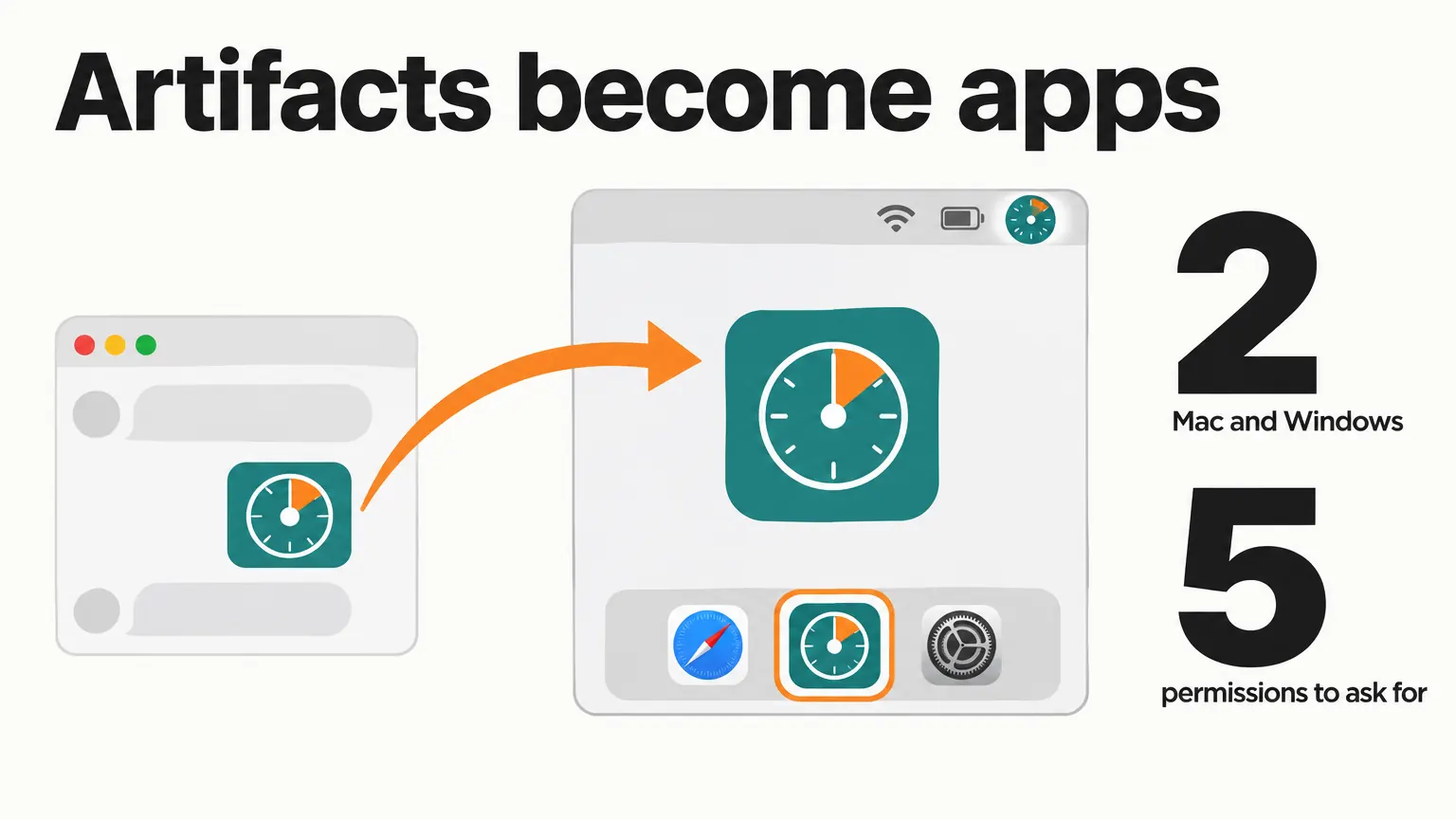
Anthropic now lets you install a Claude artifact as a desktop app on Mac and Windows. It announced the beta on X at 19:47 UTC on November 24, 2026: “Ask Claude to build an artifact, click “Install as app”, and open it like any other app.”
The Help Center article says the installed app “gets its own window and icon, opens like any other app, and can even interact with the operating system the way any other app might.” It is the same artifact underneath: when you or another editor changes it, the app changes too. Anthropic’s post had about 40,000 views when we read it, under an hour after it went up.
On this page · 6 sectionsOpen
- Anthropic now lets you install a Claude artifact as its own app on Mac or Windows, in beta, announced November 24, 2026.
- It is rolling out on Free, Pro, Max, Ultra, Team and Enterprise plans and needs Claude Desktop 6.28899.0 or later.
- An installed app asks before it uses five permissions: notifications, keyboard shortcuts, floating over windows, a menu bar or tray item, and full computer access.
- Full access lets an app run programs and read, change or delete files; Anthropic says it does not review apps before you install them.
- An approval covers one version: after any edit, the app asks again. Linux, web and mobile are not supported at launch.
- Enterprise plans have it off until an owner turns it on; HIPAA-ready organizations cannot use it.
§ 01What shipped
Per the release notes and the article:
- Plans. “Installing artifacts as apps is rolling out in beta on Free, Pro, Max, Ultra, Team, and Enterprise plans.” You need Claude for Mac or Windows “version 6.28899.0 or later”.
- Install. Open the artifact in Claude Desktop, use its title menu or right-click, select Install as app, confirm. An artifact can also build its own install button, and Claude asks you to confirm either way.
- Where it lives. A Claude Apps folder on macOS (also in Spotlight), the Start menu and a desktop shortcut on Windows.
- Online only. “To open an app, you need to be online and signed in to Claude Desktop.”
- Usage. Building an app and every request it makes to Claude count toward your plan’s limits.
§ 02The five permissions
An app “has to ask before it uses any of these features”, and you answer each with Allow or Don’t allow.
| Permission | What the app can do |
|---|---|
| Notifications | Show notifications while you use other apps |
| Keyboard shortcuts | Respond to key combinations while you use other apps |
| Float over other windows | Draw above other windows and read where the cursor is |
| Menu bar item or tray icon | Show an item there while the app is open |
| Full access to this computer | Run programs and read, change or delete your files without asking each time |
Two rules matter most. First, “An “Allow” covers one version of the app.” After any update, your own edits included, Claude asks again. Second, full access carries Anthropic’s own warning: “Anthropic doesn’t review apps before you install them.” Claude generally does not let an app request full access if someone outside your organization wrote part of it; on individual plans, that means anyone but you.
The article also flags a gap: “If an app loads code from another site, that code can change without a new request.”

§ 03Team and Enterprise defaults
On Team plans the feature is on, but full access is off until an admin enables it. On Enterprise plans the whole feature is off until an owner turns it on in Organization settings. In organizations with zero data retention for Claude Code, an owner can turn it on, but “These apps aren’t covered by zero data retention.”
§ 04What it does not do yet
- Platforms. “Apps aren’t available on Linux, web, or mobile.”
- Templates. Docs, Slides and Sheets artifacts, legacy artifacts and live artifacts from Claude Cowork cannot be installed.
- Regulated setups. “Apps aren’t available to organizations with HIPAA-ready configurations.” Full access is not available in Claude for Teachers or to K-12 organizations.
- Computer use. On macOS, Claude can see an installed app when it uses your computer, but cannot click or type in it.
§ 05Where CellCog sits
Our conflict, declared: CellCog runs on Anthropic’s released Claude models, Claude Opus 5.5 on most tiers and Claude Fable 5.2 on our top tiers. Our agents also build apps, as web apps served at their own address and private by default; they do not install on your desktop. This is a different shape of the same idea: the thing the model made becomes a tool you keep.
§ 06Sources
- Claude Help Center: Install an artifact as an app, read November 24, 2026
- Claude Help Center: Release notes, entry of November 24, 2026
- @ClaudeDevs on X, November 24, 2026, 19:47 UTC
Q1How do I install an artifact as an app?
Open the artifact in Claude Desktop, open its title menu or right-click it, select Install as app, then confirm. It is also under Share.
Q2Where does the app live after install?
On macOS in a Claude Apps folder inside Applications in your home folder, and in Spotlight; on Windows in the Start menu and as a desktop shortcut.
Q3Does the app work offline?
No. Anthropic says you need to be online and signed in to Claude Desktop to open an app.
Q4Does using an app count toward my limits?
Yes. Building an app and any requests it makes to Claude count toward your plan’s usage limits, per Anthropic.
Q5Does this change anything for CellCog?
No. CellCog runs on Anthropic’s released Claude models, and our agents build web apps served at their own address; nothing here changes what we run.