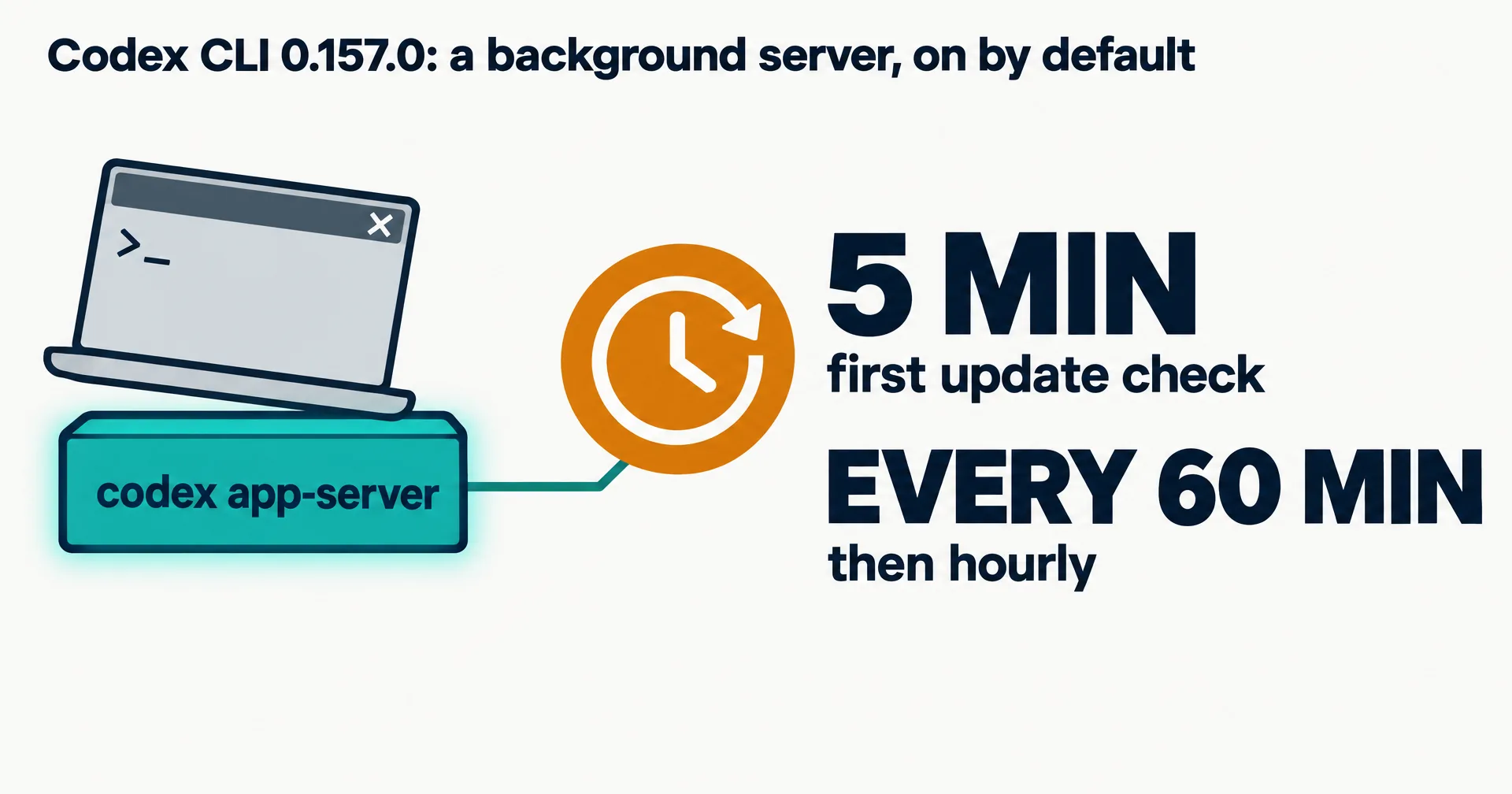
Codex CLI now starts a background server every time you open it, and that server keeps running after you close the window. OpenAI turned the behaviour on by default in Codex CLI 0.157.0, released September 25, 2026. A GitHub issue asking OpenAI to make it opt-in drew 602 points and 292 comments on Hacker News after it was posted there on October 12.
We read the issue, the pull request and OpenAI’s source code. Here is what the server does, what is documented and what is not, and how to turn it off.
On this page · 6 sectionsOpen
 Since Codex CLI 0.157.0 (September 25, 2026), an interactive session starts a shared background server by default.
 The setting behind it, daemon_auto_start, is marked stable and on by default in OpenAI’s own source code.
 The server’s updater checks 5 minutes after start, then every 60 minutes by default.
 OpenAI’s Codex config reference does not mention the daemon or its switch; we found zero matches on October 14.
 Three switches exist in the code: –no-daemon per session, codex app-server daemon stop, and daemon_auto_start = false.
§ 01What changed in Codex CLI 0.157.0
The change is pull request #47179, titled “Enable automatic daemon startup by default”, merged September 22. It promotes a setting called daemon_auto_start to stable. In OpenAI’s feature list the setting is described as “Automatically start the shared local daemon for eligible interactive launches.” and its default is true.
So opening an interactive codex session now starts codex app-server as a shared local server. The issue’s author, on 0.157.0, describes three effects: the server runs in its own session and is reparented to PID 1 when every Codex window closes; the CLI copies its whole package, about 374 MB, into ~/.codex/packages/app-server-daemon/releases/; and a separate updater process downloads new releases and restarts the server.
§ 02What OpenAI’s code says
We read the daemon’s source folder on October 14, 2026. These are the defaults it ships with.
| Item | Value | Where it is set |
|---|---|---|
| Default change | PR #47179, merged September 22, 2026 | GitHub |
| First release with it | 0.157.0, September 25, 2026 | Codex releases |
| Setting | daemon_auto_start, stable, on by default | features/src/lib.rs |
| First update check | 5 minutes after the server starts | update_loop.rs |
| Update interval | 60 minutes | settings.rs |
| Shutdown grace before a restart | 60 seconds (maximum 5 minutes) | settings.rs |
| Auto-update | on by default (autoUpdateEnabled) | settings.rs |
| State folder | ~/.codex/app-server-daemon/ | lib.rs |
| Latest stable release | 0.162.1, October 9, 2026 | Codex releases |
The CLI’s own help text names the cost of an update plainly: “Update the daemon package (may interrupt running work).” A separate open issue, #40969, filed August 26, reports that an auto-update force-kills active turns once that 60-second drain runs out.
§ 03What the docs do not say
OpenAI’s Codex config reference does not mention the server. We fetched it, the advanced config page and the app-server page on October 14: zero matches for “daemon”, zero for daemon_auto_start, zero for --no-daemon. The switch that turns the behaviour off exists in the code and nowhere in the docs.
That gap is most of the anger in the thread. One commenter wrote that after installing the CLI, “it downloaded 1.3GB of updates in the background.” Another, filed October 13 as #53547, reports that the server leaks environment variables across sessions. The opt-in issue describes the same thing: the server keeps the environment of whichever session started it, so a proxy set for one session carries into the next. As of October 14, no one from OpenAI had replied on the opt-in issue.
§ 04How to turn it off
All three switches come from the code, not the docs.
| Goal | What to run or set |
|---|---|
| One session without the server | codex --no-daemon |
| Stop the server that is running now | codex app-server daemon stop |
| Never start it again | daemon_auto_start = false under [features] in ~/.codex/config.toml |
| Check whether it is running | codex doctor (its app_server.status line reads “background server is running”) |
The --no-daemon help text reads “Run without the shared background server, even if it is already running.” A commenter on Windows confirmed the config setting stops the server from starting. Do both the config change and the stop: the setting prevents the next start, the stop ends the one already running.
On a shared machine, it is also worth checking ~/.codex/packages/ for old release copies once the server is off.
§ 05What we are watching
- Whether OpenAI makes
daemon_auto_startopt-in, or answers the issue. - Whether the config reference documents the server and its switches.
- Whether the environment leak (#53547) and the force-kill on update (#40969) get fixed.
§ 06Sources
- Issue #48195: make daemon_auto_start opt-in (read October 14, 2026)
- Pull request #47179 and Codex CLI 0.157.0 release
- Codex app-server daemon source
- Issue #40969 and issue #53547
- Hacker News discussion
- Codex config reference
Q1Is the Codex background daemon malware?
No. It is OpenAI’s own app-server, started by the CLI you installed. Commenters on the GitHub issue called it malware-like because it starts by default, outlives the window and updates itself, but nothing in the source points to anything hidden.
Q2How much disk does it use?
The issue’s author measured a copy of about 374 MB per release under ~/.codex/packages/app-server-daemon/. One commenter reports 1.3 GB of downloads after a few days.
Q3Can an update interrupt my work?
It can. The CLI’s own help says a daemon update “may interrupt running work”, and the default shutdown grace before a restart is 60 seconds.
Q4Does --no-daemon change anything permanently?
No. It runs one session without the shared server. To stop auto-start everywhere, set daemon_auto_start = false in config.toml.
Q5Is CellCog affected?
CellCog’s AI employees run on Claude Opus 5.5 in their own secure VM, not on Codex. If you launch Codex as a subagent on your own computer, your install’s default applies there.