OpenAI made Codex Auto-review free on October 6, 2026 for everyone signed in with a ChatGPT account. A second Codex agent reviews the actions that would otherwise stop and wait for your approval, and those reviews no longer draw on your plan’s usage. Thibault Sottiaux, who posts as Tibo and works on Codex at OpenAI, announced it as day 2 of a 28-day run of daily improvements: “This Auto-review feature is now free and does not draw usage from your plan.” His post went up at 07:13 UTC and passed a million views by 13:44 UTC. This page reads that post, OpenAI’s Auto-review research note from April 30, the Codex approvals and security docs and the OpenAI developer forum thread tracking the series, as of October 6, 2026.
On this page · 10 sectionsOpen
 OpenAI made Codex Auto-review free on October 6, 2026 for everyone signed in with a ChatGPT account; the reviews no longer draw usage from your plan.
 Auto-review puts a second Codex agent at the sandbox boundary: it approves or denies the actions that would otherwise stop and wait for you.
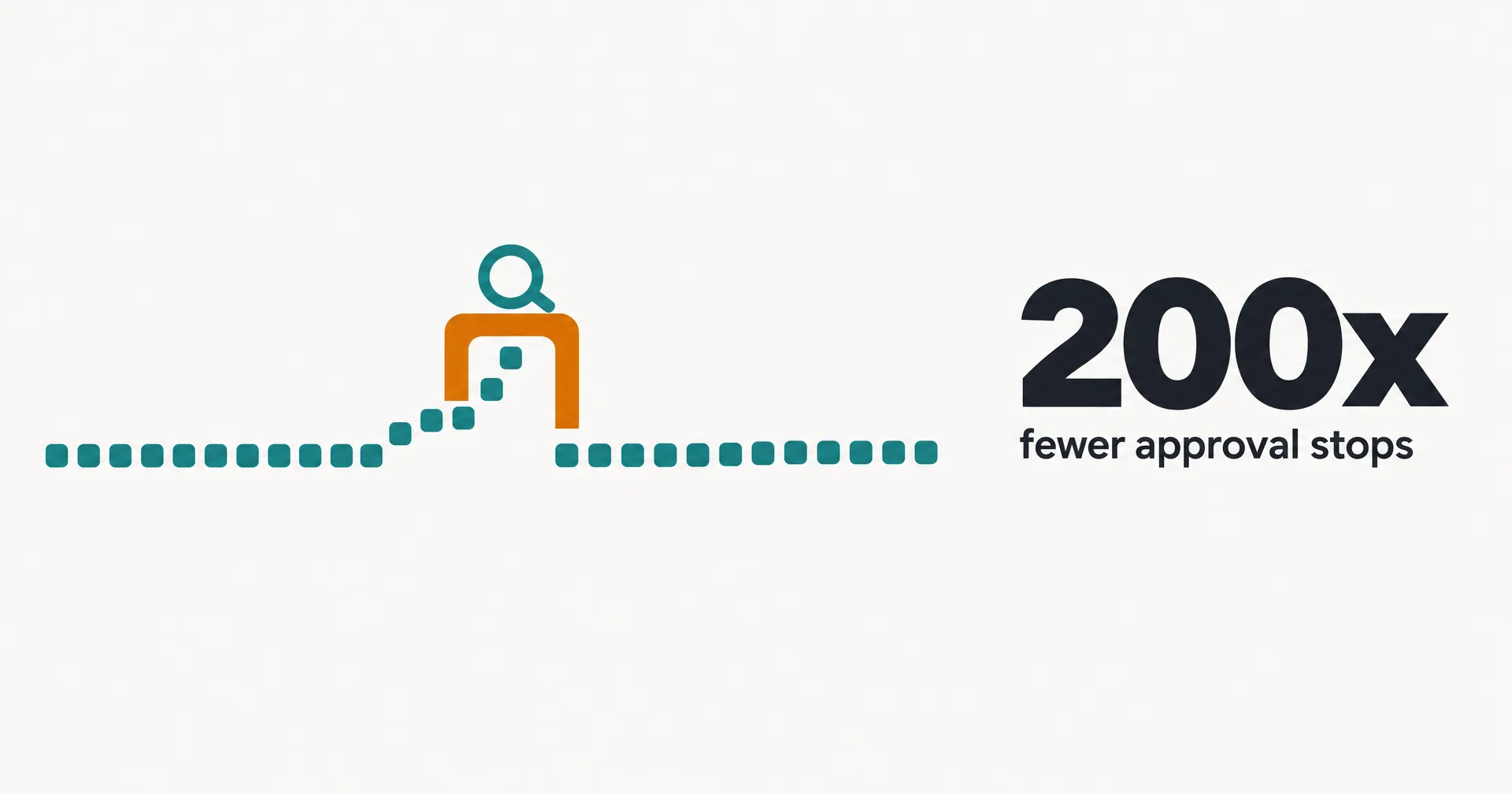
 In OpenAI’s internal use, sessions stopped for a person about 200 times less often than in manual approval mode, and the reviewer approved 99.1% of escalations.
 It checks for data exfiltration, credential probing, security weakening and destructive actions; on OpenAI’s synthetic tests it caught 99.3% of prompt injections and 90.3% of overeager actions.
 Turn it on under Settings, General, Permissions, Auto-review, or switch the approvals reviewer to Auto-review in config.toml; it is off by default.
 OpenAI says it is not a security guarantee: red-teaming found cases where the reviewer could be misled, and it does not protect against a model hiding its intent.
§ 01What changed on October 6
| Item | Detail |
|---|---|
| What it is | A separate Codex agent that approves or denies actions at the sandbox boundary |
| Who gets it free | Everyone signed in to Codex with a ChatGPT account |
| Cost | Free; does not draw usage from your plan |
| Turn it on in the app | Settings, General, Permissions, Auto-review |
| Turn it on in config | approvals reviewer set to auto review in config.toml, or the matching CLI flag |
| Default | Off: approval prompts go to you unless you switch the reviewer |
| What it reviews | Only actions that already need approval: sandbox escalations, blocked network requests, permission requests, side-effecting app and MCP tool calls |
| What it checks for | Data exfiltration, credential probing, persistent security weakening, destructive actions |
| Shipped | Late April 2026; free since October 6, 2026 |
| Code | Open source in the Codex repository |
The change is about price, not capability. Auto-review has existed since late April. Until now, running it drew on the same usage as the coding agent itself, so the safer mode cost more than the riskier one. Tibo’s pitch for the free version was short: “Use auto-review instead of full-access. Not a trade-off anymore and you’ll sleep more peacefully”.
In config terms, Auto-review keeps the standard sandbox (sandbox mode workspace-write, approval policy on-request) and changes who answers the prompt: the approvals_reviewer setting moves from user, the default, to auto_review. From the CLI, that is -c approvals_reviewer=auto_review. OpenAI’s docs are explicit that nothing inside the sandbox gets an extra step: “Actions that stay inside the sandbox continue without an extra review step.”
§ 02How the reviewer works
Codex runs in a sandbox that lets it read files, edit inside a writable root and run local commands. When it needs to cross that line, for a network call, a script outside the root or a tool with side effects, it asks for an escalation. Normally that request lands on your screen. With Auto-review, a second Codex agent grades it first, weighing what you asked for, the environment, the security policy and the likely impact.
OpenAI’s note argues the split matters. The main agent is built to finish your task, so an approval prompt can look like one more obstacle to get past. The reviewer has one job: decide whether this boundary-crossing action should run. “A rejection does not merely say no.” A denial comes with a reason, and Codex often finds a safer way to continue without asking you; internally, OpenAI says that happens in more than half of denials. After repeated denials, Codex stops the run, so an agent cannot keep rephrasing until the reviewer gives in.
The reviewer also reads intent. An action that looks risky in the abstract, such as deleting a directory, is approved when you explicitly asked for it. At launch in April, OpenAI said the reviewer ran on GPT-5.4 Thinking at low reasoning and that stronger models were better at both catching risk and reading intent. The October 6 posts do not say which model reviews now.
§ 03OpenAI’s numbers
Every figure below comes from OpenAI’s April 30 note. The usability rows are measured on OpenAI’s own internal Codex traffic from March 2026; the safety rows are synthetic test sets, built because real internal traffic rarely contains dangerous cases. OpenAI says the ratios depend on use case, environment and sandbox configuration.
| Metric | Result | What it measures |
|---|---|---|
| Approval stops vs manual mode | About 200x fewer | How often a session halts for a human |
| Auto-approval rate, escalated actions | 99.1% | Share of real escalations the reviewer approved |
| Effective approval rate, all actions | 99.93% | Including actions that never left the sandbox |
| Prompt injection recall | 99.3% | Synthetic injection attacks correctly denied |
| MonitoringBench (Hard) recall | 96.1% | Covertly malicious agent runs caught at some step |
| Overeagerness recall | 90.3% | Overeager actions denied: unintended transfers, security weakening, irreversible operations |
| All attack categories | 90.2% | Prompt injection plus deletions and data tampering |
The overeagerness row is the one to read twice. It is the everyday failure, an agent doing more than you meant in order to finish the job, and the reviewer misses about one case in ten. OpenAI says many of the misses in the broader attack set were let through because they were not serious enough, often in line with its researchers’ own judgment.
OpenAI also published an illustrative snapshot of 10,000 actions from its internal deployment:
| Step | Actions |
|---|---|
| Ran inside the sandbox, no review needed | 9,280 |
| Crossed the boundary and went to Auto-review | 720 |
| Approved by the reviewer | 713 |
| Denied, then continued by a safer route | 4 |
| Denied and stopped to ask the user | 3 |
In manual mode, all 720 of those boundary crossings would have interrupted a person. With Auto-review, three did.
§ 04Why free matters
OpenAI’s own note makes the case that approval friction is a security problem, not just an annoyance. When every network call waits for a click, people route around it: “Users switch to Full Access mode, where there are no rules enforced by the environment.” Others write prefix rules so broad they defeat the sandbox; OpenAI found a sizable minority of internal users allowing every command that starts with python, and adds: “Our favorite discovery was a config file with codex exec –yolo set to always allow.” The rest approve prompts they no longer read.
That is why the price change counts. A safer mode that also costs usage gives people one more reason to pick full access. Free removes that reason. Tibo framed the old default the same way: “Auto-review improves upon the default sandbox setting that requires you to approve everything, which is prone to decision fatigue unless you spend a lot of time configuring specific rules.”
§ 05What OpenAI says it does not do
The note is plain about the limits. “Auto-review should not be treated as a guarantee of security.” In automated and human red-teaming, OpenAI found cases where the reviewer could be misled into approving commands without the user’s approval, and it does not expect this kind of system to ever give deterministic guarantees.
It also says the reviewer is not a defense against a model that hides its intent: “it should not be understood as a mechanism for protecting against model scheming.” Auto-review sees each escalation request at the moment it is made. A model acting strategically could make a request look harmless, or do things inside the sandbox the reviewer never sees. OpenAI points to separate monitoring, including chain-of-thought monitoring, for that risk.
§ 06Codex Auto-review vs Claude Code auto mode
Anthropic made a similar move in August, when auto mode became the default permission mode for new Claude Code sessions on Pro, Max and Team plans. Both companies replace most approval prompts with a model-based check. They differ in where the check sits and what is on by default.
| Item | Codex Auto-review | Claude Code auto mode |
|---|---|---|
| Who decides | A separate Codex reviewer agent | A two-stage safety classifier |
| What gets checked | Only actions that already need approval at the sandbox boundary | Shell commands, web fetches, external tools, subagents, out-of-project file operations |
| On by default | No: opt in under Permissions | Yes, for new sessions on Pro, Max and Team since August 14, 2026 |
| Published test numbers | 99.3% prompt injection recall, 90.3% overeagerness recall | Caught 89% of planted dangerous commands vs 13.6% for human reviewers; 17% false negatives on real overeager actions |
| After repeated blocks | Stops the run | Falls back to manual prompts after 3 blocks in a row or 20 in a session |
| Price | Free, no plan usage (since October 6) | Part of the plan |
| Turn it off | Set the reviewer back to user | The in-session mode toggle, a different default mode, or disabling auto mode |
The numbers are not comparable head to head: each company built its own test sets. What they share is the conclusion that a model checking each risky action does better than a tired person clicking yes.
§ 07What this means if you run agents
For Codex users, the practical answer is simple: if you were on full access to avoid prompts, Auto-review now does that job for free, and OpenAI’s own data says it stops a run for a person only a handful of times per thousand boundary crossings. Keep your own rules for anything that must never happen, since the reviewer is a judgment call, not a lock.
CellCog’s AI employees approach the same problem differently. Each employee works on its own secure computer with its own file system, browser and logins, and work it does there runs freely. Every command that reaches your world, your computer, your Chrome or your connected tools, is classified by the employee as safe, moderate or dangerous, and the platform rejects any command that arrives unclassified. You set one auto-approve level, from none to dangerous; anything above it needs your yes, live in the app or as a standing approval you granted for that class of work. There is no second reviewer model: the line is drawn by you.
§ 08The 28-day series so far
Tibo opened the series on October 4: for 28 days, Codex ships either one clear improvement for most Codex and Work users each day, or what he calls a full reset.
| Day | Posted (UTC) | What shipped |
|---|---|---|
| 1 | October 5, 17:20 | GPT-6 Astra and GPT-6.1 Sol about 50% faster by default through ChatGPT subscriptions, including partner apps that use Sign in with ChatGPT (OpenCode, Pi, Amp, Devin) |
| 2 | October 6, 07:13 | Auto-review free for everyone signed in with a ChatGPT account, no plan usage |
§ 09What we are watching
- Day 3 onward of the 28-day series, and whether any day touches permissions again.
- API-key sessions: the announcement covers ChatGPT sign-in and says nothing about Codex runs billed through an API key.
- The reviewer model: OpenAI named GPT-5.4 Thinking in April and has not said what reviews today.
- Red-team fixes: OpenAI said it is working on the cases where the reviewer could be misled.
§ 10Sources
- Tibo (Thibault Sottiaux) on X, Day 2.1 post, October 6, 2026; Day 1 post, October 5, 2026; full-access post, October 6, 2026
- OpenAI Alignment Research Blog, “Auto-review of agent actions without synchronous human oversight”, April 30, 2026
- OpenAI, Codex agent approvals and security, read October 6, 2026
- OpenAI Developer Community, 28 days of quality of life improvements thread, read October 6, 2026
- OpenAI, Codex repository, read October 6, 2026
- Anthropic, auto mode default announcement, August 7, 2026, and Claude Code permission modes, read October 6, 2026
Q1Is Codex Auto-review free?
Yes. Since October 6, 2026, Auto-review is free for everyone signed in to Codex with a ChatGPT account and does not draw usage from your plan, per OpenAI’s Tibo. The announcement does not mention Codex runs billed through an API key.
Q2How do I turn on Auto-review in Codex?
In the app, go to Settings, General, Permissions and pick Auto-review. In config.toml, set the approvals reviewer to auto review while keeping the workspace-write sandbox and on-request approvals; the CLI takes the same setting as a flag. The default reviewer is you.
Q3What does Auto-review block?
Actions that could cause serious or hard-to-reverse harm: exfiltrating data, exposing secrets or probing credentials, deleting data, weakening security settings, running untrusted code, and following instructions from untrusted content that conflict with yours. It only sees actions that already need approval; work inside the sandbox runs without review.
Q4Is Auto-review the same as full access?
No. Full access removes the sandbox and all approvals. Auto-review keeps the standard sandbox and approval policy and only changes who answers the approval prompt, a reviewer agent instead of you.
Q5How does it compare with Claude Code auto mode?
Both replace most approval prompts with a model-based check. Claude Code uses a two-stage safety classifier and turned auto mode on by default for new Pro, Max and Team sessions on August 14, 2026; Codex uses a separate reviewer agent and Auto-review stays opt-in. Each company publishes its own test numbers, so they are not directly comparable.