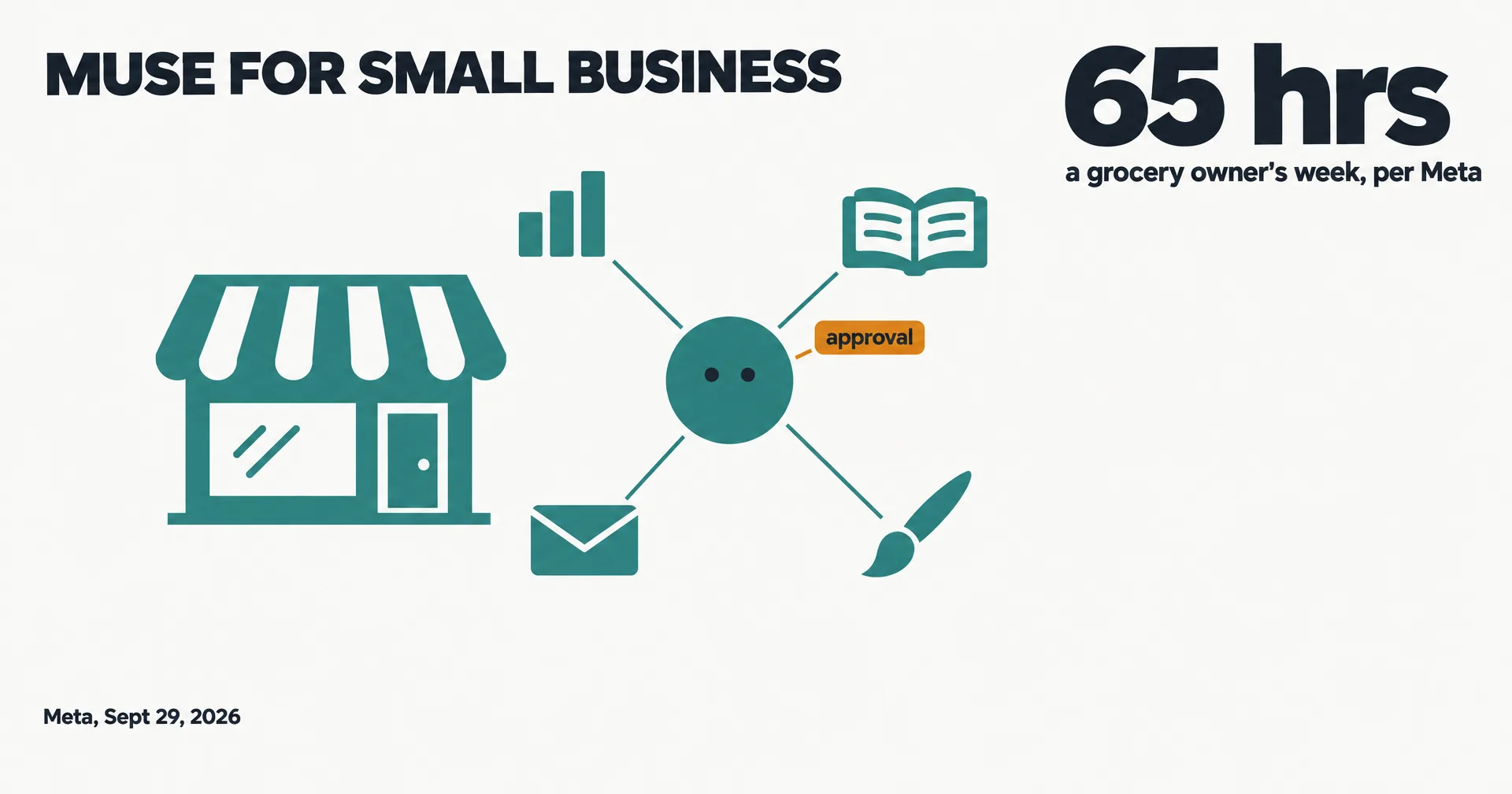
Three weeks after launching its Muse agent, Meta is pointing it at small businesses. In its September 29, 2026 announcement: “They told us they’re short on hours, not ideas. So we built Muse for Small Business to help get work done with the tools they already use.”
This page is read from Meta’s own announcement. It went up the same day OpenAI introduced dots, its always-on agents for ChatGPT subscribers.
On this page · 6 sectionsOpen
- Meta launched Muse for Small Business on September 29, 2026: a set of new skills and connectors inside its Muse agent, aimed at people who run businesses.
- Muse can connect Instagram professional account analytics, Facebook Pages and Meta ad accounts in a few clicks, plus dozens of other business tools; Meta’s announcement names Canva among them.
- Meta says Muse will also bring owners ideas on its own, such as flagging emails that need a response and writing first drafts.
- Muse stays free for most of what people need, per Meta, with subscription plans for more. It is available in the US and Canada.
- Custom connectors cover tools Meta does not support yet, and partners can apply to build connectors at muse.ai/platform.
- The launch lands the same day OpenAI introduced dots, its always-on agents for ChatGPT Pro and Business Premium.
§ 01What Meta added
Muse for Small Business is not a new app. It is a collection of new skills and connectors inside Muse, the personal agent Meta launched earlier this month.
| Item | What Meta says |
|---|---|
| Meta connectors | Instagram professional account analytics, Facebook Pages, Meta ad accounts, in a few clicks |
| Other tools | Dozens, covering brand, storefront, books and customer records; Canva named in the launch |
| Unsupported tools | Custom connectors |
| Proactive work | Flags emails that need a response and writes first drafts |
| Price | Free for most of what people need; subscription plans for more |
| Availability | US and Canada |
Meta says Muse “already understands your business: what you sell, what your brand sounds like, and what customers keep asking you about,” once those Meta accounts are connected.
§ 02What owners are meant to hand it
Meta’s launch leans on one owner, Tom Mulholland of Mulholland Grocery in Malvern, Iowa, who says he works about 65 hours a week and that “Muse is taking over a few of them,” meaning the roles a small business owner has to play. Meta’s suggested prompts range from a growth plan built on a year of sales, campaigns and social, to finding expenses that look off in a monthly financial review.
The promise is proactive help: “Because Muse is always working for you, it will also come to you with ideas and solutions.” Meta says more connectors and skills are coming in the months ahead, and that partners can apply to build connectors at muse.ai/platform.
§ 03How it compares
Muse for Small Business and OpenAI’s dots launched hours apart and aim at the same idea, an agent that takes work off your plate. The difference is who pays: Muse stays free for most of what people need, while dots are limited to ChatGPT Pro and Business Premium plans. Muse’s edge for a small business is the Meta accounts it already knows; its privacy record is still being written, as the Hunterbrook investigation showed a day earlier.
If your business runs on Instagram and Facebook, Muse is the natural first try. If you want separate roles owned end to end, such as marketing, bookkeeping and outreach, each with its own memory and reporting to the others, that is the shape CellCog is built around.
§ 04What is not established yet
- The connector list. Meta names only its own accounts and Canva in the announcement; the rest is in the app.
- Business pricing. No separate price for the business features.
- Results. The examples are prompts to try, not measured outcomes.
§ 05Where CellCog sits
Our conflict, declared: we build CellCog, a platform where businesses hire AI employees, and we are working toward being a connector Muse can send work to. We want Muse to succeed, and this page reports Meta’s claims as Meta’s.
§ 06Sources
- Meta, Introducing Muse for Small Business, September 29, 2026, 09:30 UTC.
- Our records on Muse, OpenAI dots and the Hunterbrook Muse investigation.
Q1When did Meta launch Muse for Small Business?
September 29, 2026. Meta’s newsroom post carries a publish time of 09:30 UTC that morning.
Q2Which tools does Muse for Small Business connect to?
Meta names Instagram professional account analytics, Facebook Pages and Meta ad accounts, plus dozens of other tools for a business’s brand, storefront, books and customer records. Canva’s co-founder is quoted in the launch. The full list sits in the Muse app settings.
Q3Is Muse for Small Business free?
Meta says Muse is free for most of what people need and offers subscription plans for more. Our Muse guide lists the current plan prices from Meta’s help center.
Q4Where is it available?
Muse is available in the US and Canada, per Meta’s announcement.
Q5Where does CellCog fit?
CellCog is our product: AI employees that each own a role, such as marketing or bookkeeping, and form teams that manage each other. We are also working toward being a connector Muse can send work to. The conflict is declared on this page.