Vercel Labs has released agent-desktop, an open-source tool that lets any AI agent see and operate desktop apps on macOS, Windows and Linux. It reads each app through the operating system’s accessibility tree instead of screenshots, so an agent clicks a named element rather than guessing at pixels. It installs with one command, npm i -g agent-desktop, under the Apache-2.0 license.
The launch went out on X late on October 30, 2026 (US time). Lahfir, who lists himself on Vercel Labs and as the builder, introduced it at 23:48 UTC as “Computer use for your agents”. A second post pitched it as “agent-browser, for your whole computer” and passed 200,000 views; Vercel CEO Guillermo Rauch shared it with “An agent on every desktop”.
 Vercel Labs released agent-desktop, open-source computer use for AI agents on macOS, Windows and Linux, announced on X on October 30, 2026.
 It reads apps through the operating system’s accessibility tree and hands the agent a ref for every element, so the agent clicks named elements instead of pixels.
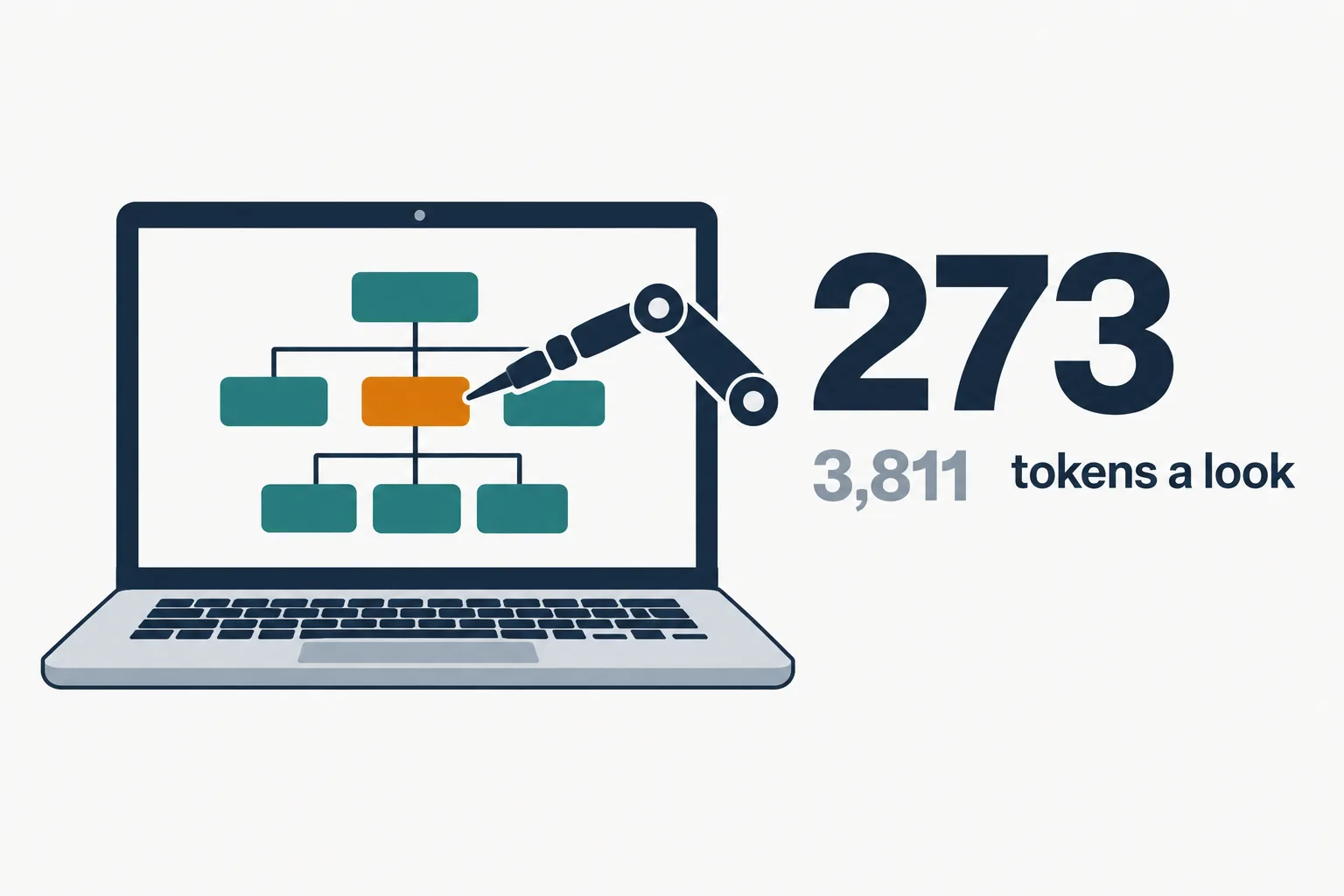
 Its builder says skeleton drilling cuts Apple Maps to 273 tokens a look from 3,811, and a simulated 52-step task to 31k tokens from 198k.
 It runs headless by default: actions do not move the pointer or take focus, so agents can work while a person uses the machine.
 Snapshots can contain private desktop content; the README says to keep them out of public logs.
§ 01What agent-desktop is
| Item | Detail |
|---|---|
| Maker | Vercel Labs |
| What it does | Computer use for AI agents through the OS accessibility tree |
| Platforms | macOS, Windows, Linux (x64 and ARM64) |
| Install | npm i -g agent-desktop |
| Built in | Rust, shipped as a CLI and a C library |
| License | Apache-2.0 |
| Version | 1.0.2 (published October 30, 2026) |
| Repository | vercel-labs/agent-desktop, created February 2026 |
The repository is older than the launch: it was created in February 2026, and version 1.0.0 reached npm on October 28. The October 30 posts announced it to a wider audience.
§ 02How it works

An agent asks for a snapshot of an app, and agent-desktop returns JSON with a ref for every element the agent can act on. The README describes the loop plainly: “The agent acts on a ref and snapshots again to check, with no pixel matching; the loop stays in your agent.”
Dense apps are where the tool tries to save money. The agent first maps a window with a skeleton snapshot, then drills into one region and works only there. Lahfir’s numbers for Apple Maps:
| Measure | Full window | Skeleton, then drill |
|---|---|---|
| Tokens per look | 3,811 | 273 |
| Tokens over a simulated 52-step task | 198k | 31k |
In his words: “This saves tokens and the operation is faster!” These are the builder’s own figures from one simulated task, not an independent benchmark.
§ 03Refs, not pixels

Every ref belongs to the snapshot that produced it. When the interface changes, an action returns STALE_REF or AMBIGUOUS_TARGET, and the agent takes a new snapshot before trying again. Errors carry a disposition that says whether a retry is safe.
The tool runs headless by default. Per the README, ref actions “go through the accessibility API without moving the pointer or taking focus”, which is why the launch posts say agents can work in the background while a person keeps using the machine, and why several agents can work on one app at once.
On macOS it needs Accessibility permission. On Linux it needs a graphical session with at-spi2-core. Windows needs no extra grant for apps at the terminal’s own integrity level.
§ 04What to watch for
The README is direct about privacy: “Snapshots, clipboard reads, screenshots, command output and debug artifacts can contain private desktop content.” An agent that can read every app can also read whatever those apps show. Keep its output out of public logs, and give an agent a machine or an account scoped to the work.
There is also no shared yardstick yet. One developer replying to the launch asked: “Is there an actually reliable computer use benchmark?” Accessibility-tree tools depend on how well each app exposes its interface, so results will vary by app.
§ 05Where it fits
agent-desktop is a building block: it gives a coding agent hands on a desktop, and the agent supplies the judgment. Vercel ships a matching skill on skills.sh so harnesses can learn the snapshot, act and verify loop.
CellCog’s AI employees already work on a computer of their own, with their own secure VM, file system and browser identity, and with Cowork they can run commands on a person’s own machine with approval for anything risky. An AI software engineer can write and run end-to-end tests for a desktop app while your team keeps the review.
Q1What is Vercel agent-desktop?
An open-source tool from Vercel Labs that lets AI agents see and operate desktop apps on macOS, Windows and Linux through the operating system’s accessibility tree.
Q2Does agent-desktop use screenshots?
No. It returns a JSON snapshot with a ref for each element; the agent acts on a ref and snapshots again to check, with no pixel matching.
Q3Does agent-desktop take over my mouse?
Not by default. Ref actions go through the accessibility API without moving the pointer or taking focus; a headed flag allows physical input.
Q4How many tokens does agent-desktop save?
Its builder reports 273 tokens a look instead of 3,811 in Apple Maps, and 31k instead of 198k over a simulated 52-step task. There is no independent benchmark yet.
Q5Is agent-desktop free?
Yes. It is open source under the Apache-2.0 license and installs from npm.