Most small teams do not fail at social media, they fall behind. We ranked nine AI tools on how much of the job they take off your hands: planning, writing, images and video, and posting, with every price read on the vendor’s own pricing page on September 30, 2026. We make CellCog, and it is in the table; the conflict is declared under it.
On this page · 9 sectionsOpen
 An AI social media manager plans a content calendar, writes posts for each platform, makes the images or videos, and schedules or publishes them. Most tools sold under the label do part of that job.
 The category holds four kinds of tool: schedulers with an AI assistant (Buffer, Publer, FeedHive), AI content suites (Predis.ai, Ocoya, ContentStudio), team suites with an AI teammate (Hootsuite, Sprout Social) and AI employees (CellCog).
 CellCog ranks first for small teams because one AI employee plans the month, writes for each platform, makes the images and short videos, and posts only what you approve. We make CellCog; the conflict is declared under the table.
 Buffer is the pick if you write your own posts and want to schedule them cheaply: Essentials is $5 a month per channel billed yearly, with an AI Assistant included. Publer has a free plan for three accounts, X excluded.
 Team suites cost more: Hootsuite Standard is $99 per user a month and Sprout Social Standard $199 per seat a month, both billed annually. They add a shared inbox, listening and approvals for a social team.
 Pick by who should do the work: you write and a scheduler posts; an AI suite makes content you pick from; a team suite serves a social team; an AI employee owns the calendar and asks before it posts.
§ 01Four kinds of AI social media tool
The label covers four different products. Most disappointment comes from buying the wrong kind.
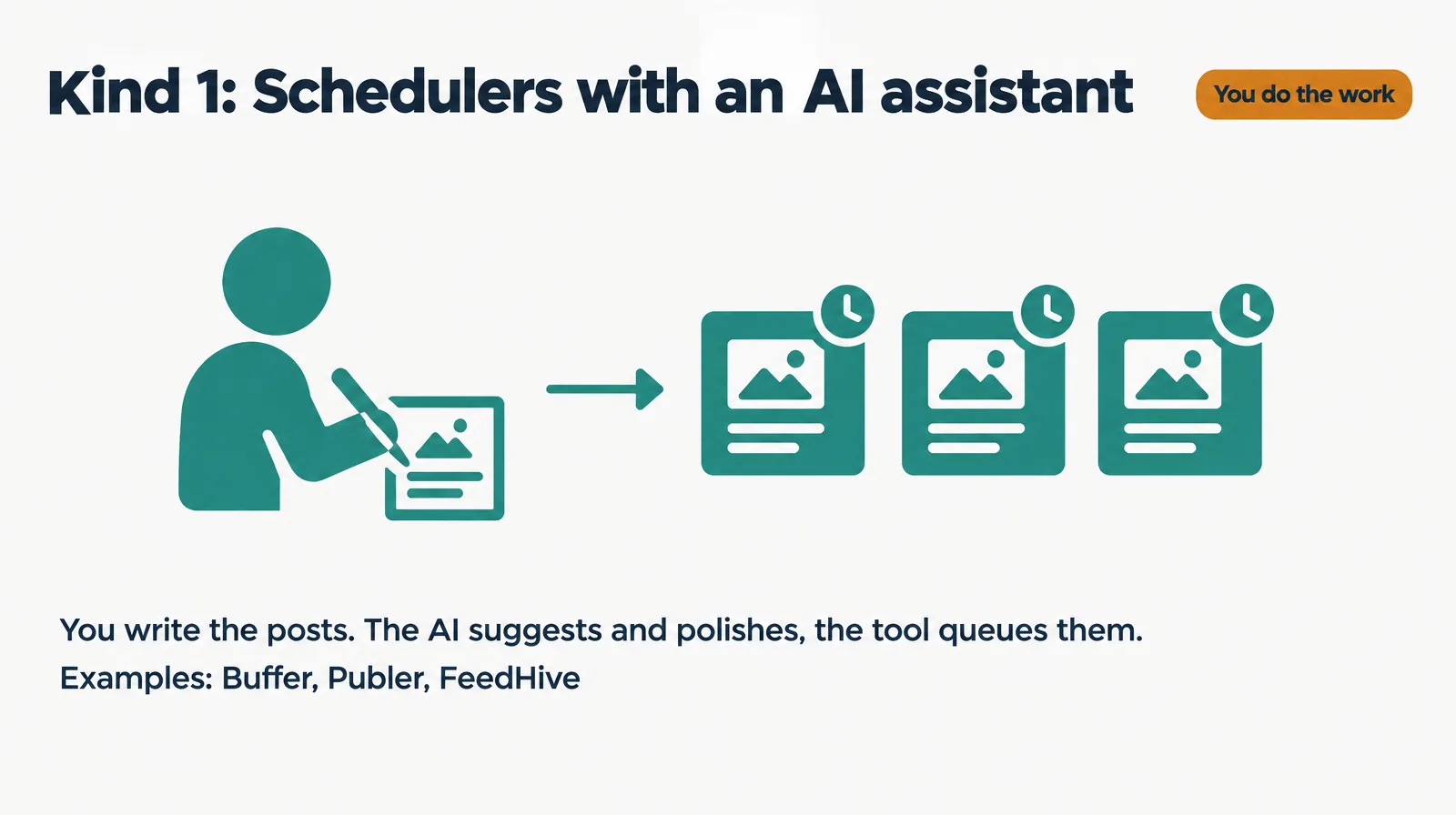
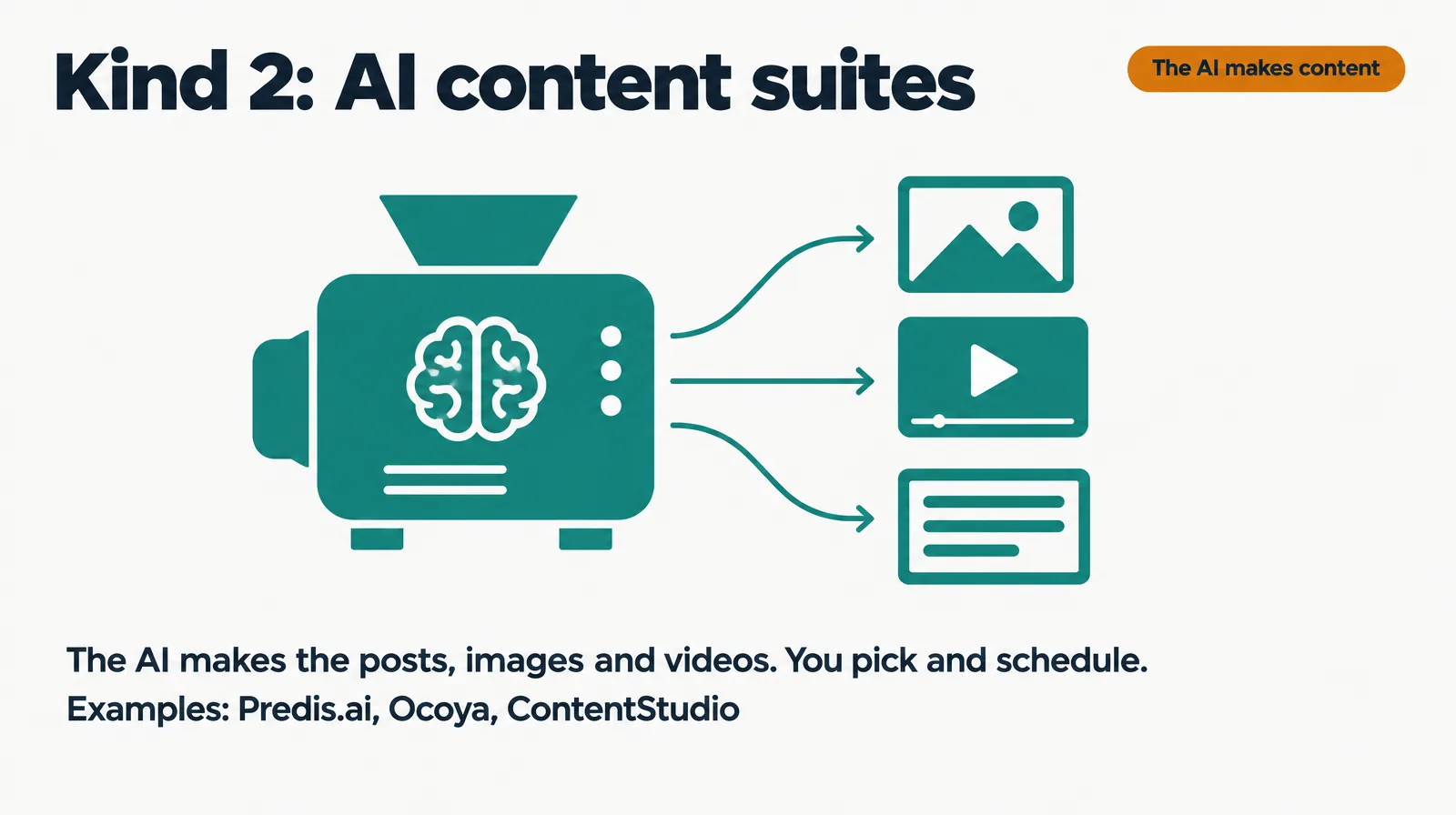
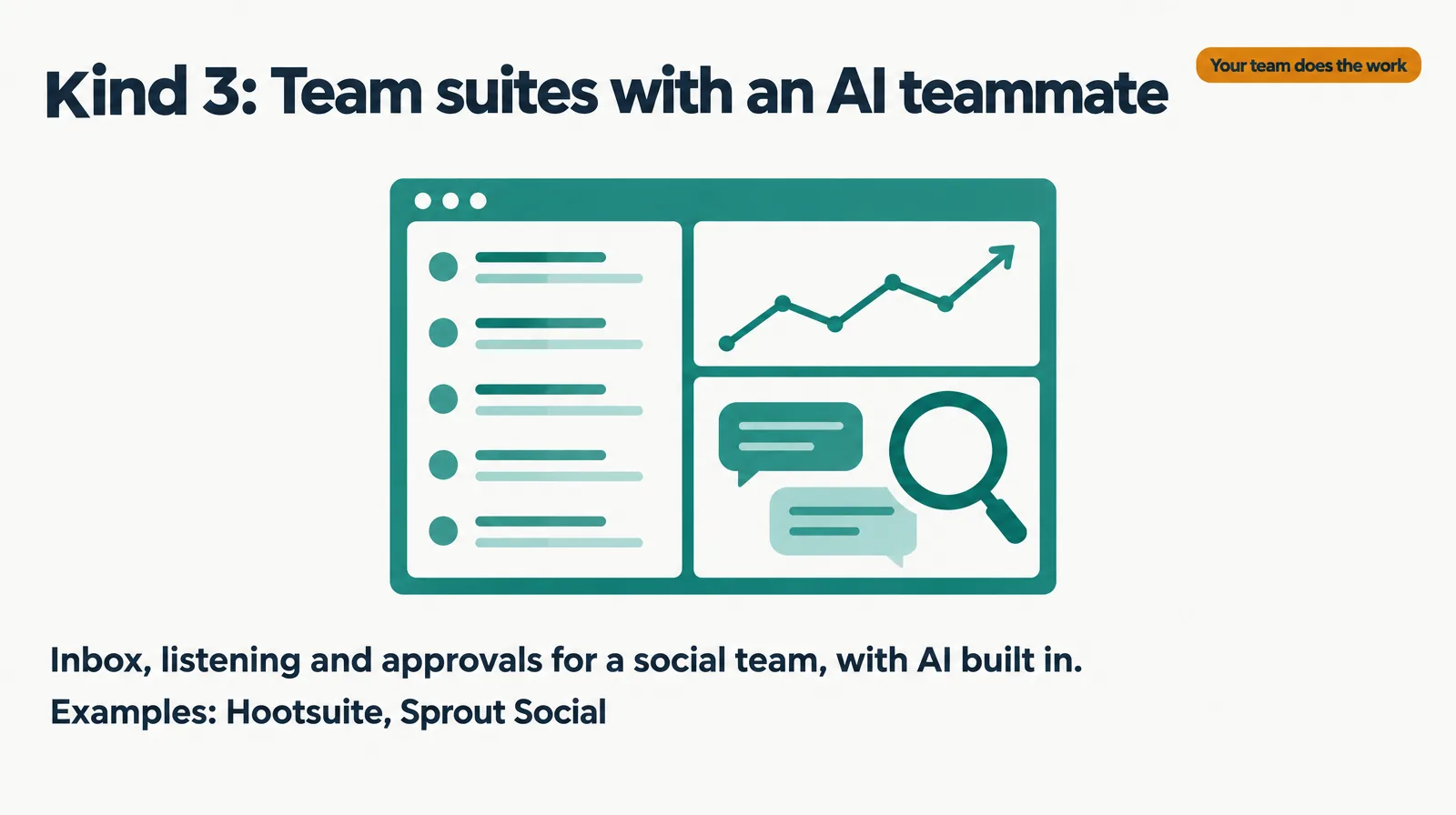
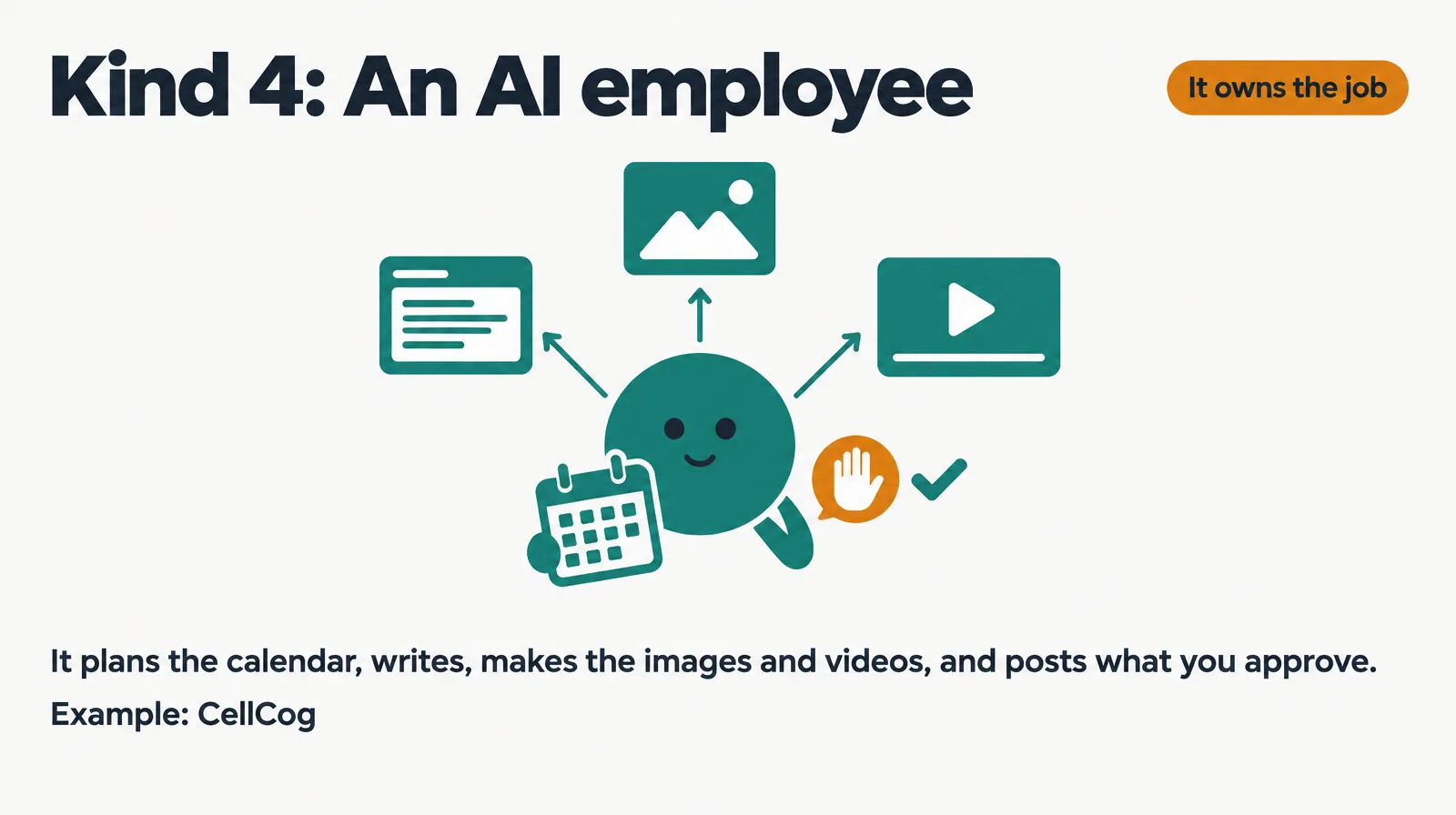
Schedulers queue what you write, and their AI helps you draft. AI content suites generate the posts and visuals for you to pick from. Team suites serve a social team with a shared inbox, listening and approvals. An AI employee takes the role: it plans the month, writes, makes the visuals and posts what you approve.
§ 02The AI social media manager rankings
| Rank | Tool | Cheapest listed plan | What it does | Best for |
|---|---|---|---|---|
| 1 | CellCog | Plans from $8/mo; usage-based; you pay for the work, not the hire | Plans the calendar, writes for each platform, makes images and short videos, posts to LinkedIn, X, Facebook Pages, YouTube and Instagram Business once connected, only after your approval | Small teams that want the job owned |
| 2 | Buffer | Essentials $5/mo per channel, billed yearly | Scheduler with an AI Assistant on every paid plan; Team adds approval workflows | People who write their own posts |
| 3 | Publer | Free plan; Professional $4/mo billed yearly | Scheduler; unlimited AI prompts on Business ($8/mo billed yearly) | Solo creators on a budget |
| 4 | ContentStudio | Standard $19/mo billed yearly | AI Studio for text, images and video, brand voice, planner, 5 accounts | Small brands that want AI-made posts and a planner |
| 5 | FeedHive | Creator $15/mo billed yearly | AI credits and automation runs, 4 accounts | Creators who automate recycling |
| 6 | Predis.ai | Core $24/mo billed yearly, no auto posting | AI-made ads, images and videos; auto posting from Rise ($55/mo billed yearly) | Brands that need visuals fast |
| 7 | Ocoya | Starter $29/mo billed monthly | AI copy and design with scheduling, 5 profiles, 300 credits | Small brands that want one studio |
| 8 | Hootsuite | Standard $99 per user/mo billed annually | Scheduling, AI posts and images, one inbox, brand monitoring | Social teams |
| 9 | Sprout Social | Essentials $79 per seat/mo billed annually | Publishing, reporting and Trellis, its AI teammate | Teams that want analytics and customer care |
Conflict of interest: CellCog wrote this ranking and sits at number one. The ranking rewards how much of the job one tool owns for a small team, which is how CellCog is built. If you enjoy writing your own posts, Buffer at number two is the better buy, and we say so in the FAQ.
§ 03Why this order
CellCog is first because the whole role sits in one AI employee: per our AI social media manager page (September 2026), it plans a month of posts from one message, writes each post for its platform, makes the images and short videos in your colors, and holds every post for your yes. You can approve a kind of post in advance, like two LinkedIn posts a week. It does not run ads or promise reach.
Buffer is second and wins on price and simplicity: Essentials is $5 a month per channel billed yearly with an AI Assistant, and the $10 Team plan adds unlimited team members and content approval workflows. Publer is close behind with a free plan for three accounts (X excluded) and a $4 Professional plan billed yearly.
ContentStudio, FeedHive, Predis.ai and Ocoya sit in the middle because their AI makes the content but you still run the calendar. Predis.ai leans hardest into visuals (“Make ads, videos & UGC.”), and its cheapest plan does not auto-post.
Hootsuite and Sprout Social are built for social teams, and priced per seat. Hootsuite says “Every plan runs on Wisdom, your AI teammate.” Sprout Social pitches “Trellis, your AI teammate”. Both are strong at inbox, listening and reporting; for a two-person business they are more tool than the job needs.
§ 04Cheapest listed plan, side by side
| Tool | Price | Basis |
|---|---|---|
| Publer | $4 | Professional, billed yearly |
| Buffer | $5 | Essentials, per channel, billed yearly |
| FeedHive | $15 | Creator, billed yearly |
| ContentStudio | $19 | Standard, billed yearly |
| Predis.ai | $24 | Core, billed yearly |
| Ocoya | $29 | Starter, billed monthly |
| Sprout Social | $79 | Essentials, per seat, billed annually |
| Hootsuite | $99 | Standard, per user, billed annually |
The per-seat suites cost more per person, and Buffer’s price is per channel, so three channels on Essentials is $15 a month. CellCog is left out of the chart because it is usage-based: the cost depends on how much work you assign, and the pricing page has the figures.
§ 05Where CellCog stands, angle by angle
| Angle | CellCog | Who wins instead, if not us |
|---|---|---|
| Plans the calendar | A month of posts from one message | |
| Writes for each platform | Each post in the length and tone of its channel | |
| Images and short videos | Made alongside the copy | |
| Approval before posting | Every post waits for your yes by default | |
| Shared inbox and listening | Not what it is built for | Hootsuite, Sprout Social |
| Ads | Makes creative, never runs or boosts ads | Predis.ai for ad creative |
| Flat public monthly price | Usage-based, plans from $8/mo | Buffer, Publer |
§ 06How to choose
- If you write your own posts and want them scheduled cheaply, choose Buffer or Publer.
- If you want AI to make the posts and visuals while you run the calendar, try ContentStudio, Predis.ai or Ocoya.
- If you run a social team that answers messages and tracks mentions, choose Hootsuite or Sprout Social.
- If you want the calendar, the writing and the visuals owned end to end, with nothing posted until you approve it, choose CellCog.
- Whatever you pick, approve the first week of posts yourself before you let anything run on a schedule.
§ 07The honest caveats
Prices in this category change often, and most of the prices above are yearly-billing rates; monthly billing costs more (Publer $5, Predis.ai $32, Sprout Social Essentials $99). Buffer prices per channel and Hootsuite and Sprout Social per seat, so compare on your own channel and team counts. SocialBee also appears in these searches; its pricing page did not render a clear price when we read it, so it is not ranked. Every tool here, CellCog included, can publish to Instagram only from a Business or Creator account.
§ 08Update log
- September 30, 2026: page opened; prices read on each vendor’s pricing page September 30, 2026.
§ 09Sources
- Pricing pages read September 30, 2026: Buffer, Publer, FeedHive, ContentStudio, Predis.ai, Ocoya, Hootsuite, Sprout Social.
- Zapier, The best AI social media management software, updated September 24, 2026.
- CellCog, AI Social Media Manager, September 2026.
Q1What does an AI social media manager do?
It plans a content calendar, writes each post for the platform it is going to, makes the images or short videos, and schedules or publishes them. Some tools also run an inbox, listening and reports for a social team.
Q2Buffer or CellCog?
Buffer if you like writing your own posts and want the cheapest reliable scheduler with an AI assistant. CellCog if you want the calendar, the writing and the visuals done for you, with every post waiting for your approval.
Q3Can an AI social media manager post to Instagram?
Only to Instagram Business or Creator accounts, because that is what Instagram allows for publishing tools. With a personal account, the tools can still write the captions and make the images for you to post.
Q4Is there a free AI social media manager?
Publer has a free plan for three social accounts, X excluded, with 10 scheduled posts per account. CellCog lets you try it free, no credit card needed.
Q5Can it run my ads?
Predis.ai makes ad creative. CellCog makes images and videos but never runs or boosts ads or spends your money.