The best AI virtual assistant is the one that comes back with the task finished. Most tools in this category chat well; fewer act. We ranked nine on the work they complete across a small business’s constant list: the inbox, digital errands, research, bookings, documents and reminders. Every price below was read on the vendor’s own pricing page on September 26, 2026.
We make CellCog and it is ranked first. That conflict is stated under the table, every claim about CellCog is dated or linked, and the table names who wins on each axis where we do not.
On this page · 9 sectionsOpen
 An AI virtual assistant is software that takes the small, constant tasks off your list: inbox, digital errands, research, bookings, documents and reminders. The useful ones come back with the task finished, not a list of links.
 They come in three kinds. Inbox and calendar assistants (Martin, Lindy) work inside your mail. Planners (Motion, Reclaim, Saner.AI) schedule your own tasks. AI employees and agent platforms (CellCog, Arahi, Sintra, Zapier Agents) take whole jobs.
 CellCog ranks first because one assistant covers the whole list, from inbox and errands to research reports, trip plans and spreadsheets, remembers your preferences between sessions, and asks before it spends or sends. We make CellCog; the conflict is declared under the table.
 Lindy is the pick for teams that live in Slack and email: $29.99 per user a month, drafts in your voice, up to five inboxes, approvals built in. Martin is the cheapest inbox-and-calendar assistant with a proactive mode, from $21 a month billed yearly.
 The cheapest paid plans start at $8 a month (Saner.AI) and $10 a seat (Reclaim), but those are planners, not assistants that act. Prices here were read on each vendor’s pricing page on September 26, 2026.
 Pick by the job, not the feature list. If the work is your calendar, a planner is enough. If it is your inbox, an inbox assistant. If it is errands, research and follow-through across tools, you want an assistant that owns the list.
§ 01Three kinds of AI virtual assistant
The word covers three different products, and most disappointment comes from buying the wrong kind.

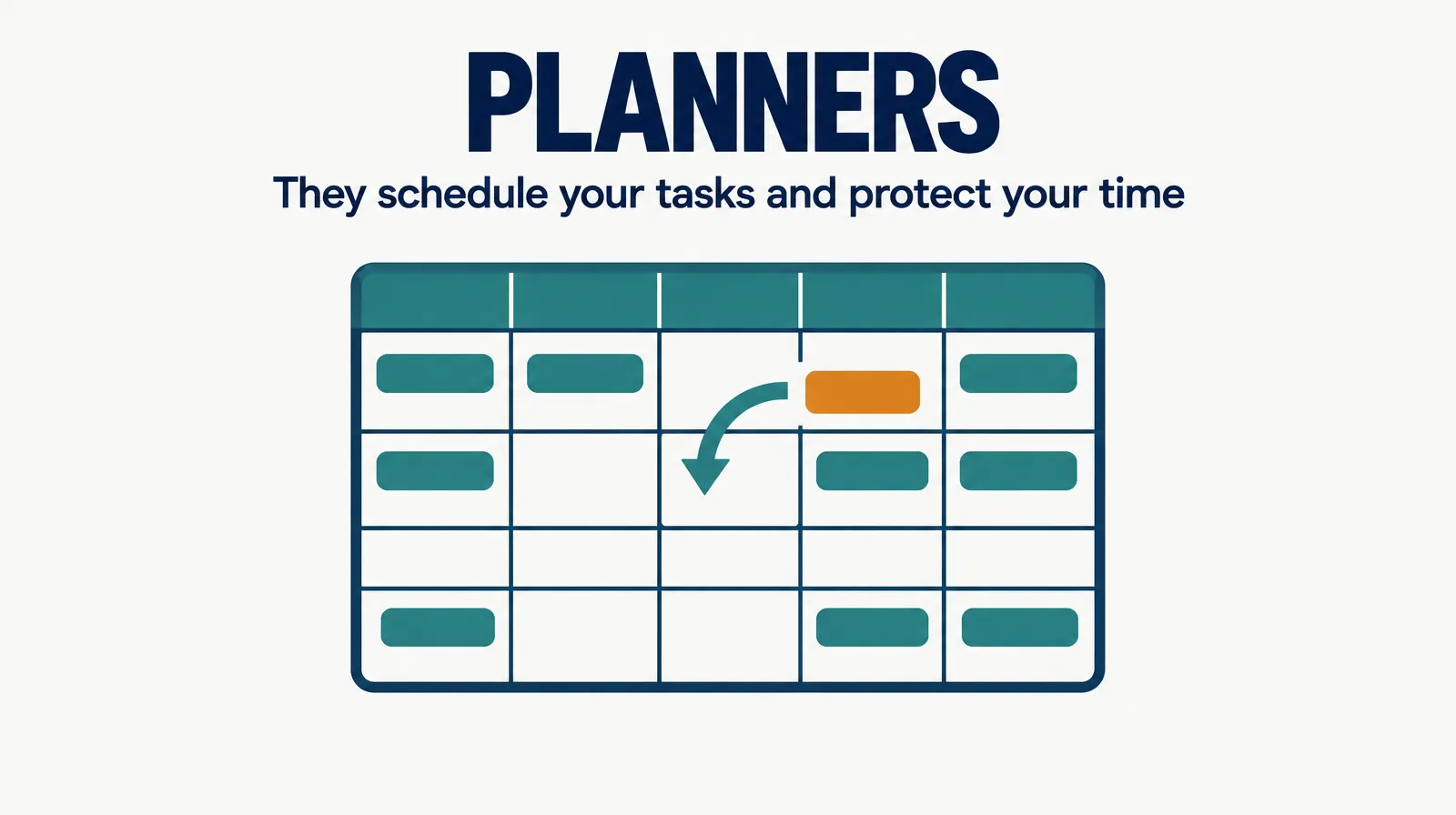
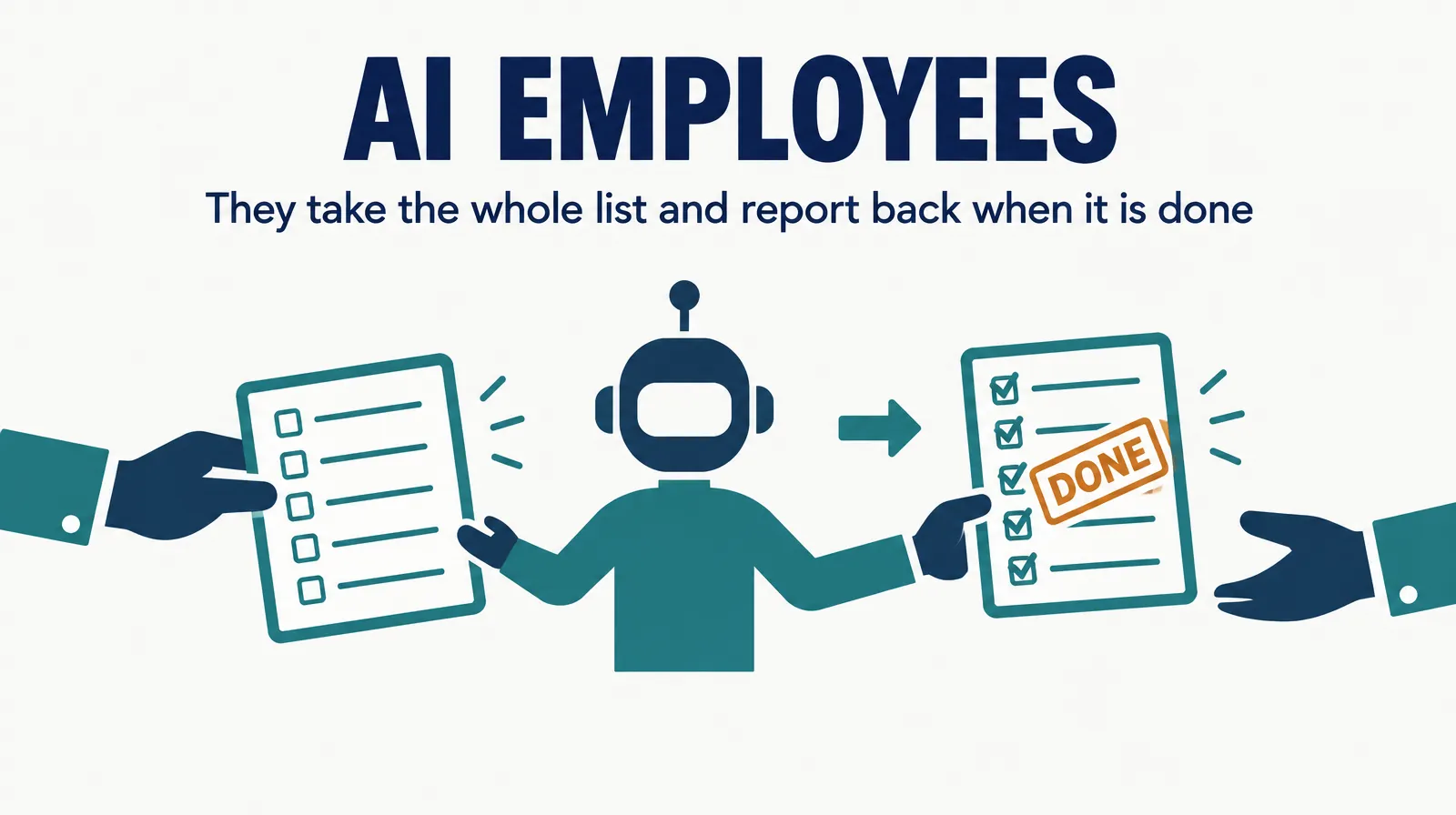
Inbox and calendar assistants live inside your mail: they triage, draft and move meetings. Planners schedule your own tasks into your calendar and defend focus time, but you still do the work. AI employees and agent platforms take a job and carry it through several tools, which is what most people mean when they say they want a virtual assistant.
§ 02The AI virtual assistant rankings
| Rank | Assistant | Cheapest paid plan | What it finishes | Best for |
|---|---|---|---|---|
| 1 | CellCog | Plans from $8/mo; usage-based; you pay for the work, not the hire | Inbox and replies, digital errands, research with a recommendation, trip plans, documents and trackers, reminders | Handing over the whole list |
| 2 | Lindy | Plus $29.99/user/mo | Inbox management, drafts in your voice, up to 5 inboxes, meeting notes, Slack threads | Teams that live in Slack and email |
| 3 | Martin | Basic $21/mo billed yearly ($35 monthly) | Inbox, calendar and to-do list; Pro adds unlimited proactive actions | A budget inbox-and-calendar assistant |
| 4 | Arahi | Starter $49/mo, 5,000 credits | Always-on agents across 1,500+ apps, unlimited agents | Automating one workflow that eats your day |
| 5 | Sintra | $15.60/mo on a 12-month plan ($48.50 one month, on sale) | 12 role helpers, 250 monthly credits | A bundle of helpers at a low price |
| 6 | Zapier Agents | Zapier free; Professional from $19.99/mo; Agents is an add-on | Agents on top of Zapier automations | Teams already running Zapier |
| 7 | Motion | Pro AI $19/seat/mo | AI calendar that schedules tasks and projects | Auto-scheduling your own work |
| 8 | Reclaim | Free; Starter $10/seat/mo | Focus time, habits, tasks and scheduling links | Protecting your calendar |
| 9 | Saner.AI | Free; Starter $8/mo; Standard $16/mo | Notes and tasks with an AI that syncs Drive, email, Slack and calendar | A personal notes-and-tasks assistant |
Conflict of interest: CellCog wrote this ranking and sits at number one. The ranking rewards finishing whole tasks across tools, which is what CellCog is built for; if your need is narrower, rows 2, 3 and 7 are better fits, and we say so. CellCog is not given a score.
§ 03Why this order
CellCog is first because one assistant covers every row of the list: it clears the inbox with drafts in your voice, runs errands like forms, returns and renewals, compares options and returns one recommendation with reasons, plans trips with confirmations filed, keeps documents and trackers current, and reminds you before deadlines. It remembers preferences between sessions and asks before it spends or sends. It is an AI employee, so the same assistant can also produce the research report, the spreadsheet or the PDF the task needed.
Lindy is second and wins outright for teams inside Slack: its pricing page lists “Drafts replies in your voice”, “Connect up to 5 inboxes” and “Approvals built in”, at $29.99 per user a month. Martin is third because it is the cheapest assistant here that works proactively on your mail; its own line is “Let Martin manage your inbox, calendar, and to-do list.” Basic allows “Give Martin 2 tasks at a time”; Pro lifts that.
Arahi and Sintra are agent bundles. Arahi’s pitch fits the owner with one painful workflow: “You’ve got one workflow eating your day. Put an agent on it.” Sintra sells “All 12 helpers” with “250 monthly credits”, cheap on a yearly plan, thin on credits. Zapier Agents make sense only if Zapier already runs your automations. Motion, Reclaim and Saner.AI are planners and notes tools: good at your calendar and your list, not at doing the tasks on it.
§ 04Cheapest listed plan, side by side
| Assistant | Price | Basis |
|---|---|---|
| Saner.AI | $8 | Starter, monthly |
| Reclaim | $10 | Starter, per seat |
| Sintra | $15.60 | 12-month plan, on sale |
| Motion | $19 | Pro AI, per seat |
| Zapier | $19.99 | Professional, from |
| Martin | $21 | Basic, billed yearly |
| Lindy | $29.99 | Plus, per user |
| Arahi | $49 | Starter, monthly |
CellCog is left out of the chart because it is usage-based: the cost depends on how much work you assign, so a single monthly number would mislead. The billing basis matters as much as the number: Martin’s $21 is billed yearly, Sintra’s $15.60 needs a 12-month plan, and per-seat prices multiply with your team. See CellCog pricing for how usage is billed.
§ 05Where CellCog stands, angle by angle
| Angle | CellCog | Who wins instead, if not us |
|---|---|---|
| Whole to-do list in one assistant | Yes: inbox, errands, research, trips, documents, reminders | |
| Slack-native teamwork | Works through connected tools, not a Slack-first app | Lindy |
| Lowest monthly price | Usage-based, from $8 plans | Saner.AI or Reclaim, for planning only |
| Calendar auto-scheduling | Schedules on request | Motion, Reclaim |
| Remembers how you like things | Preferences kept in its Drive between sessions | |
| Asks before spending or sending | Yes | Lindy also lists approvals |
| Research reports, spreadsheets, PDFs | Yes, as part of the same assistant |
§ 06How to choose
- If the work is your calendar, buy a planner (Motion or Reclaim) and save money.
- If the work is your inbox and you live in Slack, choose Lindy; on a budget, Martin.
- If the work is errands, research and follow-through across several tools, choose an assistant that owns the list: CellCog, or Arahi for a single automated workflow.
- Test with one real list for a week before committing to an annual plan.
§ 07The honest caveats
Prices change often in this category and several are sale prices (Sintra) or yearly-billing prices (Martin); check the vendor’s page before buying. We did not run a timed benchmark across all nine; the ranking is based on what each product states it does and what it costs, plus our own product for row one. Manus and Genspark were left out because their prices could not be read on September 26, 2026.
§ 08Update log
- September 26, 2026: page opened; prices read on each vendor’s pricing page.
§ 09Sources
- Vendor pricing pages, read September 26, 2026: Lindy, Martin, Arahi, Sintra, Zapier, Motion, Reclaim, Saner.AI.
- CellCog, AI Virtual Assistant.
Q1What is the difference between an AI virtual assistant and a chatbot?
A chatbot answers. An assistant acts: it sends the reply after you approve it, fills the form, books the table, files the confirmation and tells you it is done. On this list, the planners mostly schedule, and the inbox assistants and AI employees act.
Q2Which AI virtual assistant is best for a small business?
CellCog if you want one assistant for the whole list and it should remember how you like things done; Lindy if your team already works in Slack; Martin if you mostly need your inbox and calendar handled on a budget.
Q3Is there a free AI virtual assistant?
Reclaim, Saner.AI and Zapier have free plans with limits, and Martin offers seven days free. CellCog is free to try, no credit card needed. Free tiers are best for testing whether the assistant fits your work before paying.
Q4Are AI virtual assistants safe with my email and accounts?
Look for three things: approvals before anything is sent or bought, a clear record of what the assistant did, and access you can revoke. Lindy lists approvals built in; CellCog asks before it spends or sends and reports what it finished.
Q5What tasks should I give an AI virtual assistant first?
Start with the repeatable ones you put off: inbox triage and draft replies, renewals and returns, comparing three vendors, a trip plan, a weekly tracker update. Give it one list, check the first results, then widen the list.