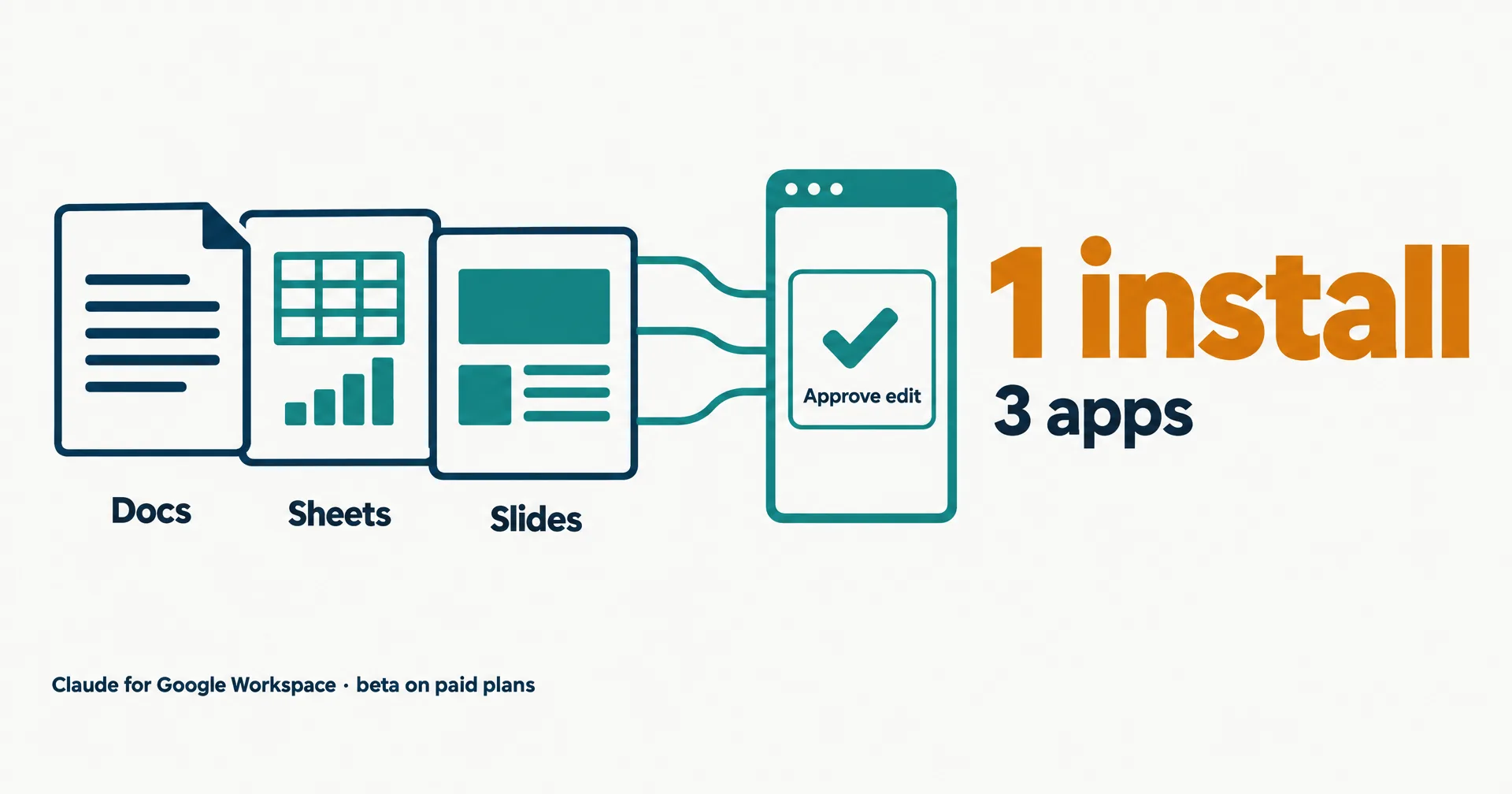
Anthropic put Claude inside Google Docs, Sheets and Slides on October 6, 2026. One add-on opens Claude in a sidebar next to the file you are working on, and it is in public beta on every paid Claude plan. The announcement also added Docs, Sheets and Slides connectors that run the other way: Claude creates and edits Google files from the chat. The launch post from @claudeai went up at 17:25 UTC and had 5,943,481 views fourteen hours later, the biggest AI story on X that day. This page reads Anthropic’s announcement, its help article and the Google Workspace Marketplace listing, as of October 7, 2026.
On this page · 7 sectionsOpen
 Anthropic launched Claude for Google Workspace on October 6, 2026: one add-on puts a Claude sidebar in Google Docs, Sheets and Slides that reads the open file and edits it in place.
 It is in public beta for Pro, Max, Team and Enterprise plans, with no separate price; a Google Workspace super admin can install it for a whole organization.
 By default every change appears as an approval card before it lands; an Accept all edits mode lets Claude work through a task without stopping, and each edit shows in version history.
 Claude asks Google for two permissions only and sees just the open file plus connectors you turn on; it cannot share files, change ownership, handle comments or create automations.
 Separate Docs, Sheets and Slides connectors work the other way, letting Claude create and edit Google files from the chat in a pane beside the conversation.
§ 01What it does
In Anthropic’s words, Claude “can read the doc, sheet, or deck you have open, see which text, cells, or slides you’ve selected, and make changes directly in the file.” The launch post puts the control in one line: “You can approve each edit before it lands.” By default each change shows up as an approval card; an “Accept all edits” mode lets Claude work through a task without stopping.
| App | What Claude does there | How changes land |
|---|---|---|
| Google Docs | Drafts, rewrites, restructures and summarizes; fixes a sentence or restyles a heading in place; redlines contracts | Small fixes in place; bigger rewrites as suggestion cards you apply or dismiss |
| Google Sheets | Writes and debugs formulas, builds pivot tables and native charts, adds tabs, cleans data; pulls a range into Python for joins and writes results back | Direct edits, each shown as an approval card in the default mode |
| Google Slides | Builds new slides from the deck’s own layouts and themes; flags elements that overlap, run off the slide or are hard to read | New slides you review before accepting |
| All three | Uses the same models, connectors and skills as your Claude account | Every edit is recorded under your name in version history |
The sidebar carries the rest of your Claude account with it. Anthropic’s example is a quarterly business review deck: Claude pulls account history from Salesforce and call notes through the Google Drive connector, and the format can be saved as a skill so the next deck follows the same steps. On Enterprise plans, the Compliance API, customer-managed encryption keys and audit export apply to the add-on too.
§ 02Who gets it and how to install
- Plans. The help article lists Pro, Max, Team and Enterprise, in beta. Free accounts are not included.
- Install. One install from the Marketplace covers all three apps. Then open a file and go to Extensions, Claude, Open Claude. Google asks for two permissions the first time.
- Admins. Many organizations block Marketplace installs. A Google Workspace super admin can install Claude for everyone, or for chosen groups, from the Google Admin console; that works even while user installs are blocked.
- The other direction. The Docs, Sheets and Slides connectors are a separate beta inside Claude: paste a Google file link, or ask for a new doc, sheet or deck, and it opens in a pane beside the chat. On Team and Enterprise, an owner turns the connectors on first. Access follows your Google sharing permissions.
- Price. No separate price is published. The Marketplace listing is marked Paid, and access comes with the Claude plan.
§ 03What it cannot do
The add-on asks Google for the narrowest access that works. The help article says Claude requests two permissions, “the minimum needed to show a sidebar and edit the file it is opened in,” and no access to Drive, Gmail, Calendar or contacts. It sees only the open file plus any connectors you turn on, and Anthropic says the content “is not used for training”. Several limits follow from that choice, and the article lists them:
| Limit | What it means in practice |
|---|---|
| No sharing or ownership changes | “Claude cannot share the file, give anyone access, or change who owns it”, even if asked |
| No comments | It cannot read, reply to or resolve comments; paste a comment into the chat instead |
| Edits are direct, not suggestions | Its edits land as direct changes; use the default approval mode to review each one |
| No document tabs management | It reads and edits every tab but cannot create, rename or reorder tabs |
| No Connected Sheets | Live BigQuery tabs cannot be read; extract the rows to a regular tab first |
| No automations | No triggers, custom menus or scheduled refreshes |
| Browsers | Chrome, Edge or Safari; “Firefox is not supported in this beta” |
§ 04Why it took over X
Most of the replies were about Google, not Anthropic. Gemini already sits in Google’s own apps, and the most-liked replies to the launch post read it as Claude moving into Gemini’s home. Our Gemini 4 Argon record covers where Google’s own model stands. For Anthropic, it is the second office suite after Microsoft 365, and it follows the same pattern as ChatGPT’s Meetings plugin the same day: the assistant goes to where the work already is.
§ 05Where an AI employee fits
The sidebar is an assistant you drive file by file: you open the doc, you ask, you approve. A CellCog AI employee takes the job instead. It works on its own secure computer with its own file system and browser, connects to Google Drive, Docs and Sheets through Tools, and keeps working between conversations, so a weekly report or a deck refresh gets done without anyone opening the file first. Every CellCog tier runs on Claude Opus 5.5, the same family the sidebar offers.
§ 06What we are watching
- General availability. When the add-on leaves beta, and whether Free accounts get it.
- Comments and suggestions. The two most-requested gaps on the limits list.
- Google’s answer. Any change to Gemini in Workspace after this launch.
- Admin adoption. Whether large Workspace domains allow it, given Marketplace installs are often blocked by default.
§ 07Sources
- Anthropic, Claude now works with Google Docs, Sheets, and Slides, October 6, 2026: claude.com
- Claude Help Center, Use Claude in Google Docs, Sheets, and Slides: support.claude.com
- Claude Help Center, Use Google Workspace connectors: support.claude.com
- Google Workspace Marketplace, Claude listing: workspace.google.com
- Claude for Google Workspace page: claude.com
- @claudeai on X, October 6, 2026, 17:25 UTC: x.com/claudeai
Q1How do I add Claude to Google Docs?
Install Claude from the Google Workspace Marketplace, open a file, and go to Extensions, Claude, Open Claude. One install covers Docs, Sheets and Slides, and Google asks for two permissions the first time.
Q2Which Claude plans include the Google Workspace add-on?
Pro, Max, Team and Enterprise, in public beta as of October 7, 2026. Anthropic has not published a separate price; access comes with the paid plan.
Q3Can Claude for Google Workspace see my whole Google Drive?
No. Per Anthropic’s help article it sees only the file you have open, plus any connectors you turn on, and it does not request access to Drive, Gmail, Calendar or contacts.
Q4What can't Claude do in Google Docs, Sheets and Slides?
It cannot share files or change ownership, read or resolve comments, create document tabs, read Connected Sheets tabs, or create triggers and scheduled refreshes. Firefox is not supported in the beta.
Q5How is this different from a CellCog AI employee?
The add-on is an assistant you drive inside one open file at a time. A CellCog AI employee works on its own computer, connects to Google Drive, Docs and Sheets through Tools, and keeps recurring file work going between conversations.