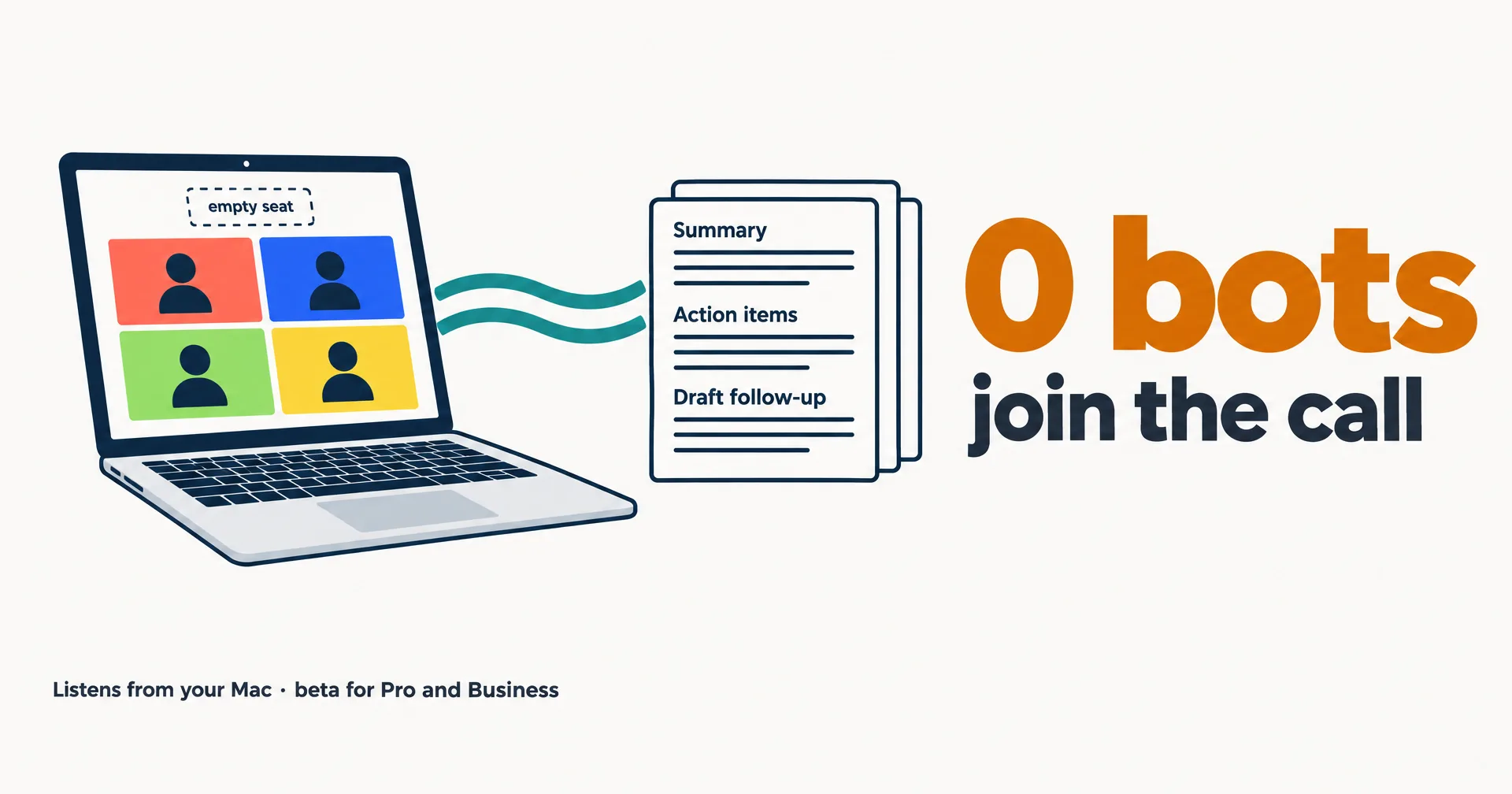
OpenAI’s Meetings plugin turns the ChatGPT desktop app on a Mac into a meeting note-taker that listens through your microphone and system audio, with no bot joining the call. It is in beta for the Pro and Business plans. OpenAI listed it in its ChatGPT release notes under September 29, 2026, the day of DevDay. On October 6 it announced the plugin with a post from @ChatGPT that opens “Your next meeting comes with a note-taker who can help with the follow-up.” By 02:48 UTC on October 7, that post had 491,542 views. This page reads OpenAI’s help article, the release notes, ChatGPT’s pricing and the pricing pages of Granola and Otter, all read October 6, 2026.
On this page · 6 sectionsOpen
 OpenAI’s Meetings plugin takes notes from online calls and in-person conversations through your Mac’s microphone and system audio, without a bot joining the call.
 It is in beta in the ChatGPT macOS app for Pro (from $100 a month) and Business ($25 per user a month, $20 billed annually); Plus, Windows and phones are not included yet.
 After the call it writes a summary and suggested action items to a page in ChatGPT Space, and you can start an action item, such as a follow-up email draft, with one click.
 Consent is your job: the reminder in the app is visible only to you, and it does not notify the other participants or collect their consent.
 Granola and Otter already sell meeting notes from $14 and $16.99 per user a month; a CellCog AI employee instead joins Google Meet or Zoom under its own name and answers when addressed.
§ 01How Meetings works
You install Meetings from Plugins in the ChatGPT macOS app and allow it to use the microphone and the system audio. Then you click Take notes when a call starts and stop when it ends. OpenAI’s help article says it works “for online calls or in-person conversations, without a bot joining the call”. Because it hears whatever your Mac plays, it does not need a link to the meeting. The article does not name Zoom, Google Meet or Teams.
While it listens, you can type your own notes on the same page. When you stop, ChatGPT writes a summary and suggested action items next to your notes, in ChatGPT Space. It draws on the transcript, your notes and context from the apps you have connected. You can edit each action item and start it with one click, for example a follow-up email draft or a project plan update. A calendar is optional: the Google Calendar or Outlook Calendar plugin adds reminders and a list of upcoming meetings.
Alexander Embiricos, posting about the launch on X, tied it to OpenAI’s always-on agent: “I use it so my dot has the context it needs and stays on top of followups.” Read that way, Meetings is also a feed of context for dots, which launched at the same DevDay. On October 6 the release notes also added audio uploads for paid plans, so a recording made elsewhere can be summarized the same way.
| Item | Meetings plugin |
|---|---|
| Where | ChatGPT desktop app on macOS, installed from Plugins |
| Plans | All Pro and all Business plans, in beta |
| Not yet | Enterprise (limited alpha), Windows, iOS and Android (coming soon) |
| How it hears | Mac microphone plus system audio; no bot joins the call |
| Works for | Online calls and in-person conversations |
| Output | Summary and suggested action items on a page in ChatGPT Space, next to your own notes |
| Action items | Edit any of them, then start one with a click |
| Sharing | Private by default; people you share with see the notes, not the transcript |
| Audio | Deleted from your Mac and OpenAI’s servers once the notes are ready; it cannot be replayed |
| Consent | Yours to get; the reminder in the app is visible only to you |
| Calendar | Optional, through the Google Calendar or Outlook Calendar plugin |
§ 02What it costs
Meetings has no price of its own; it comes with the plan. Plus, Go and Free are not on the list of plans that get it.
- Pro starts at $100 a month in three usage tiers. The top tier, Pro 500, costs $500 a month.
- Business is $25 per user a month billed monthly, or $20 billed annually for two or more users.
- Enterprise is in a limited alpha that customers join through their account manager.
The note-taker market it walks into already has published prices:
| Product | In the call | Cheapest paid plan with it, list price | Runs on | What you get |
|---|---|---|---|---|
| ChatGPT Meetings | No bot; Mac microphone and system audio | Business, $25 per user a month ($20 billed annually); Pro from $100 | ChatGPT for macOS, beta | Summary and action items you can start in ChatGPT |
| Granola | No bot; device audio | Business, $14 per user a month; free Basic keeps 30 days of history | Desktop, iOS, Android and Apple Watch apps | AI meeting notes and chat across meetings |
| Otter | Notetaker joins Zoom, Teams and Google Meet | Pro, $16.99 per user a month ($8.33 billed annually); free Basic has 300 minutes a month | Web, iOS and Android apps | Live transcription, summaries with action items |
| CellCog AI employee | Joins Google Meet or Zoom under its own name, marked as AI | Pay for the work it does; see pricing | Google Meet and Zoom; Microsoft Teams later | Answers when addressed, then files decisions and action items as its own tasks |
On price per seat, ChatGPT Business costs more than Granola’s or Otter’s entry plans. What it adds is placement: the notes land inside ChatGPT, where the same assistant can act on them.
§ 03No bot means consent is your job
A bot in the participant list tells everyone a note-taker is there. A note-taker that listens from your laptop does not, so OpenAI puts the telling on you. The help article says: “Tell everyone in the meeting that you’ll be taking notes from the meeting and get everyone’s consent before you start.” It adds that the reminder in the app “does not notify other participants or obtain their consent for you”. Granola, which also takes notes without a bot, has a setting called “Let people know you’re using Granola”, which an admin can enforce on its Enterprise plan. Recording and consent laws differ from place to place, and with a bot-free tool, meeting them is up to the person taking notes.
The audio itself is short-lived. Per the release notes, “Audio is deleted once your notes are ready and can’t be accessed or replayed.” The help article adds one exception: if you are offline or processing is incomplete, the audio can stay on your Mac until it uploads or finishes.
§ 04Where an AI employee fits
Meetings, Granola and Otter take notes for you. A CellCog AI employee comes to the meeting itself. You add its email address to the calendar invite. It joins Google Meet or Zoom one minute before the start, under its own name marked as AI, and listens to the whole room. When someone addresses it, it answers, within what it is authorized to say. It does not commit your company to dates, prices or scope in the room. After the call, it files the decisions and action items as its own tasks and follows up on them. Recording is off by default; the employee keeps a transcript and its notes. How our employees attend meetings covers the details.
The limits run the other way too. ChatGPT’s plugin covers in-person conversations and any call your Mac plays. Our employees join Google Meet and Zoom only, with Microsoft Teams coming after them.
§ 05What we are watching
- More platforms. OpenAI lists Windows, iOS and Android as coming soon.
- Enterprise. Whether the alpha opens to every Enterprise workspace.
- Plus. Whether the $20 plan gets Meetings.
- Named apps. The help article names no meeting apps; it relies on system audio.
- dots. How much meeting context OpenAI’s always-on agent starts acting on.
§ 06Sources
- OpenAI Help Center, The Meetings plugin in ChatGPT: help.openai.com
- OpenAI Help Center, ChatGPT release notes (Meetings under September 29, 2026; audio uploads October 6): help.openai.com
- @ChatGPT on X, October 6, 2026, 20:25 UTC: x.com/ChatGPT
- Alexander Embiricos on X, October 6, 2026, 21:48 UTC: x.com/embirico
- ChatGPT pricing, Individual and Business tabs: chatgpt.com/pricing
- Granola pricing: granola.ai/pricing
- Otter pricing, monthly billing: otter.ai/pricing
- CellCog Meetings Guide: cellcog.ai/support/meetings-guide
Q1Does the ChatGPT Meetings plugin join Zoom or Google Meet as a bot?
No. It captures your Mac’s microphone and system audio, so it hears any call your Mac plays without a bot joining. OpenAI’s help article does not name specific meeting apps.
Q2Which ChatGPT plans include Meetings?
All Pro and all Business plans, in beta, in the macOS desktop app, as of October 6, 2026. Pro starts at $100 a month; Business is $25 per user a month billed monthly or $20 billed annually. Plus, Go and Free are not listed, and Enterprise is in a limited alpha.
Q3Does ChatGPT keep the meeting audio?
No. The audio streams to OpenAI to make the notes and is then deleted from your Mac and OpenAI’s servers; it cannot be replayed. If you are offline or processing is incomplete, it can stay on your Mac until it finishes.
Q4Do the other people in the meeting know ChatGPT is taking notes?
Not from ChatGPT. OpenAI tells you to inform everyone and get their consent before you start; the reminder in the app is visible only to you and does not notify other participants.
Q5How is Meetings different from an AI employee in a meeting?
Meetings writes notes for you from your own Mac. A CellCog AI employee is a participant: it joins Google Meet or Zoom under its own name marked as AI, answers when addressed within what it is authorized to say, and files the action items as its own tasks. It does not cover in-person conversations or Microsoft Teams yet.