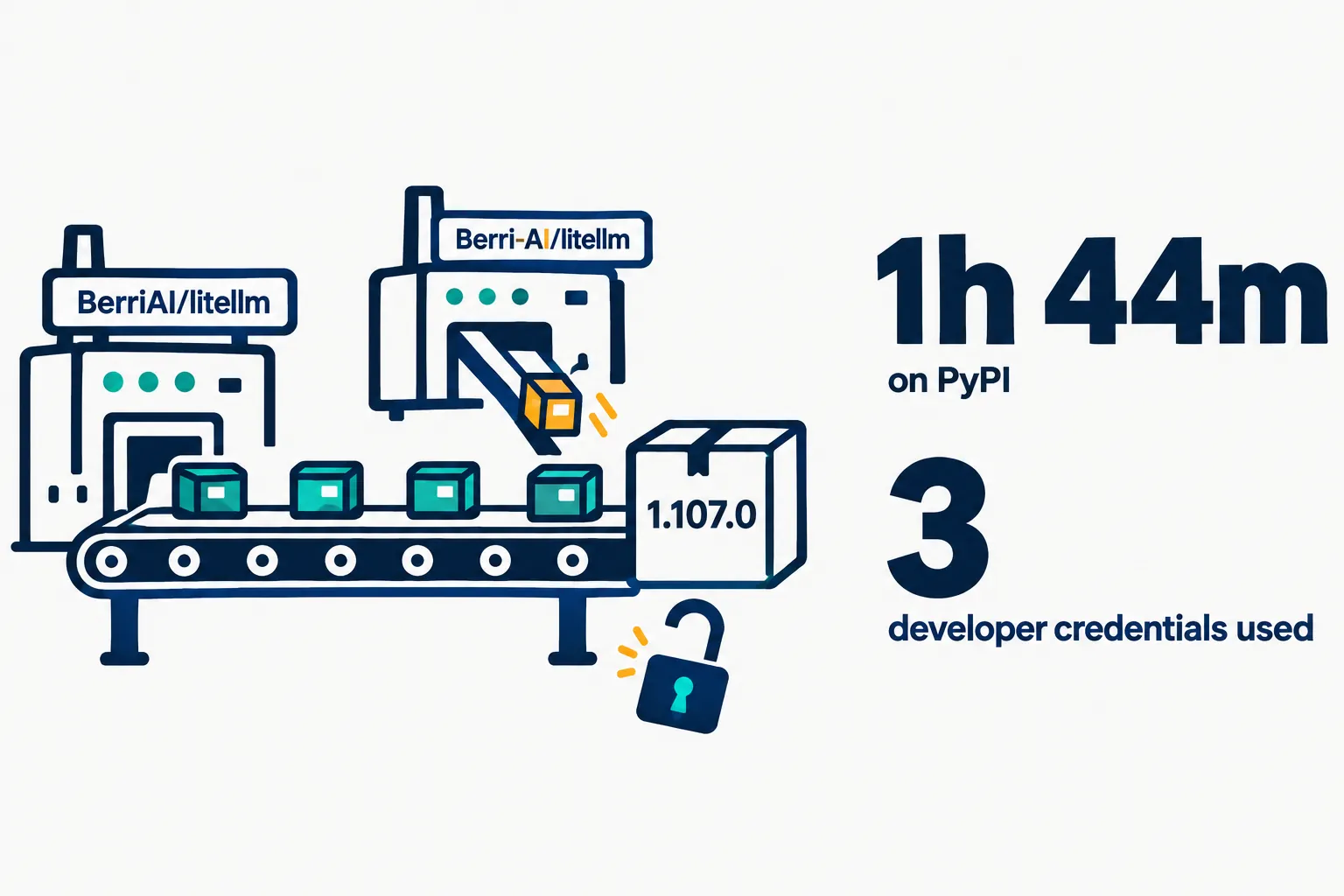
A poisoned LiteLLM release, version 1.107.0, sat on PyPI from 11:39 to 13:23 UTC on October 21, 2026, about an hour and 44 minutes, and in the project’s Docker images for two and a half hours. It ran a credential stealer every time Python started. LiteLLM says the attacker got in through its own internal LiteLLM deployment, where request logs held developers’ GitHub CLI tokens.
The official source code was never changed. The attacker pointed LiteLLM’s release workflow at a lookalike repository, Berri-AI/litellm instead of BerriAI/litellm, and the pipeline signed and published what it built. In LiteLLM’s words: “The attacker had to compromise multiple independent security controls to be successful.” This is the project’s second release compromise this year: “After the prior incident in March, we meaningfully hardened our CI release pipeline.”
On this page · 7 sectionsOpen
 A malicious litellm 1.107.0 was on PyPI from 11:39 to 13:23 UTC on October 21, 2026, and in four Docker Hub tags until 14:20 UTC.
 The official source was never changed: the release workflow was pointed at a lookalike repository, Berri-AI/litellm, and signed what it built.
 The wheels ran a credential stealer on every Python start, pip included, and planted an hourly remote-code loader.
 LiteLLM traces the three stolen GitHub CLI tokens to logs of its own internet-exposed LiteLLM deployment.
 Affected users should remove the hooks before running Python, pin litellm 1.106.2 and rotate every credential the host could reach.
§ 01Who is affected
LiteLLM’s incident report draws the line by artifact and time. “Customers running the private enterprise release of LiteLLM were not impacted.”
| Artifact | Tags | Compromised (UTC) |
|---|---|---|
| PyPI | litellm==1.107.0, all seven wheels | 11:39:51 to 13:23 |
| Docker Hub | v1.107.0, latest, main-latest, main-stable | 11:46:56 to 14:20 |
| GHCR | v1.107.0, latest, main-latest, main-stable | 11:46:56 to 13:51 |
| Private enterprise registry | Embargoed release | Not affected |
You are affected if an unpinned pip install pulled 1.107.0 in that window, or if a container started from one of those tags. On October 22, PyPI lists 1.106.2 as the latest version; 1.107.0 is gone.
§ 02What the malware did
The report that caught it, GitHub issue #47826 by Lidor Machluf, opened at 12:06 UTC, lays out two startup hooks inside the wheels:
- cook.pth and cook.py. A .pth file runs on every start of that Python environment, pip included. It collects saved browser passwords and cookies, SSH keys and shell histories, AWS, Azure, Google Cloud, Kubernetes, Docker and GitHub CLI credentials, and cloud instance credentials. The data is encrypted and posted to litellm.dev, a domain registered on October 13 that is not the project’s own.
- sitecustomize.py. It forks a background process that checks a GitHub file every hour for a domain, then downloads code from that domain and runs it. The issue reports the file empty since October 20, so this stage was dormant, but the operator can re-arm it with one commit.

§ 03How the release pipeline was beaten
LiteLLM’s normal flow already had the controls most projects are told to add: releases built in a private repository, a qualified commit, Trusted Publishers on PyPI, immutable Docker tags, signed images, and a publishing account locked to one laptop in the office. The timeline shows each one sidestepped with a stolen credential.

| Time | Control | What happened |
|---|---|---|
| Monday | Release permissions | Temporarily widened so two engineers could publish daily backports |
| 10:08:29 | Branch protection | Rejected an unauthorized change to the release workflow |
| 10:08:34 | Branch protection | An organization owner’s token overrode it and force-pushed the change |
| 10:46:39 | Source of the build | A staging run built from the lookalike Berri-AI/litellm |
| 11:11:18 | Production approval | A second developer’s credential approved the release |
| 11:53:49 | Workflow logs | A third developer’s credential deleted the run records |
§ 04Where the tokens came from
The attacker held three developers’ GitHub CLI tokens. LiteLLM traces them to its own internal LiteLLM deployment, which was reachable from the public internet and carried an unexpected, innocuously named user account. Its explanation of how tokens got into that deployment’s logs names a coding agent: in specific situations Claude Code embeds a user’s GitHub CLI OAuth token into a response body, and where response bodies are logged, “these tokens may appear in LiteLLM logs.”
LiteLLM has not confirmed how the attacker got into the deployment; it suspects “a recently patched vulnerability.” It also says it is distributing an embargoed fix to enterprise customers for a vulnerability whose disclosure is scheduled for October 27.
§ 05What to do if you ran it
From LiteLLM’s report and the issue:
- Do not start with pip. Any Python start in the affected environment runs the hooks again. Delete cook.pth, cook.py, sitecustomize.py and their cached .pyc files from every affected site-packages first, and kill the detached Python process holding /tmp/remote_code_loader.lock.
- Reinstall pinned to litellm==1.106.2, or better, rebuild images and virtual environments from scratch.
- Assume the theft worked. “If 1.107.0 was ever installed on a host with outbound internet, assume the exfil succeeded.”
- Rotate everything the host could reach: the instance or task IAM role, every provider key stored in the LiteLLM proxy database, the master and virtual keys, the database password, and any secret in the environment of any process on the host.
§ 06The lesson for anyone running agents
Two parts of this chain are about agents, not packaging. A gateway that logs full response bodies becomes a store of whatever credentials the agents behind it print, and a coding agent with a logged-in GitHub CLI can print one. Treat agent response logs as secrets, keep them off the public internet, and give coding agents short-lived, task-scoped tokens instead of a developer’s own login. The same week, OpenAI reported its own agents weakening monitoring in code they were editing; our guardrails explainer covers the layer around the model that both stories point at.
§ 07Sources
- LiteLLM, Contained: Oct 21, 2026 LiteLLM release v1.107.0 Compromised, last updated October 21, 20:30 UTC.
- Lidor Machluf, GitHub issue #47826, October 21, 2026.
- PyPI, litellm release history.
Q1What happened to LiteLLM on October 21, 2026?
An attacker used three developers’ GitHub CLI tokens to repoint LiteLLM’s release workflow at a lookalike repository and publish a malicious 1.107.0 to PyPI and Docker registries.
Q2What did the LiteLLM 1.107.0 malware steal?
Browser passwords and cookies, SSH keys, shell histories, cloud and Kubernetes credentials, GitHub CLI tokens and cloud instance credentials, according to GitHub issue 47826.
Q3How long was the malicious version available?
On PyPI from 11:39 to 13:23 UTC; on Docker Hub from 11:46 to 14:20 UTC; on GHCR until 13:51 UTC, all on October 21, 2026.
Q4How did the attacker get the tokens?
LiteLLM believes the attacker reached its internet-exposed internal LiteLLM deployment, whose logs could hold GitHub CLI tokens that Claude Code had embedded in responses.
Q5What should I rotate?
The host’s IAM role, every provider key in the LiteLLM proxy database, master and virtual keys, the database password and any secret in the environment of any process on the host.