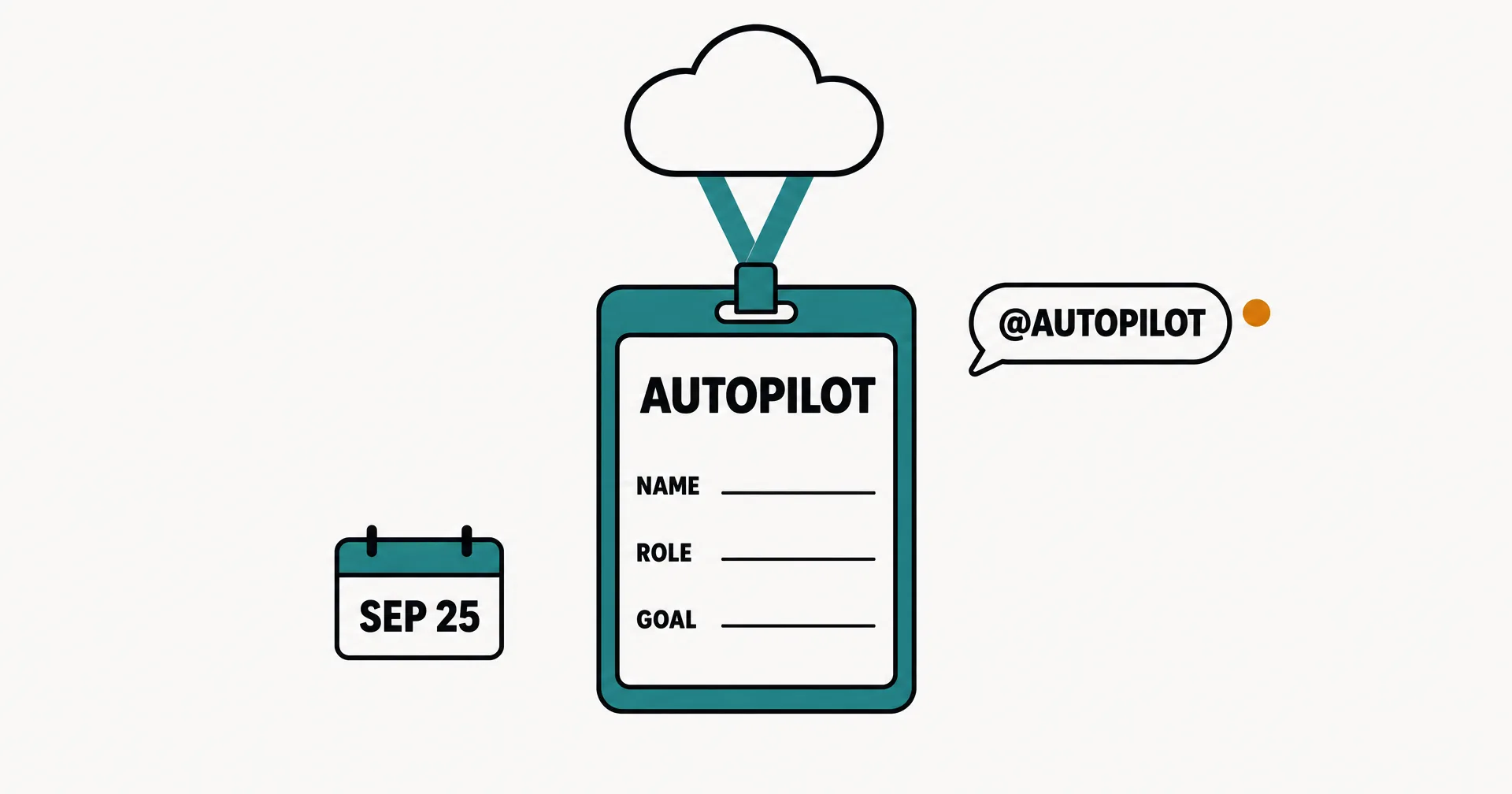
Microsoft announced a rebuilt Copilot on September 25, 2026, and the part that matters most for anyone following AI employees is Autopilot. The official post, by Jared Spataro, describes Autopilot as “a persistent, proactive and personal agent” and says it was “previously called Scout, is your digital teammate.” You give it a name, a role and a goal. It lives in your Microsoft 365 tenant with “its own identity, memory, computer and workspace.”
Here is what Microsoft published, what ships when, how it is billed, and how it compares with a platform built around AI employees.
On this page · 7 sectionsOpen
- On September 25, 2026, Microsoft announced a rebuilt Copilot app with three new parts: Home, Code and Autopilot. Autopilot is the agent that was previously called Scout.
- Microsoft calls Autopilot a ‘digital teammate’: you give it a name, a role and a goal, and it watches channels, follows up on threads, runs recurring work and picks projects back up days later without waiting for a prompt.
- It lives in the customer’s Microsoft 365 tenant with its own identity, memory, computer and workspace, is cloud-hosted, and shows up in Teams, Outlook, chats, channels and documents, where people can @mention it.
- Availability: Autopilot expands to private preview at the end of September; Home and Code roll out through Microsoft’s Frontier program; a proactive Today view enters private preview in October.
- Billing: Cowork, Code and Autopilot run on usage-based billing, separate from the per-user Copilot subscription. Microsoft names Astra and Fable among the frontier models on that meter.
- It is the clearest sign yet that the largest software vendors see the named, persistent AI teammate as a product category, not a feature.
§ 01What Microsoft announced
| Part | What Microsoft says it is |
|---|---|
| Home | The new starting point in Copilot, where Chat and Cowork come together, with Word, Excel and PowerPoint built in |
| Code | Build apps, trackers, dashboards and automations in natural language, on the same technology as GitHub Copilot, in a sandbox |
| Autopilot | A cloud-hosted agent, previously Scout, set up with a name, a role and a goal |
| Copilot Managed Runtime | Hosting that runs code inside the company’s Microsoft 365 environment, in preview |
| Plugin registry | One catalog for Microsoft, partner and custom plugins, managed by IT |
| Today | A proactive view across mail, calendar, Teams and tasks, private preview in October |
§ 02Autopilot, in Microsoft’s words
The setup is one line: “Give it a name, a role and a goal, and it goes to work”. From there, Microsoft lists the work as “watching channels, following up on threads, running recurring work and picking a project back up days later, without waiting for a prompt.”
Microsoft’s example is operational, not creative: “It can do things like set up and manage a full supplier review process”. That means building the schedule and workback plan, then handling prep, meetings and follow-ups, down to reaching out to stakeholders for updates. Because it is cloud-hosted, Microsoft says, “it keeps working while you sleep or your attention is elsewhere”.
It shows up where Microsoft 365 companies already work: Teams, Outlook, chats, channels and documents, where people can @mention it like a colleague. Governance is part of the pitch: “You set the objective and boundaries”. Permissions, audit and governance sit behind it, and it is grounded in Microsoft IQ, the company’s context layer across Microsoft 365, Dynamics 365 and Power BI.
§ 03What ships when
| When | What |
|---|---|
| September 25 | Announcement; Fabric IQ generally available in Chat and Cowork |
| End of September | Autopilot expands to private preview; Code rolls out to the Frontier program |
| Coming weeks | Home rolls out in Frontier; plugin registry generally available across surfaces; Code broadly available |
| October | Today enters private preview; Copilot Studio agents join Agent 365 cost management |
| Later in 2026 | Code in preview for Microsoft 365 Premium and Pro subscribers |
The status that matters for buyers: Autopilot is a private preview. No general availability date was given.
§ 04How it is billed
Microsoft splits Copilot spend in two. Everyday AI (chat, drafts, summaries inside Office) stays on a per-user subscription license. Agentic work moves to usage-based billing: “Cowork, Code, and Autopilot, new long-running agentic capabilities, and frontier models like Astra and Fable all run on UBB.” Microsoft pairs this with new FinOps controls in Agent 365: spending policies, credit requests routed into approval workflows, and per-user usage views. The announcement gives no per-task prices for Autopilot.
The split matches where the market is heading: a seat for assistance, and a meter for work an agent owns.
§ 05How Autopilot compares with an AI employee
Microsoft’s description checks most of the boxes we use to define an AI employee: a role and a goal, its own identity and memory, recurring work, and follow-through without a prompt. The honest differences are scope and availability.
| Microsoft Copilot Autopilot | CellCog AI employees | |
|---|---|---|
| Status | Private preview, expanding end of September 2026 | Available today, self-serve |
| Where it works | Inside the Microsoft 365 tenant: Teams, Outlook, documents | Its own inbox and task board, plus 1,500+ connected apps |
| Setup | A name, a role and a goal | Any role, described in a prompt |
| Identity and memory | Its own identity, memory, computer and workspace | Its own email address, memory, task board and workspace |
| Teams | One teammate you @mention | Employees form teams, report to managers and delegate to each other |
| Billing | Usage-based, beside the Copilot seat | Pay for the work, not the hire |
Where Microsoft wins: if your company already runs on Microsoft 365, Autopilot will sit closest to your data, identity and IT controls, and Microsoft IQ gives it context no outside tool gets by default. For a Microsoft shop that can wait for preview access, that is a real advantage.
Where the difference is structural: Autopilot is one teammate inside one vendor’s apps. An organization of AI employees, each owning a role and managing or handing off to the others, is a different shape of product. We compare the other platforms on our monthly ranking, and cover the other big-lab agents in Meta’s Muse and SpaceXAI’s Grok Bot.
§ 06What we are watching for
- Preview access. Who gets Autopilot at the end of September, and whether any customers describe it in public.
- Pricing. A per-task or per-hour figure for Autopilot on usage-based billing.
- Teams of agents. Whether one Autopilot can hand work to another, or report to one.
- General availability. A date.
§ 07Sources
Microsoft, Introducing the new Copilot with Home, Code and Autopilot, Jared Spataro, Official Microsoft Blog, September 25, 2026 (published 12:03 UTC). Every quotation on this page is from that post as read on September 25, 2026.
Q1Is Autopilot the same as Scout?
Yes. Microsoft’s announcement says Autopilot was previously called Scout. The September 25 post renames it, describes it as a digital teammate and says it is expanding to private preview at the end of the month.
Q2What can Autopilot do?
In Microsoft’s words, it watches channels, follows up on threads, runs recurring work and picks a project back up days later without waiting for a prompt. Microsoft’s example is running a full supplier review: building the schedule and workback plan, handling prep, meetings and follow-ups, and reaching out to stakeholders for updates.
Q3Where does Autopilot work?
Inside the customer’s Microsoft 365 tenant. It shows up in Teams, Outlook, chats, channels and documents, can be @mentioned like a colleague, and runs with permissions, audit and governance. It is grounded in Microsoft IQ, the company’s context layer across its stack.
Q4Is Autopilot an AI employee?
By Microsoft’s own description it has the core traits: a role and a goal, its own identity and memory, recurring work, and follow-through without a prompt. The difference from a platform built around AI employees is scope. Autopilot is one teammate inside Microsoft 365, in preview. On CellCog you hire AI employees for any role today, each with its own inbox, task board and memory, and they form teams that manage each other.
Q5Should a Microsoft 365 company wait for Autopilot?
If your company runs on Microsoft 365 and can wait for preview access, Autopilot will sit closest to your data and your IT controls. If you want an AI employee working this week, outside a single vendor’s apps, or several employees working as a team, CellCog is available now. Try it free, no credit card needed.