Shopify announced new connectors for Grok and Grok Bot on October 8, 2026 at 16:01 UTC: “Connect to @grok to ask questions about your business,” and “connect to @bot to build a team of agents that help you run it.” A reply with the setup tip passed a million views, and Elon Musk added 26 minutes later: “Hire Grok @Bot to manage your @Shopify store.”
Shopify’s own help page for the Grok connector is more careful than either post. Here is what the connector can and cannot do, from that page and Shopify’s rules for connected AI tools.
 Shopify announced connectors for Grok and Grok Bot on October 8, 2026; Shopify’s help page says the connector works in Grok and in Grok Bot.
 On a store you own it can work with products, collections, inventory, orders, customers, discounts and analytics, within the access you approve.
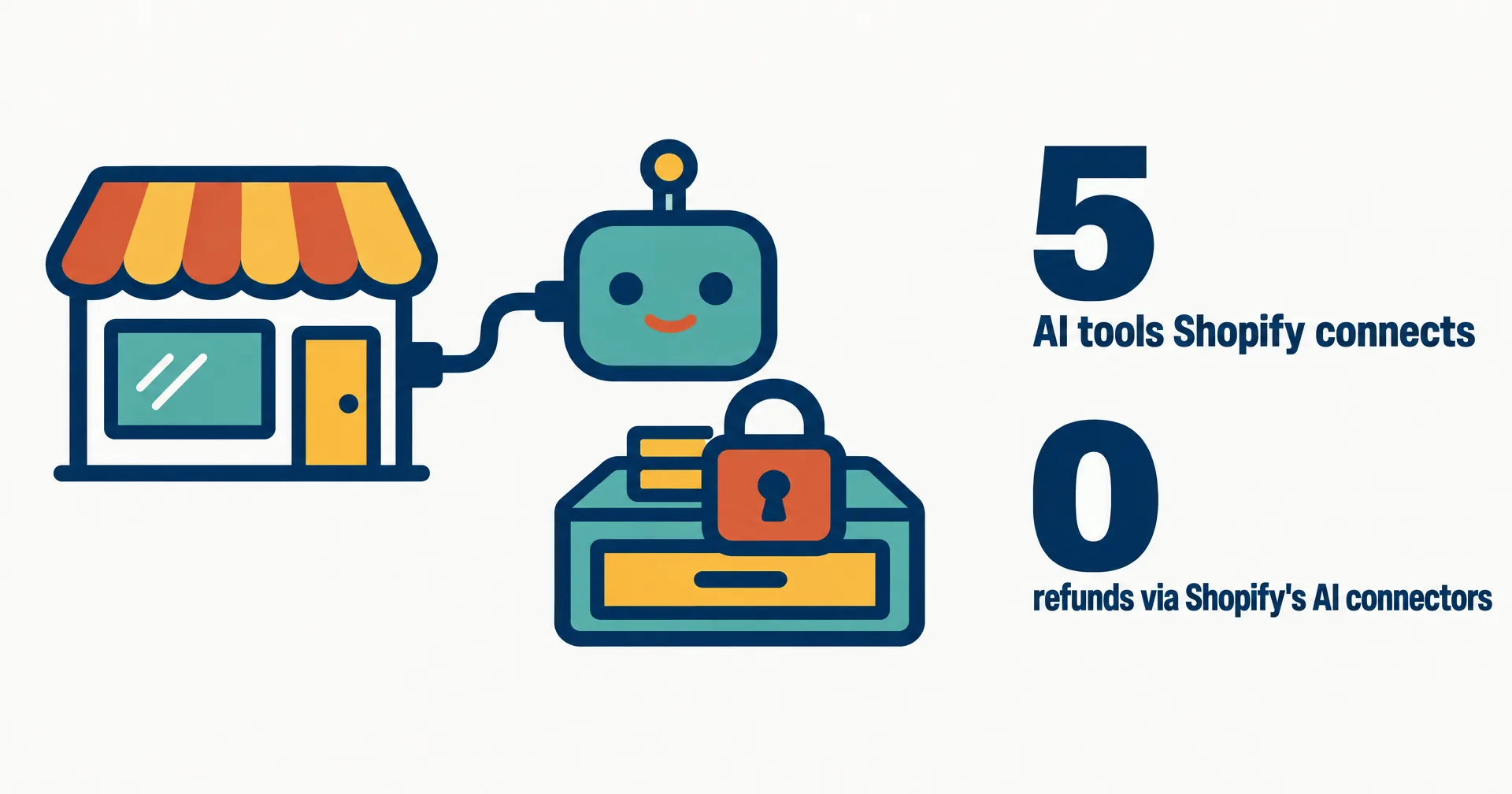
 Shopify blocks refunds, order cancellations, returns and gift cards even when you approve write access, and the live theme cannot be edited.
 There is no extra Shopify fee for the connector; Grok’s subscription is paid to xAI, and Shopify does not review the actions an AI tool takes.
 Grok is one of five AI tools with an official Shopify integration, alongside ChatGPT, Claude, Perplexity and Muse.
§ 01What the connector does
Shopify says the connector works “in Grok or in Grok Bot.” It can build a store from a storefront preview or connect one you already own. On a store you own, Grok can “work with your products, collections, inventory, orders, customers, discounts, and analytics”, within the access you approve and your staff permissions. There is “no extra Shopify fee for using the connector”; Grok’s own subscription is paid to xAI.
Grok is not alone here. Shopify lists the same kind of integration for ChatGPT, Claude, Perplexity and Muse, each connecting one store at a time. What is new is Grok Bot: an always-on agent, rather than a chat, holding access to the store.
§ 02What it cannot do
| Action | Allowed? |
|---|---|
| Edit products, prices, collections, inventory, discounts | Yes, with write access you approve |
| Edit an unpublished theme | Yes |
| Edit, publish or delete the live theme | No |
| Issue refunds, cancel or capture orders, process returns | No, blocked even with write access |
| Create or adjust gift cards, mark orders paid | No |
| Change plan, payments, taxes or domains | No |
| Bulk changes | One item at a time; a large batch can stop partway |
The money line is the one store owners should read twice: refunds, cancellations and returns “are blocked even when you approve write access.” Shopify also states that “Actions that connected AI tools take on your behalf aren’t reviewed or approved by Shopify.” If the agent makes a wrong price change, the store owner owns it.
§ 03Grok Bot on Shopify vs a CellCog AI employee
| Grok Bot with Shopify’s connector | CellCog AI employee | |
|---|---|---|
| How it reaches the store | Shopify’s official connector, added from Grok’s connectors page | CellCog’s Shopify tools, connected by the owner |
| Store actions | Products, collections, inventory, orders, customers, discounts, analytics | Reads orders, products and customers; can refund or cancel orders, only with your approval |
| Refunds and returns | Blocked by Shopify | Allowed, and each one waits for your approval |
| Computer | One cloud computer per user, shared by all their Bots | Its own secure VM and file system, plus its own browser identity and logins |
| Beyond the store | Grok Bot jobs and connectors | Its own inbox and phone number, meetings, research, video and images |
| Access | Grok Bot plans (pricing) | Anyone; try it free, no credit card needed |
Our conflict, declared: we build CellCog, and we run AI employees for Shopify stores. Shopify’s connector is a solid base for catalog and inventory work, and its guardrails on money are sensible defaults. The trade-off is that anything involving a refund or a return still lands back on the owner.
§ 04What we are watching for
- An xAI post or docs page naming the Shopify connector. At publication, Shopify’s help pages and the two X posts were the only primaries we could find.
- Write-access defaults. Whether Grok asks before each write, which Shopify tells owners to confirm before setup.
- Grok Bot store templates, and whether xAI adds a Shopify job to its Bot gallery.
§ 05Sources
- Shopify on X, New connectors just dropped, October 8, 2026, 16:01 UTC.
- Elon Musk on X, post on Grok Bot and Shopify, October 8, 2026, 16:27 UTC.
- Shopify Help Center, Shopify connector for Grok.
- Shopify Help Center, Considerations for using third-party AI tools.
- Shopify Help Center, Authorizing AI tool access to your store.
Q1Does the Shopify connector work in Grok Bot?
Yes. Shopify’s help page says the connector works in Grok and in Grok Bot. You add it from the connectors page in Grok and approve access in your Shopify admin.
Q2Can Grok Bot issue refunds on Shopify?
No. Shopify says connected AI tools cannot issue refunds, cancel or capture orders, mark orders as paid, process returns, or create and adjust gift cards, even with write access.
Q3What can Grok Bot change in my store?
Products, collections, inventory, orders, customers and discounts, plus unpublished themes, within the access you approve and the permissions of the staff account it acts through.
Q4Is Grok the only AI tool connected to Shopify?
No. Shopify lists official integrations for ChatGPT, Claude, Grok, Perplexity and Muse, each connecting one store at a time.
Q5How is this different from a CellCog AI employee?
A CellCog AI employee has its own computer, inbox and phone number and connects to Shopify through CellCog’s own tools. It can refund or cancel orders, but only with your approval.