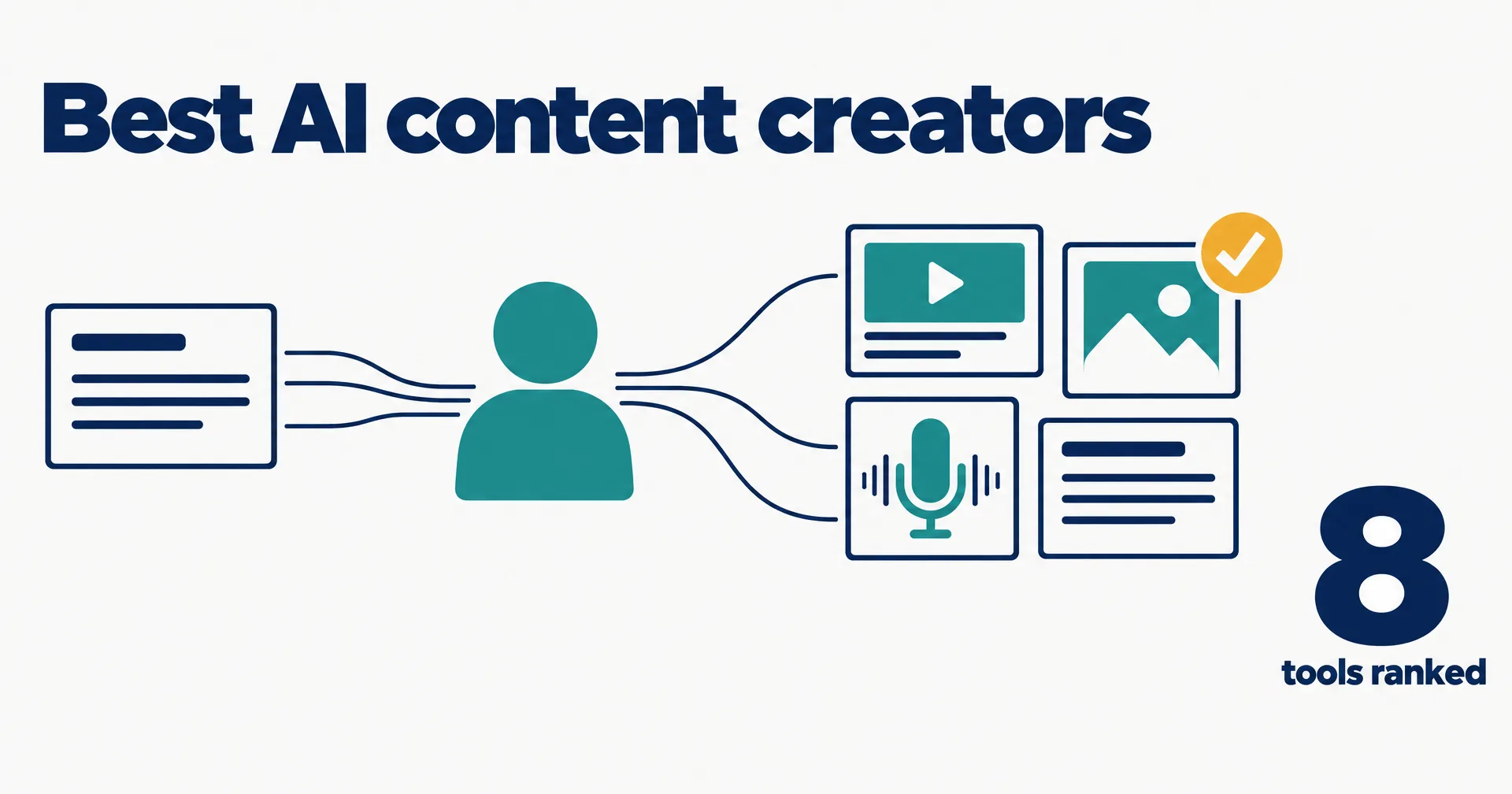
Most small businesses have more ideas than finished content, because every video, graphic and episode needs hours of production. We ranked eight AI content creator tools on how much of that production they take off a small team, with every price read on the vendor’s own pricing page on October 21, 2026. We make CellCog, and it is in the table; the conflict is declared under it.
On this page · 9 sectionsOpen
 An AI content creator turns a brief into finished media: short videos with captions, social graphics, thumbnails, podcast episodes and the posts that go with them. Most tools sold under the label make one of those.
 The category holds three kinds of tool: design apps with AI built in (Canva), single-format generators for video, clips, avatars or copy (Descript, OpusClip, HeyGen, Jasper), and AI employees that produce the whole set.
 CellCog ranks first for small businesses because one AI employee makes the videos, graphics, episodes and posts from one brief, in your brand style, and hands them to you for review.
 Canva is the pick if you want to design yourself: a free plan, and Pro at US$144 a year for one person. OpusClip Pro is the cheapest paid video tool here at $14.50 a month billed yearly.
 For video, Descript Hobbyist starts at $16 a month billed annually and HeyGen Creator at $29 a month; for copy, Jasper Pro is $59 a month billed yearly.
 Pick by who does the production: you, in an editor; a generator, one format at a time; or an employee that makes the whole set and waits for your yes.
§ 01Three kinds of AI content creator
The label covers three different products, and buying the wrong kind is the usual disappointment.

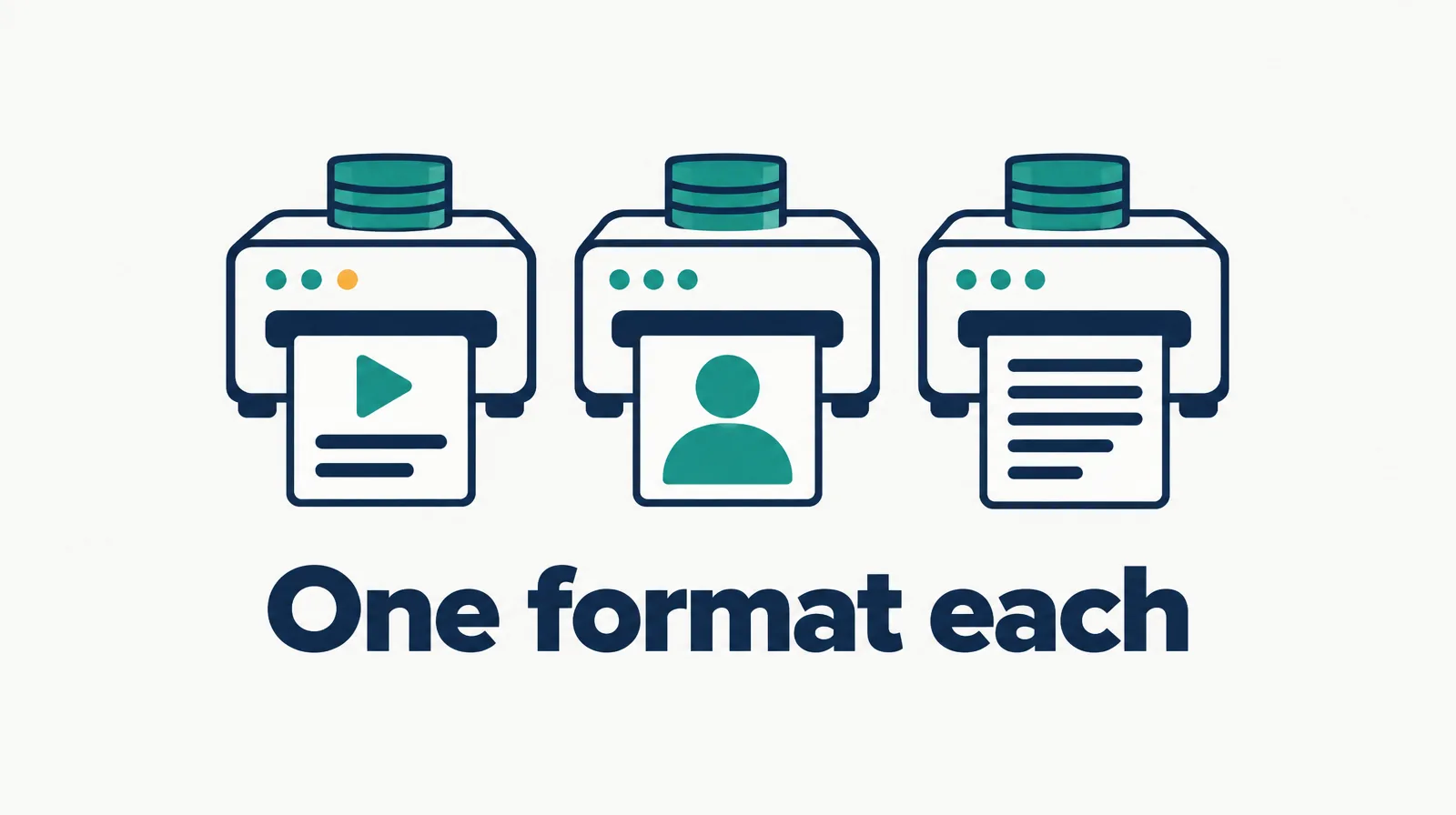
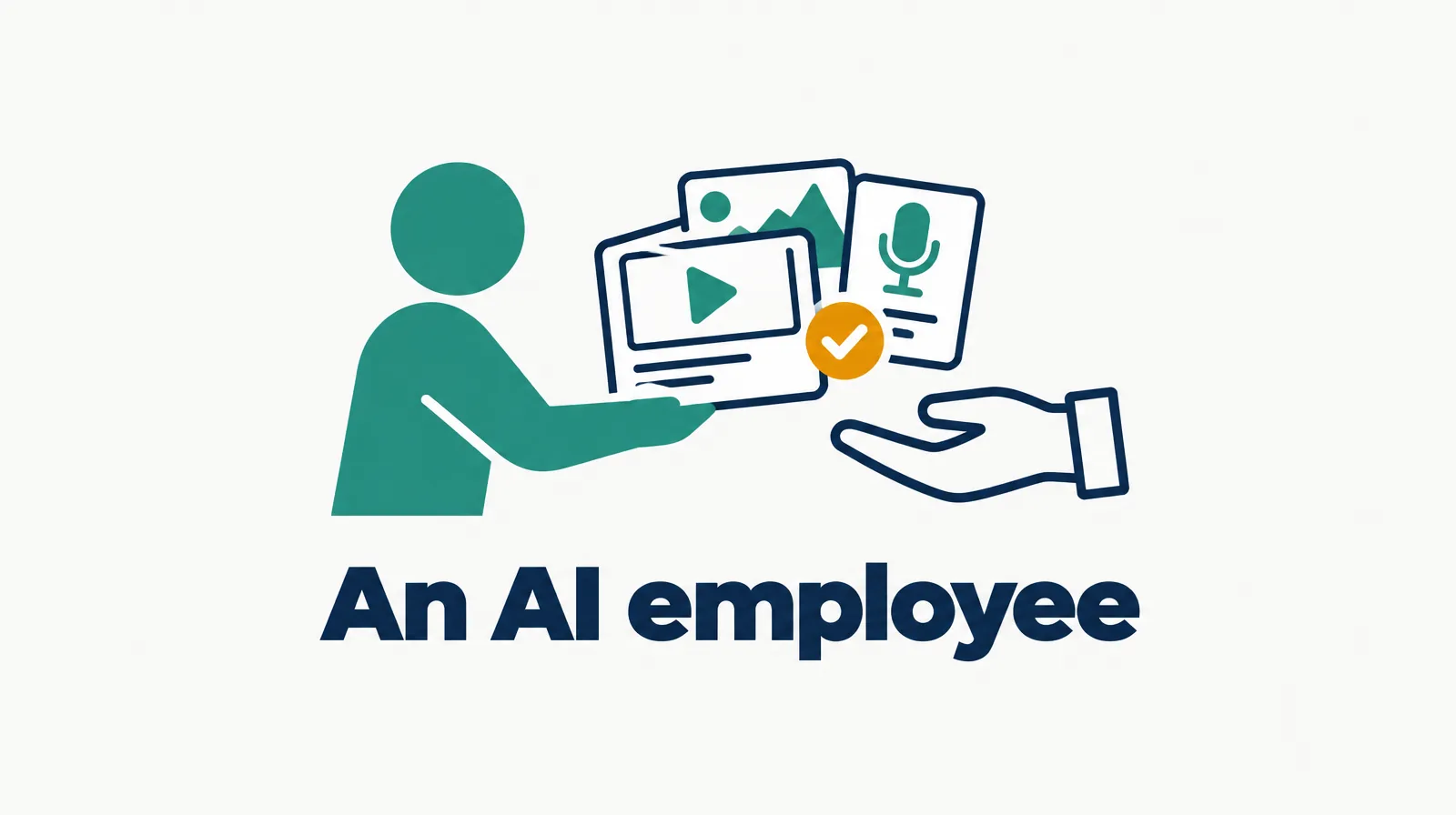
Design apps give you the canvas and the templates; the production is still yours. Generators each do one format well, so a full week of content means several subscriptions and someone to stitch them together. An AI employee takes the role: it reads the brief, makes every piece in your style and hands the set to you to approve.

§ 02The AI content creator rankings
| Rank | Tool | Cheapest listed plan | What it does | Best for |
|---|---|---|---|---|
| 1 | CellCog | Plans from $8/mo; usage-based; you pay for the work, not the hire | Turns one brief into short videos with captions, social graphics, thumbnails, podcast episodes and the posts that go with them, in your brand style, for your review | Small businesses with more ideas than production time |
| 2 | Canva | Free plan; Pro US$144/yr for one person | Design app with templates, AI resize, translate and background removal, social scheduling | Designing graphics yourself |
| 3 | Descript | Hobbyist $16/mo billed annually | Edit video and audio by editing text; AI co-editor, filler-word removal, clips | Editing your own videos and podcasts |
| 4 | OpusClip | Pro $14.50/mo billed yearly | Cuts long videos into short clips with captions and a virality score, auto-posts to shorts platforms | Turning long videos into clips |
| 5 | HeyGen | Free plan; Creator $29/mo | AI avatar presenter videos in 175+ languages, custom avatar with your own voice | Talking-head videos without a camera |
| 6 | Predis.ai | Core $19/mo billed yearly | Ads, social videos and UGC-style posts from a prompt, competitor runs | Social ads on a budget |
| 7 | Jasper | Pro $59/mo billed yearly | Marketing copy for multiple brands, campaigns and collaboration | Teams that mostly need written copy |
| 8 | Copy.ai | Chat $29/mo billed monthly, 5 seats | Chat and workflows on several frontier models for marketing and sales copy | Small teams sharing one copy tool |
Conflict of interest: CellCog wrote this ranking and sits at number one. The ranking rewards how much of the production one tool owns for a small business, which is how CellCog is built. If you like designing and just want a faster canvas, Canva at number two is the better buy, and we say so in the FAQ.
§ 03Why this order
CellCog is first because the whole content role sits in one AI employee: per our AI content creator page (October 2026), it writes the draft, makes the media (short videos with captions, graphics and thumbnails sized for each platform) and keeps your colors, fonts, past videos and voice notes so every piece matches. Each set comes back ready for your review. It is not a design canvas for people who want to place every pixel themselves.
Canva is second and wins for anyone who designs: a free plan, Pro at US$144 a year, templates for every format and AI that resizes and translates. Descript is third for people who edit their own videos and podcasts; editing the transcript to edit the video is still the fastest way to cut talk-based content.
OpusClip is the pick for turning a long video into a week of shorts, HeyGen for presenter videos without a camera, and Predis.ai for cheap social ads. Jasper and Copy.ai are copy tools: strong on words, with no video or graphics of their own.
§ 04Cheapest listed plan, side by side
| Tool | Price | Basis |
|---|---|---|
| Canva | $12 | Pro, US$144 a year for one person |
| OpusClip | $14.50 | Pro, billed yearly |
| Descript | $16 | Hobbyist, billed annually |
| Predis.ai | $19 | Core, billed yearly |
| HeyGen | $29 | Creator, as shown |
| Copy.ai | $29 | Chat, billed monthly, 5 seats |
| Jasper | $59 | Pro, billed yearly |
A full content week often needs two or three of these at once: a video tool, a design tool and a copy tool. Credit-based plans (Descript, OpusClip, HeyGen, Predis.ai) can also run out under heavy use. CellCog is left out of the chart because it is usage-based: the cost depends on how much work you assign, and the pricing page has the figures.
§ 05Where CellCog stands, angle by angle
| Angle | CellCog | Who wins instead, if not us |
|---|---|---|
| One brief to the full set | Videos, graphics, episodes and posts from one brief | |
| Keeps your brand style | Remembers colors, fonts, past videos and voice notes | |
| Waits for your yes | Every piece comes back for review | |
| Designing by hand | Not a design canvas | Canva |
| Clipping long videos at volume | Not a dedicated clipping tool | OpusClip |
| Avatar presenter videos | Not an avatar studio | HeyGen |
| Flat public monthly price | Usage-based, plans from $8/mo | Canva, OpusClip |
§ 06How to choose
- If you enjoy designing and want templates, choose Canva.
- If you record long videos or podcasts, Descript to edit them and OpusClip to cut the clips.
- If you need a presenter on screen without filming, HeyGen.
- If you mostly need words, Jasper or Copy.ai.
- If nobody on the team has time to produce the content at all, choose CellCog.
- Whatever you pick, review the first week’s pieces against your brand before anything goes out.
§ 07The honest caveats
Prices change often. Several above are yearly-billing rates: Descript Hobbyist is $24 billed monthly, OpusClip Pro $29, Predis.ai Core $32 and Jasper Pro $69. HeyGen’s page shows a yearly toggle with two months free, so its monthly billing may differ from the $29 shown. Synthesia is not ranked because its pricing page mixed monthly and yearly labels the day we read it.
§ 08Update log
- October 21, 2026: page opened; prices read on each vendor’s pricing page October 21, 2026.
§ 09Sources
- Pricing pages read October 21, 2026: Canva, Descript, OpusClip, HeyGen, Predis.ai, Jasper, Copy.ai.
- CellCog, AI content creator, October 2026.
Q1What does an AI content creator do?
It turns ideas into finished media: drafts a script or a blog post, makes short videos with captions, designs social graphics and thumbnails, produces podcast episodes and writes the posts that go with each piece.
Q2Canva or CellCog?
Canva if you enjoy designing and want templates to start from. CellCog if you would rather hand over one brief and get the finished videos, graphics and posts back in your brand style for review.
Q3Can an AI content creator make videos?
Yes, but the tools differ. Descript edits video by editing text, OpusClip cuts long videos into short clips, HeyGen makes avatar presenter videos, and CellCog makes short videos with captions as part of a full content set.
Q4Is there a free AI content creator?
Canva and HeyGen list free plans, HeyGen’s with three watermarked videos a month. CellCog lets you try it free, no credit card needed.
Q5Will the content sound like my brand?
Only if the tool remembers your style. CellCog keeps your colors, fonts, past videos and voice notes and works from them on every piece.