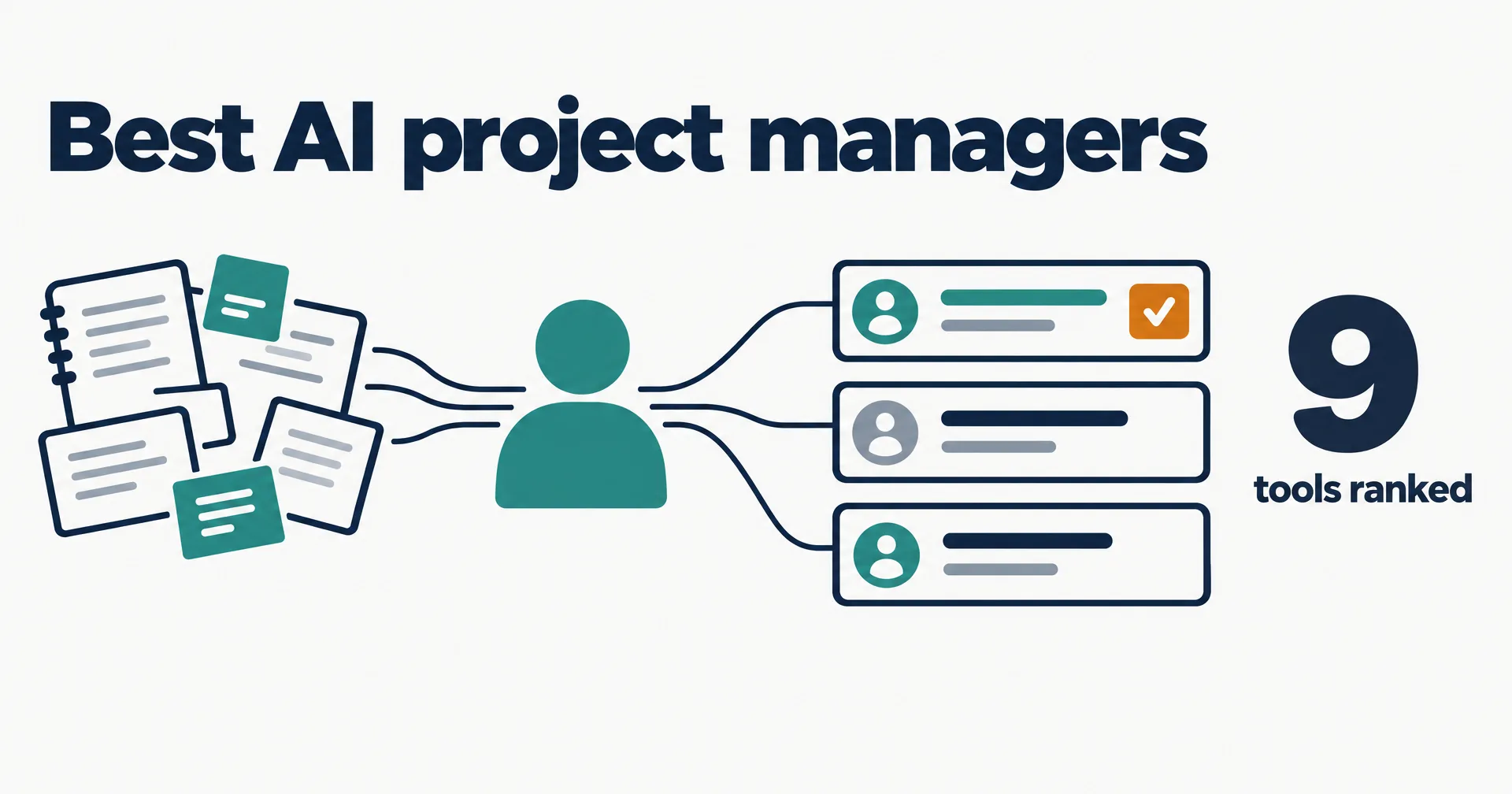
Most small-team projects slip because nobody has time to chase the updates and write them down, not because the work is hard. We ranked nine AI project management tools on how much of the project manager’s job they take off a small team: the plan, the standup, the tracker and the weekly status. Every price was read on the vendor’s own pricing page on October 21, 2026. We make CellCog, and it is in the table; the conflict is declared under it.
On this page · 9 sectionsOpen
 An AI project manager keeps a project moving: it builds the plan with owners and dates, runs the standup, files the action items and writes the weekly status. Most tools sold as AI project management help with one of those.
 The category holds three kinds of tool: trackers with AI built in (ClickUp, Asana, monday.com, Jira, Wrike, Notion), AI planners that schedule your tasks (Motion, Taskade), and AI employees that run the process.
 CellCog ranks first for small teams because one AI employee builds the plan, joins standups on Google Meet, Zoom or Teams, updates Asana, Jira or Linear and drafts the status for your review.
 ClickUp is the pick if you want AI inside one workspace: Core is $9 per user a month billed yearly. Motion is the pick if your calendar is the problem, at $19 a seat.
 Jira Standard is the cheapest per-seat plan here at $8.48 a user. Taskade Pro is $10 a month for a team of up to 10 people.
 Pick by who runs the process: you, inside a tracker; a planner, on your calendar; or an employee that runs it and asks before any date or scope change.
§ 01Three kinds of AI project management tool
The label covers three different products, and buying the wrong kind is the usual disappointment.
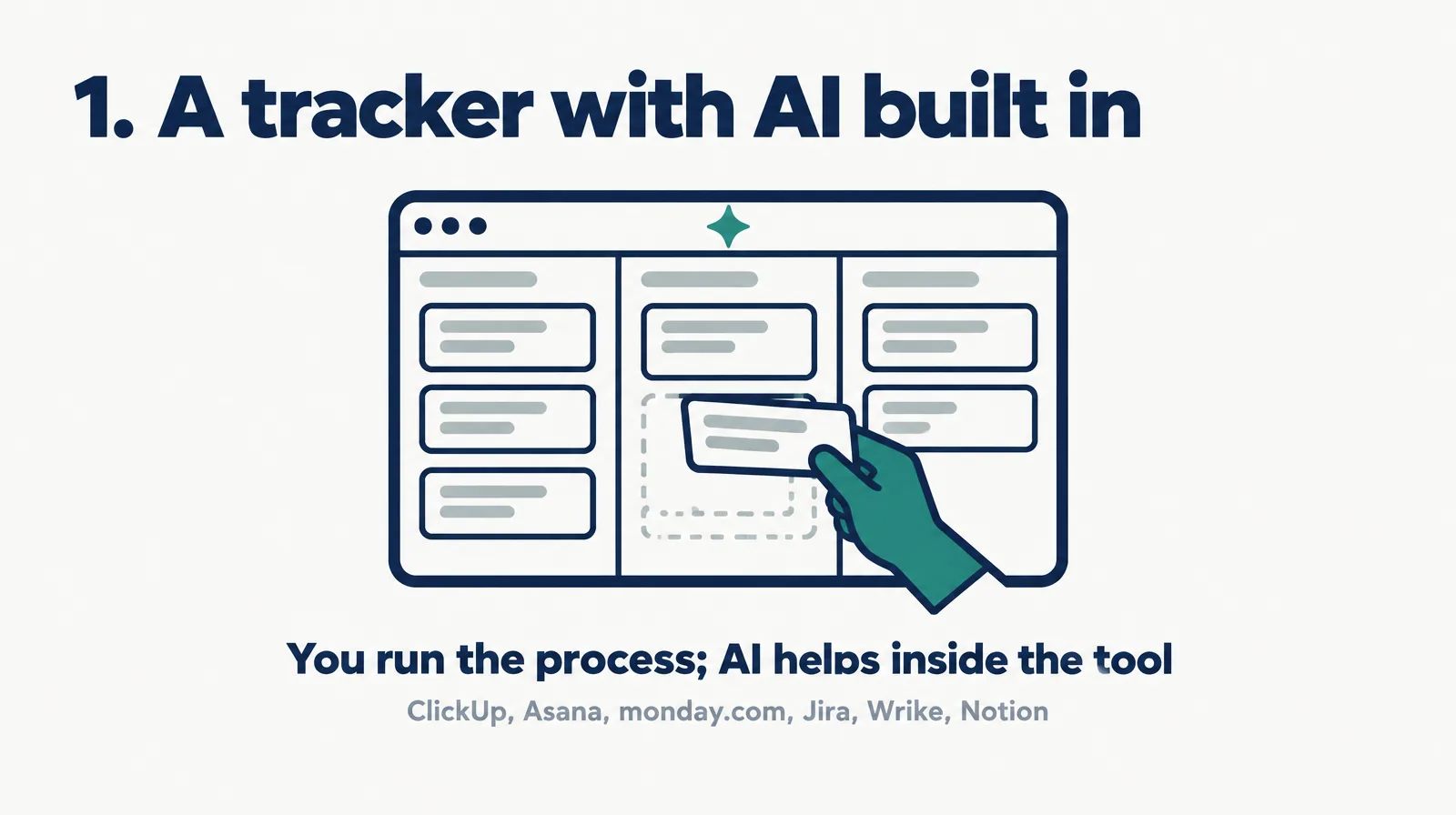
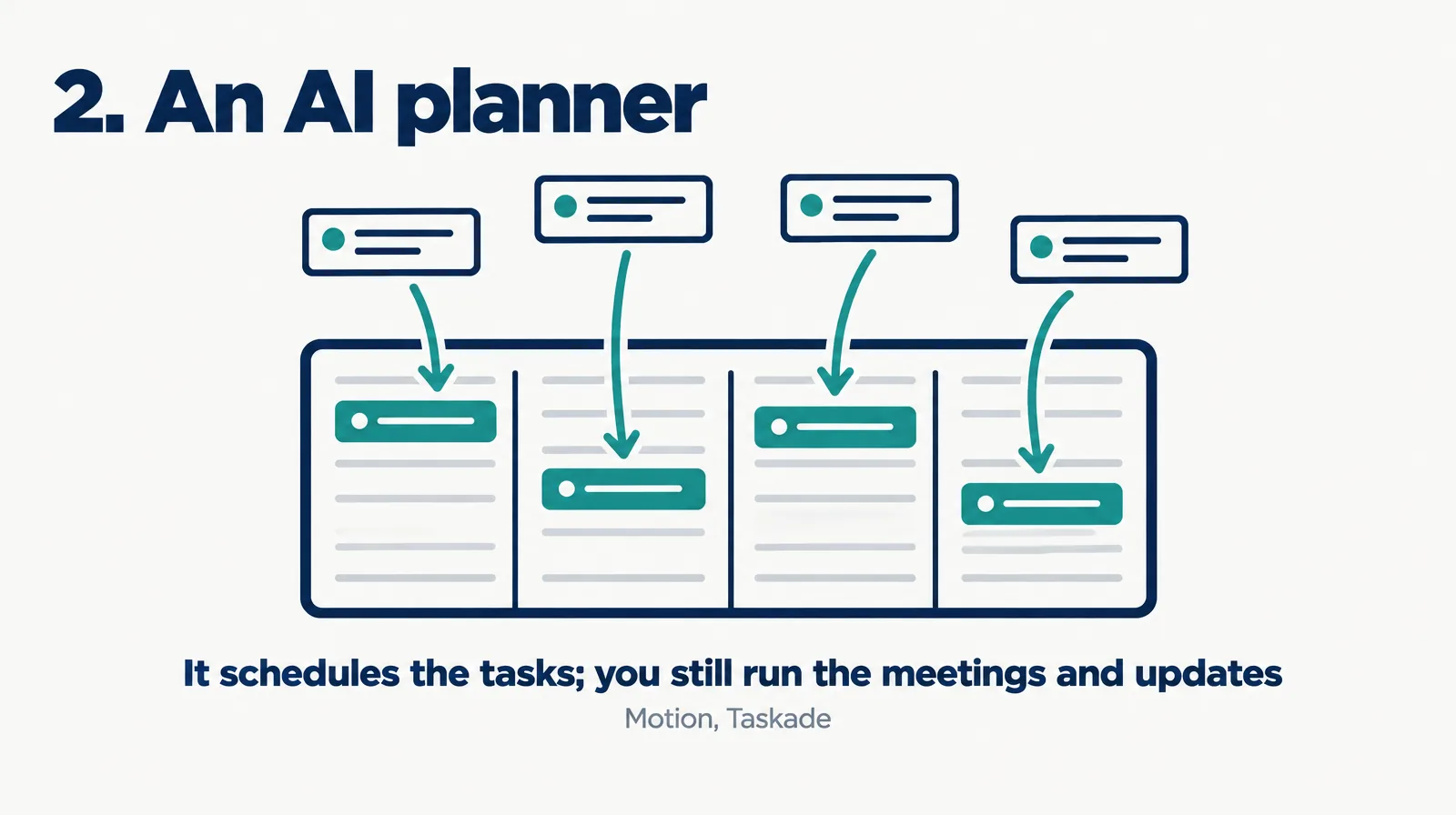
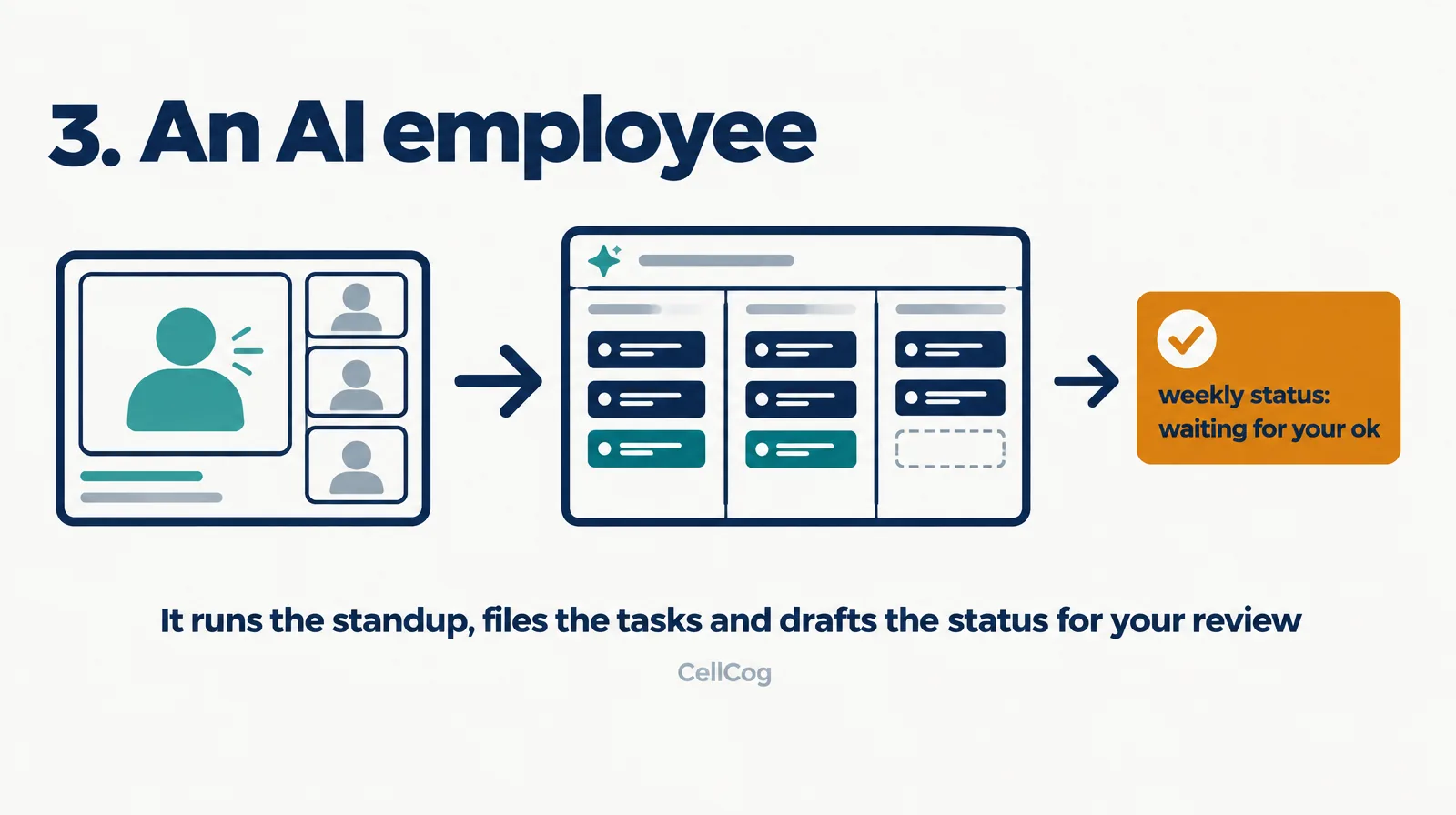
Trackers give you the board, the timeline and an assistant inside them; someone still has to run the meeting, update the cards and write the status. Planners take the scheduling off you and leave the rest. An AI employee takes the role: it runs the process alongside your tracker and asks before it changes a date.

§ 02The AI project management tool rankings
| Rank | Tool | Cheapest listed paid plan | What the AI does | Best for |
|---|---|---|---|---|
| 1 | CellCog | Plans from $8/mo; usage-based; you pay for the work, not the hire | Builds the plan with owners and dates, joins standups on Google Meet, Zoom or Teams, files action items in Asana, Jira or Linear, drafts the weekly status for your review | Small teams with nobody free to run the project |
| 2 | ClickUp | Core $9/user/mo billed yearly | ClickUp Brain in tasks, docs and chat; a Brain trial on Core, full Brain on Business at $17 billed yearly | One workspace with AI inside it |
| 3 | Motion | Pro AI $19/seat/mo | AI task planner that schedules work onto your calendar, plus AI projects, docs and meetings | Solo pros and small teams who live in their calendar |
| 4 | Asana | Starter $10.99/user/mo billed annually | AI Teammates and Asana Dash, 5 requests per user a month on Starter; timeline and Gantt | Teams already planning in Asana |
| 5 | monday.com | Basic $9/seat/mo billed annually | Limited AI agent workforce and Sidekick assistant, 1,000 AI credits a month; meeting notetaker from Standard | Visual boards across several teams |
| 6 | Jira | Standard $8.48/user/mo | Rovo search, chat and agents; free plan for up to 10 users | Software teams |
| 7 | Notion | Plus $10/seat/mo; Notion Agent from Business $20 | Notion Agent, custom agents and AI meeting notes on Business | Teams that plan in docs and wikis |
| 8 | Taskade | Pro $10/mo, $120 billed yearly | AI agents trained on your files, 50,000 AI credits a month, up to 10 people | Very small teams on one budget |
| 9 | Wrike | Team $10/user/mo, 2 to 15 users | AI Essentials, interactive Gantt charts, shareable dashboards | Growing teams that need Gantt and resource views |
Conflict of interest: CellCog wrote this ranking and sits at number one. The ranking rewards how much of the project manager’s job one tool owns for a small team, which is how CellCog is built. If your team already runs its projects well and just wants AI inside the workspace, ClickUp at number two is the better buy, and we say so in the FAQ.
§ 03Why this order
CellCog is first because the whole project manager role sits in one AI employee. Per our AI project manager page (October 2026), it builds the plan with milestones and owners, joins the standup, turns what was decided into tasks with an owner and a date, keeps a risk list and drafts the weekly update for stakeholders. New dates, scope changes and reassignments wait for your yes. It works alongside your tracker; it is not one.
ClickUp is second: the cheapest all-in-one workspace here, with tasks, docs, chat and Gantt charts in one place and AI across them, though full Brain needs Business. Motion is third and is the only tool in the list that schedules your tasks onto your calendar for you, at $19 a seat.
Asana, monday.com and Jira are the strongest trackers for teams already living in them, and their AI is real, but the entry plans ration it: Asana Starter allows 5 AI requests per user a month. Notion keeps Notion Agent on Business at $20 a seat. Taskade is the budget pick for a tiny team, since $10 a month covers up to 10 people. Wrike puts interactive Gantt charts on its $10 Team plan.
§ 04Cheapest listed plan, side by side
| Tool | Price | Basis |
|---|---|---|
| Jira | $8.48 | Standard, per user |
| ClickUp | $9 | Core, per user, billed yearly |
| monday.com | $9 | Basic, per seat, billed annually |
| Notion | $10 | Plus, per seat |
| Taskade | $10 | Pro, whole team up to 10 people |
| Wrike | $10 | Team, per user, 2 to 15 users |
| Asana | $10.99 | Starter, per user, billed annually |
| Motion | $19 | Pro AI, per seat |
CellCog is left out of the chart because it has no per-seat price: you pay for the work the employee does, so the cost depends on how much you assign. The per-seat numbers also hide a trap. For a team of five, Taskade’s flat $10 a month beats every per-seat plan, and Motion at $19 a seat costs $95.
§ 05Where CellCog stands, angle by angle
| Angle | What CellCog does | Where it loses |
|---|---|---|
| Plan and owners | Builds the plan with milestones, owners and dates from your notes | You approve it; it does not invent scope |
| Standups | Joins Google Meet, Zoom or Microsoft Teams and files the action items | Answers only the status questions you allow |
| Tracker | Reads and updates Asana, Jira or Linear | It is not a tracker; you still keep one |
| Status updates | Drafts the weekly update for your review | Nothing reaches a client without your yes |
| Your calendar | Books meetings you ask for | Motion is better at auto-scheduling your whole day |
| Price | Usage-based; pay for the work, not the hire | No flat per-seat number to budget against |
§ 06How to choose
- Your team runs projects well and wants AI inside the tool: ClickUp, or the tracker you already use (Asana, monday.com, Jira, Wrike, Notion).
- Your calendar is the bottleneck: Motion schedules the tasks onto it for you.
- Nobody has time to run the project: an AI employee that runs the standup, keeps the board current and writes the status.
- The budget is tiny: Jira’s free plan for up to 10 users, or Taskade at $10 a month for the whole team.
§ 07The honest caveats
We read every price on the vendor’s own pricing page on October 21, 2026; plans change often, and several show a yearly price by default. AI allowances on entry plans are small and are measured in credits or requests that do not compare across vendors. We did not run a project end to end on every tool; the ranking judges how much of the project manager’s job each one owns, from what each vendor says it does.
§ 08Update log
- October 21, 2026: first edition, nine tools, prices read on each vendor’s pricing page.
§ 09Sources
- ClickUp pricing
- Motion pricing
- Asana pricing
- monday.com pricing
- Jira pricing
- Notion pricing
- Taskade pricing
- Wrike pricing
Q1What does an AI project manager do?
It turns notes into a plan with milestones, owners and dates, attends standups, turns decisions into tasks in your tracker, keeps a risk list and writes the weekly status update for stakeholders.
Q2ClickUp or CellCog?
ClickUp if your team already runs the project well and wants AI inside one workspace. CellCog if nobody has time to run the standups, chase the updates and write the status, and you want that done for your review.
Q3Can AI run standups and status updates?
Yes. A CellCog AI project manager joins Google Meet, Zoom or Microsoft Teams, answers the status questions you allow, files the action items and drafts the weekly update. Trackers with AI summarize work you have already entered.
Q4Is there a free AI project management tool?
Jira is free for up to 10 users, ClickUp Free Forever includes a Brain trial, and Asana and monday.com have free plans for two. CellCog lets you try it free, no credit card needed.
Q5Will an AI project manager replace my tracker?
No. CellCog reads and updates Asana, Jira or Linear, so the tracker stays the system of record. The trackers in this list are the system of record; their AI works inside them.