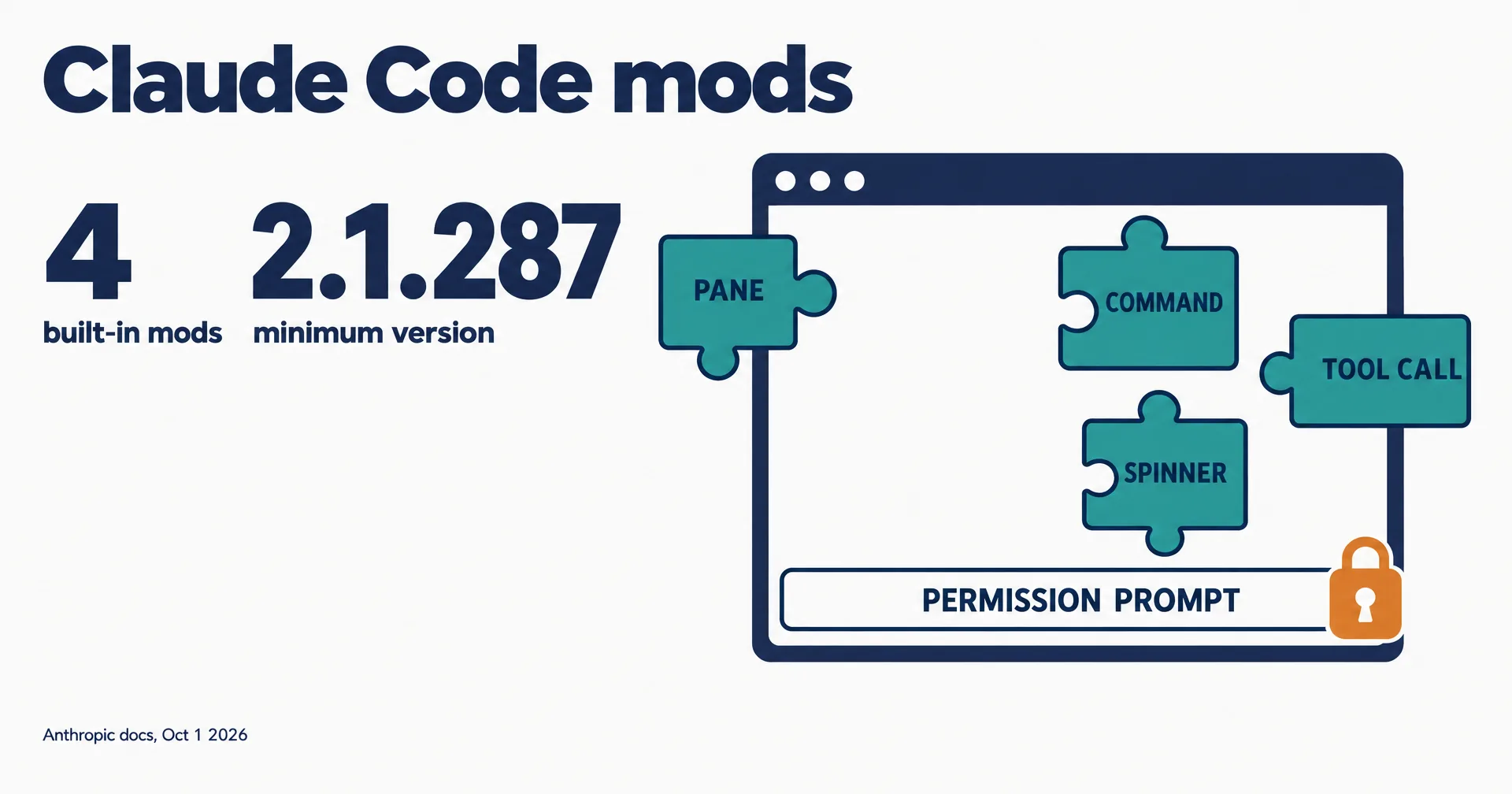
Anthropic has opened Claude Code to mods: plugins that change how the coding agent behaves and what it draws on screen. On October 1, 2026, the company’s developer account announced them in one line, “You can now mod Claude Code”, and the docs went live the same day. A mod is a set of JavaScript or TypeScript handlers that run inside Claude Code itself, not beside it.
This page is read from Anthropic’s mods documentation, the mods source folder on GitHub and the launch post on X.
On this page · 8 sectionsOpen
- On October 1, 2026, Anthropic opened Claude Code to mods: JavaScript or TypeScript handlers that run inside Claude Code and change how it behaves and what it draws.
- A mod can draw panes and bands, restyle parts of Claude Code’s own interface, step into tool calls, answer them without running the tool, or send a request to a different model.
- Mods ship inside plugins, need Claude Code v2.1.287 or later, are on by default, and draw interface only in the terminal and the Desktop app’s Code tab.
- A mod runs with your permissions and is not sandboxed: it can read your files and API keys, see every prompt, approve tool calls and spend your usage.
- Mods cannot change the permission prompt. Controls include claude plugin validate, –safe-mode, disableAllHooks and an administrator setting that limits which mods load.
§ 01What a mod can do
Claude Code already had settings hooks, skills, status lines and MCP servers. Those work from outside, by running a script or handing Claude text and tools. A mod is a function Claude Code calls when an event happens, such as a tool call, a submitted prompt or part of the interface being drawn, and the handler can watch, change or replace what happens next.
| Capability | Example from the docs |
|---|---|
| Draw your own interface | A pane beside the transcript, or a band above the prompt with tabs, buttons and text fields |
| Redraw Claude Code’s interface | Restyle a tool call’s row, the spinner, or the dialog Claude asks questions in |
| Step into a tool call or request | Hold a call while you ask the user, answer it without running the tool, or send one request to a different model |
| Run code on a command | A slash command that runs your function at once, with no Claude turn |
| Share data between hooks | Count tool calls in one hook and show the count beside the spinner in another |
The launch post sums up the authoring story: “Write one with a few lines of TypeScript, or have Claude build it for you.” Mods ship inside plugins and install from a marketplace with the usual plugin command. Four already ship inside Claude Code, including /diff and a mod that loads AGENTS.md as project instructions.
§ 02Where they run
Mods require Claude Code v2.1.287 or later and are on by default. Per the docs, “Mods work in the Claude Code CLI and in the Code tab of the Claude Desktop app.” Mod handlers can also run in other surfaces such as the VS Code extension and headless runs, but the interface a mod draws appears only in the terminal and the Desktop Code tab.
§ 03The security fine print
The docs are blunt about the risk, and this is the part teams should read before installing anything: “A mod is code that runs with your permissions.” It can read and write files anywhere your account can, read environment variables and settings files including API keys, see every prompt and tool call, and spend your usage. Mods are not sandboxed; turning on sandboxing isolates the Bash commands Claude runs, not processes a mod starts.
| Access | What it means |
|---|---|
| Your machine | Read and write files, start programs, make network requests, as you |
| Your secrets | Environment variables and settings files, including API keys |
| Your session | Every prompt and tool call; it can rewrite them or submit prompts |
| Your approvals | It can approve a tool call before you are asked |
| Your usage | It can call a model on your plan or API key |
One line holds firm: “A mod can restyle much of Claude Code’s interface, but not the permission prompt.” But a mod that approves tool calls can approve one an ask rule would have prompted for. Anthropic’s controls: inspect a mod first with claude plugin validate, start a session with --safe-mode, turn every mod off with disableAllHooks, and, for organizations, an administrator setting that limits which mods load.
§ 04What is verified and what is not
- The feature and its limits are read from Anthropic’s docs on October 1, 2026.
- No changelog entry yet. The public Claude Code changelog we checked did not list mods or v2.1.287 at the time of writing.
- No marketplace of community mods has been announced; installs come from marketplaces you add.
§ 05Why it matters
Coding agents are becoming platforms. Mods turn Claude Code from a tool you configure into one you program, in the same way browsers became platforms through extensions. The trade is the same too: power arrives with a new supply chain. A mod from an untrusted marketplace can see everything the agent sees and approve what it does. For teams, the first job is the admin setting that decides which mods may load. For how agent harnesses compare, see our harness ranking and our post on Claude Code auto mode.
§ 06What we are watching for
- A changelog entry and the first public mod marketplaces.
- Security research on malicious mods, and any default change to how approving mods are flagged.
- Whether Codex or Cursor answer with a comparable in-process extension model.
§ 07Update log
- October 1, 2026: page opened, from Anthropic’s docs, the mods source folder and the launch post.
§ 08Sources
- Anthropic, Mods overview, Create a mod and Mods API.
- Anthropic, mods source folder in the Claude Code repository.
- Claude on X, October 1, 2026.
Q1How do I install a Claude Code mod?
A mod installs as a plugin from a marketplace, with /plugin install name@marketplace in a session or claude plugin install in your shell. Run /reload-plugins to load it into an open session.
Q2Can a mod change the permission prompt?
No. Anthropic’s docs say mods can restyle much of the interface but not the permission prompt. A mod that approves tool calls can still approve a call before you are asked.
Q3How is a mod different from a Claude Code hook?
Settings hooks run a shell command, HTTP request or prompt from outside Claude Code. A mod’s handlers are functions that run inside Claude Code, so they can draw interface and share state.
Q4Can an organization block mods?
Yes. Anthropic documents an administrator setting that stops user-installed mods from loading while leaving managed ones running, plus disableAllHooks for individuals.
Q5Where does CellCog fit?
We build AI employees for any role, engineering included. Each works in its own secure workspace, and commands that reach your world pass an approval step you control.