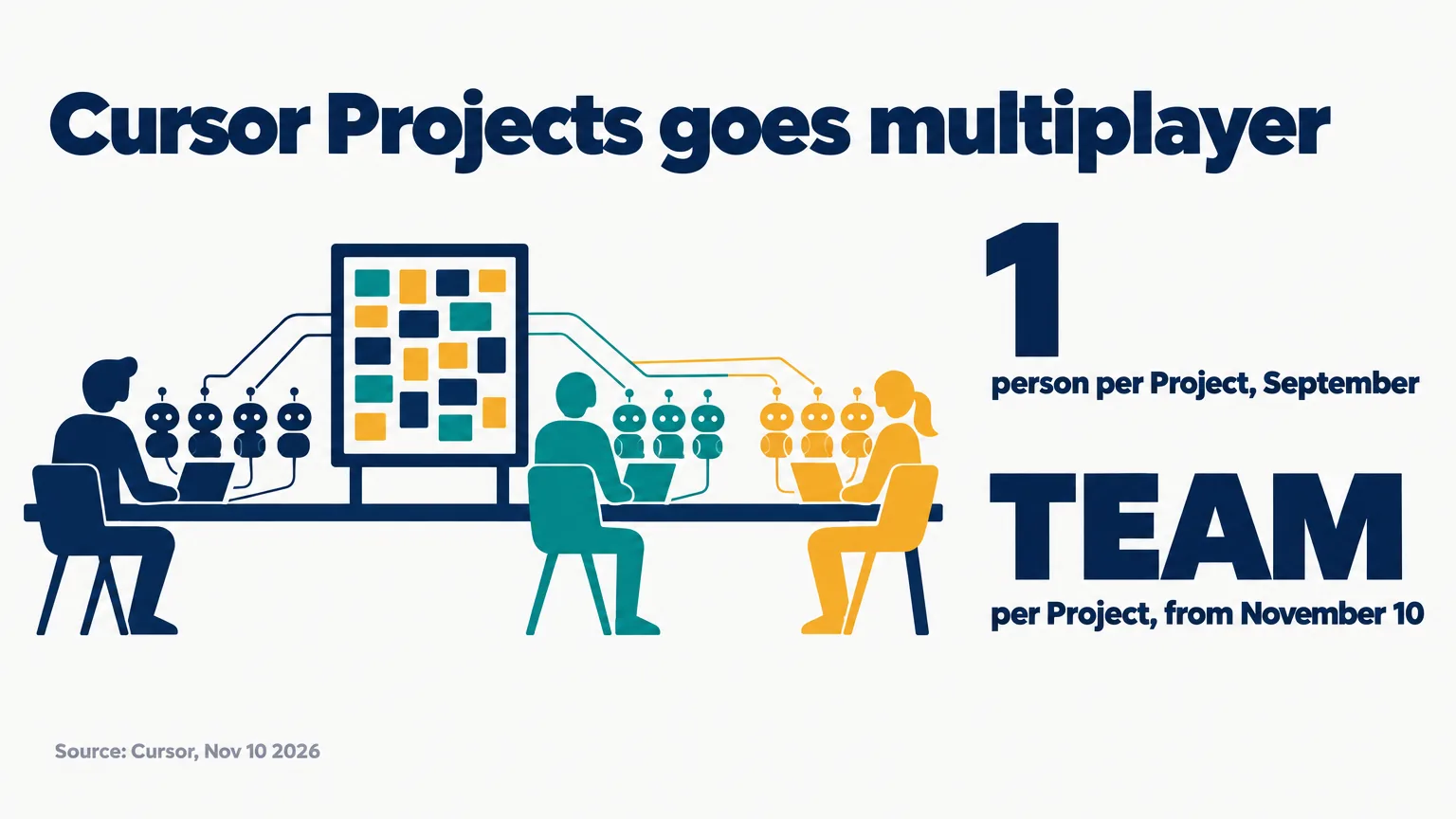
Cursor rebuilt Projects on November 10, 2026 so that a whole team and all of its agents can work in one Project. Until now a Project belonged to one person, who directed a fleet of agents through a single coordinator. Now teammates can be invited in. Their agents share context and a task board, and can coordinate with each other. Cursor says it is rolling out in beta to all users.
This page sets out what Cursor published: what changed, how the shared parts work, and what its post leaves out. Cursor introduced Projects on September 10, 61 days earlier.
On this page · 8 sectionsOpen
 Cursor made Projects multiplayer on November 10, 2026. Teammates can be invited into a Project and work there with all of their agents.
 A shared context layer holds requirements docs, diagrams, tech specs and mockups. Every agent in the Project can read it.
 Teammates’ agents can now coordinate with each other. They share plans, flag conflicts and agree the order of work.
 A shared task board shows who is doing what, what the agents are working on and the pull request behind each task.
 It is in beta and rolling out to all Cursor users. Cursor’s post names no price for it and no limit on team size.
§ 01What changed

Cursor announced it on X at 23:20 UTC: “Your agents can now coordinate with your teammates’ agents.” Its blog post, dated November 10, puts the change in one sentence: “Multi-agent systems have so far served one person.”
| Item | Projects, from September 10 | Multiplayer Projects, from November 10 |
|---|---|---|
| Who is in a Project | One person | A team, by invitation |
| Agents | One coordinator directing worker agents | Each teammate keeps a coordinator and worker agents |
| Context | Files that sync across the Project’s agents | The same, plus a shared layer for the whole team |
| Task board | Not mentioned | Shared: people, agents and the pull request behind each task |
| Agents talking to agents | Inside one person’s Project | Across teammates |
| Status | Beta, rolling out to all users | Beta, rolling out to all users |
§ 02One workspace for the team
- Cursor’s claim. Cursor writes that “Projects is the first workspace where software teams work side by side with all of their agents”. That is Cursor describing its own product. We have not tested it.
- The board. A shared task board shows who is doing what, what each person’s agents are working on, and the pull request behind each task.
- Private chats stay. In Cursor’s words, “each teammate still gets their own one-to-one chat with their coordinator and worker agents”. Each of those has its own local context.
§ 03Shared context
Before this, Cursor says, agent context sat with one person, and a new team member had to build it up before putting agents to work.
- What goes in. Requirements docs, diagrams, tech specs, mockups and more.
- Who can read it. The post says: “A decision made in one chat is accessible to every agent in the Project.”
- New teammates. When someone is invited, the context is already set up and current.
- Cursor’s own example. Several of its teams run their on-call rotation in a shared Project. When one engineer took over from another, “their coordinator picked up right where things stood, after checking in first”. Cursor adds: “In-progress work can even be handed over directly”.
§ 04Agents that talk to each other
Cursor’s second post on X describes it: “Agents share plans before they start, flag conflicts while they work, and unblock each other’s tasks across the team.”
The blog post gives two examples.
- A redesign and a feature. An engineer adds reviews to a product page while a designer redesigns it. Cursor says “their coordinators spot the overlap early and sync up”, so the reviews are built into the new design.
- A schema change. One person’s feature reads from a database while a teammate changes the schema. In that case “your agents agree on the order of work up front”.
Both are Cursor’s examples. The post gives no figures on how often this works.
§ 05What Projects already did
The September post is the base for all of this.
- The coordinator. You chat with one agent. In Cursor’s words: “The coordinator doesn’t write code itself but directs other agents that do.”
- Where it runs. A Project runs on its own computer in the cloud, so closing your laptop does not stop it. It can start an agent on your machine when something needs testing there.
- Work without a prompt. The coordinator can watch a Slack channel, run on a schedule or follow your pull requests.
- Cursor’s figure. Cursor wrote in September that “new users merge 30% more PRs while users who primarily use Projects merge six times as many”. It is Cursor’s own figure, and the post does not say how it was measured.
§ 06What the post does not say
- Price. It names no price for multiplayer Projects and no change to plans.
- Limits. It gives no limit on team size or on agents per Project.
- Permissions. It does not say whether a teammate can restrict what other people’s agents read in the shared context.
- Results. It gives no numbers for the multiplayer version.
§ 07What it means if you run agents with a team
This part is our read.
- Shared context is the change. Each person’s agents already worked. What was missing is that a decision made with one person’s agents did not reach another person’s agents.
- A board for agents has to be a board people read. Cursor put people, agents and pull requests on one board. That is how a team learns what the agents are doing without asking each one.
- Ask about permissions before you invite people. A layer that every agent can read is useful. It is also where one person’s mistake reaches everyone’s agents. The post does not cover this.
Our conflict, declared: CellCog sells AI employees, and they share a task board and channels with the people they work for. CellCog is not a code editor, and we have not tested multiplayer Projects. CellCog’s AI employees run on Claude Opus 5.5, Anthropic’s model.
§ 08Sources
- Cursor, Cursor Projects is now multiplayer, November 10, 2026
- Cursor, Introducing Projects, September 10, 2026
- Cursor on X, 23:20 UTC, November 10, 2026
Q1What is Cursor Projects?
A Cursor feature launched in beta on September 10, 2026. You chat with a coordinator agent, and it directs other agents that do the work on a feature, a migration or a recurring job.
Q2What is new in the multiplayer version?
More than one person can be in a Project. It adds a shared context layer, a shared task board and communication between teammates agents.
Q3How do teammates agents coordinate?
Cursor says they share plans before they start, flag conflicts while they work and unblock each other. Its examples are a page redesign that overlaps a new feature, and a database schema change.
Q4What does it cost?
Cursor’s post names no price for multiplayer Projects and no change to its plans.
Q5Is it the first shared workspace for teams and agents?
Cursor calls it the first workspace where software teams work beside all of their agents. That is its own claim, about coding agents. Other products, CellCog included, already put people and agents on a shared board.